Отзывы о Внешний HDD Lacie Rugged USB-C 7200 rpm
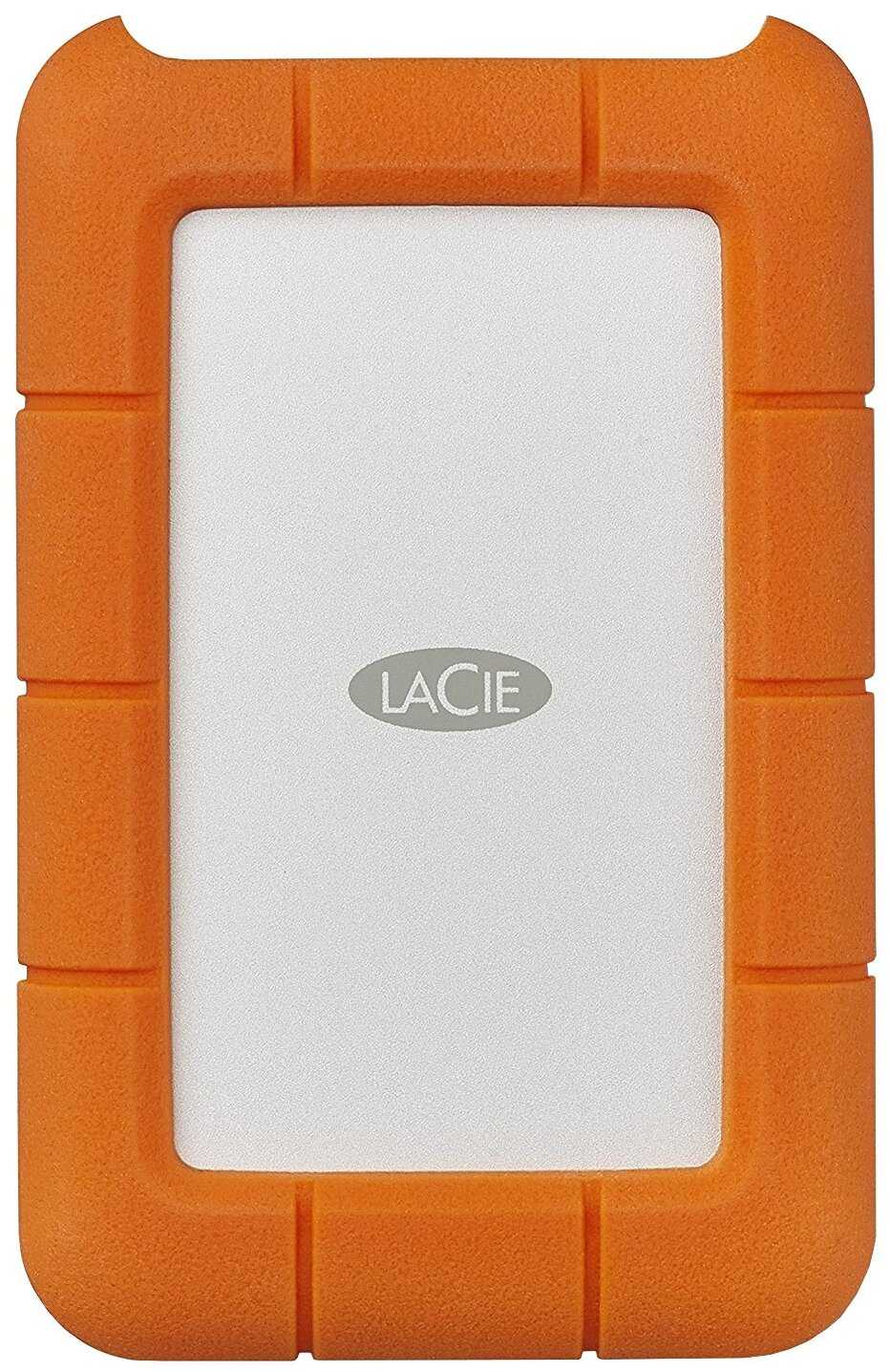
1392 отзывов пользователей o Lacie Rugged USB-C 7200 rpm

Пользовались Lacie Rugged USB-C 7200 rpm?
Поделитесь своим опытом и помогите другим сделать правильный выбор

Profile no image

НоваГость-6IFHN

10.02.2012

4/10

Оценка пользователя

Ужасно

Ok, so I bought the Lacie Rikiki 1tb and was extremely exited about it. It was small, it looked good, it didn't have a separate power cord, it loaded information extremely fast because of its 3.0 USB drive, etc... Essentially, it had a lot of features that appealed to me. However, in one month's time it broke down. I started getting a weird beeping sound when connected and then it would just not mount. After talking to Lacie tech support, which were very nice and helpful to the best of their abilities, I suspected that it may be simply a power issue provided that the 3.0 drive requires more energy then the USB port could provide. To be exact about 500 mA, while my mac USB port provided only 200mA. So, the suggestion was to try a Lacie 3.0 Y usb Cable, otherwise known as a power sharing cable, so that the Lacie drive would take as much energy as possible. That didn't work. I still got the beeping and the drive failed to mount, again. So I decided to try the Y cable in an externally powered USB hub, and through that attach the cable to my mac. Now, the powered external USB hub provides 500mA per port, in addition to the power sharing cable which is supposed to take the power from each USB port and transport it to the Lacie hard drive, technically providing the drive with 1000 mA. I thought this would suffice if it was a power issue, WRONG. It did not. So, it was not a power issue. I even tried the Lacie in a desktop since the desktop USB is supposed to provide more energy. That did not work either.Now, I explained all the steps because I would like to save some time to the other mates that may experience this same issue in the future. I will give this product 2 stars because it did great damage to me, it lost all my data. To be exact, about 350 GB of data. Very painful. They are replacing my unit but they cannot save my data. If you want your data saved they will charge an absurd amount of $399. I don't think I am paying that simply out of spite. It should not be my problem if your item does not work properly, and additionally, any damage that follows because of the manufacturers faulty item should be their responsibility. That, turns out, is wishful thinking. The sole fact that I pay money, and potentially good money for this item, implies that I should get good service, and that includes retrieving my data. It is almost like buying a car and having an accident with the car because of some manufacturer related issue and then being offered just a new car back, when you could have possibly lost a leg in the process.Anyway, I apologize for the bad analogy and suggest that you take this product with a grain of salt. I did read the reviews before I bought the item and was aware that it was not the most clean working item in the market but I got sold by the features it offered. But, these features are nothing in comparison to the damage that happened to me and the damage that could potentially happen to someone else. So, be wary.Cheers.
источник
Profile no image

Туманник-4DAUJ

28.06.2012

10/10

Оценка пользователя

Великолепно

First let me tell you the pros and cons of this device, then I'll describe my specific experiences with it. If you don't like to read though a long review then, in short, I love it and just ordered another one.Pros:- Very Small- Love the look and the metal case. It doesn't even even show finger prints.- Super quiet, I can't hear it running- Has on on-off button for power savings. Button vs switch is easier to toggle- Very fast spin up after power on. Hit the power button and it's almost immediately ready to go.Cons:- Wish it came in sizes bigger than 2TB- Haven't been able to try the USB 3.0, but that is an issue with my early USB 3.0 motherboard I suspect. It seems to constantly keep losing and regaining the connection. Like I said, I don't think it has anything to do with the drive, but I don't have another 3.0 computer to try it on, so I can't speak to that.- This isn't so much a "con" but there isn't an access light on the front. In fact there are no lights on the front. I think that looks better personally, but to each his own. The USB and power adapter connections, as well as the power button with light, are all on one side (the back, though I guess you could turn it around if you don't mind cables in your "front". Like I said, not really an issue but some may may take issue with it.- Custom, and useless IMHO, LACIE software was installed in a separate partition on the drive. I deleted the partition to reclaim the little bit of space.I got this drive for my HTPC in order to store my older DVD and video collection that I wasn't going to convert to BD. In completely filling the drive with data (within a couple hundred megs), loading the collection, and playing movies it has functioned without complaint. It seemed quite speedy in its performance and is more than adequate (even running with only USB 2.0). After a few months of use (turning it on and off after each use) it seems a solid performer that you can just plug in and not have to worry, it just works. I liked it enough to order a second one to fit the rest of my collection on, which is why I wish it came in sizes greater than 2TB. I would recommend this to anyone looking to get a great external HDD for any use. Though I don't travel with it, it's small size would be a plus for that crowd as well, and everyone can appreciate the very solid feel of it's all metal exterior.
источник
Profile no image

НаноПилигрим-9YRMV

28.06.2012

10/10

Оценка пользователя

Великолепно

First let me tell you the pros and cons of this device, then I'll describe my specific experiences with it. If you don't like to read though a long review then, in short, I love it and just ordered another one.Pros:- Very Small- Love the look and the metal case. It doesn't even even show finger prints.- Super quiet, I can't hear it running- Has on on-off button for power savings. Button vs switch is easier to toggle- Very fast spin up after power on. Hit the power button and it's almost immediately ready to go.Cons:- Wish it came in sizes bigger than 2TB- Haven't been able to try the USB 3.0, but that is an issue with my early USB 3.0 motherboard I suspect. It seems to constantly keep losing and regaining the connection. Like I said, I don't think it has anything to do with the drive, but I don't have another 3.0 computer to try it on, so I can't speak to that.- This isn't so much a "con" but there isn't an access light on the front. In fact there are no lights on the front. I think that looks better personally, but to each his own. The USB and power adapter connections, as well as the power button with light, are all on one side (the back, though I guess you could turn it around if you don't mind cables in your "front". Like I said, not really an issue but some may may take issue with it.- Custom, and useless IMHO, LACIE software was installed in a separate partition on the drive. I deleted the partition to reclaim the little bit of space.I got this drive for my HTPC in order to store my older DVD and video collection that I wasn't going to convert to BD. In completely filling the drive with data (within a couple hundred megs), loading the collection, and playing movies it has functioned without complaint. It seemed quite speedy in its performance and is more than adequate (even running with only USB 2.0). After a few months of use (turning it on and off after each use) it seems a solid performer that you can just plug in and not have to worry, it just works. I liked it enough to order a second one to fit the rest of my collection on, which is why I wish it came in sizes greater than 2TB. I would recommend this to anyone looking to get a great external HDD for any use. Though I don't travel with it, it's small size would be a plus for that crowd as well, and everyone can appreciate the very solid feel of it's all metal exterior.
источник
Profile no image

ИнфраГость-4NOBA

13.11.2012

10/10

Оценка пользователя

Великолепно

I use this occasionally to back up my home movies. I have only had it a couple of months so cannot comment on its longevity.The small size (109 mm x 74 mm x 19 mm, excluding the cable attached to the side, which adds 100 mm to the width) is convenient and very portable. The aluminum casing is tough and makes it great for carrying around. The short side edges (width and height) are sharp because of the aluminium casing and could scratch plastic items they come in contact with. However, you could get a metal file (e.g. your Swiss army penknife) and carefully smooth them off a bit as the casing is 1 mm thick so there is space to play with (I haven't tried this yet, but be careful that the filings don't go inside).The supplied cable is short and the distance from the drive casing to my laptop is only 7.5 cm (3") when fully extended. In this short distance the flat cable has to twist by 90 degrees to fit into the USB port, so there is not much room for play. The cable being carried on the drive is handy, though. The casing has no "feet" (i.e. all sides are flat aluminum) and so the drive can slide around the surface it rests on. The solution to this, should you need one, is to put a couple of flat rubber bands around the two ends of the drive. The flat rectangular casings also mean that you can stack a bunch of these drives together and secure them with two elastic bands for a completely portable back-up system with redundancy (I have a 500 GB Rikiki too, which has the same footprint).The drive was detected by my MacBook Air without any problem and I was able to copy files onto it immediately. Silent operation. The real test will be its longevity, and the jury is out on this until 5 years from now. Pending that I give it 5 stars for functional design and operation. It feels good and solid in your hand, enhanced by the knowledge that you can store your "life" on it.
источник
Profile no image

Астероид-1EZQW

08.12.2012

8/10

Оценка пользователя

Хорошо

I use external drives at home and on the road to back up the various content and work products I create. The external 250 gig Hitachi I used for nearly three years had an interface electronic, not a drive, failure and needed replacement. This round I chose LaCie. Several people in my traveling, data intensive, hot, cold, dusty, bumpy world of wildland fire computing use LaCie external drives.The drive case is heavy aluminum wrapped in a soft plastic guard. It's bright orange, so I may not forget and leave it behind as I clean up my equipment and leave fire camp. Of course the color and styling also scream "LaCie" to any passers-by but that's not important is it ;). A cable was included in the package.LaCie has drive management and back up software installing automatically when you connect the drive. In my case, installation was smooth and product registration easy. You can also choose to reformat the drive, lose the software and run with a straight-up external lettered drive. I kept the software to test the whole package. When I buy the less costly/bottom line dollar drive products, the software included on them gives users less choice in installation. The LaCie software has not forced anything on me I did not choose, like a backup, or a flashing, insisting opportunity to buy an upgrade to get the REAL backup solution. I have not chosen to use LaCie's backup solution yet.I bought a case for the drive. It's a solid, padded, textured, multi-pocketed case. The length, and width of the drive and case together are a centimeter more than the length and width of my old setup. The thickness is nearly double that of my old external and its sleeve. The weight is about 4X more.I'll run it a year and let you know how things go. That's what counts for me.
источник
Profile no image

Кронос-1SWDA

01.02.2013

2/10

Оценка пользователя

Ужасно

I've had Buffalo external drives in the past and haven't had any problems with them at all. I decided it was time to switch to something more compact and with a higher capacity. So I opted for the LaCie Minimus. Big, big mistake! In fact, I bought two of them, so I am double the fool. They look good and solid, small compared to my other hard drives, and come in a heat-reducing alluminium casing. These are the only positive comments I can make. I bought two of these things, less than a year ago so I could transfer all my work data and personal downloads. They have hardly been used, and have been kept safe and secure when not in use. One of them has stopped working completely. It just won't come to life and be recognised on my computer. I am not prepared to fork out 400 quid to have it extracted, if that is indeed possible, and if I return it to LaCie they will format it so the data will be lost (unless I pay their service a fortune to have it extracted first). I won't be using a LaCie product ever again, so whether to return the disk is a moot point. Now to the other one. An annoying point about LaCie is that the drive needs formatting before first use. Buffalo never did. They were just plug and play. This second drive tells me that it needs formatting before use, however, it was formatted and data was stored on it from another computer months ago. Properties tells me that the drive is empty, so where has all my data gone? These drives are 100% unreliable. If you care about your data, don't touch this shoddy product with a bargepole! You have been duly warned.
источник
Profile no image

Гелиос-3RYWS

01.02.2013

2/10

Оценка пользователя

Ужасно

I've had Buffalo external drives in the past and haven't had any problems with them at all. I decided it was time to switch to something more compact and with a higher capacity. So I opted for the LaCie Minimus. Big, big mistake! In fact, I bought two of them, so I am double the fool. They look good and solid, small compared to my other hard drives, and come in a heat-reducing alluminium casing. These are the only positive comments I can make. I bought two of these things, less than a year ago so I could transfer all my work data and personal downloads. They have hardly been used, and have been kept safe and secure when not in use. One of them has stopped working completely. It just won't come to life and be recognised on my computer. I am not prepared to fork out 400 quid to have it extracted, if that is indeed possible, and if I return it to LaCie they will format it so the data will be lost (unless I pay their service a fortune to have it extracted first). I won't be using a LaCie product ever again, so whether to return the disk is a moot point. Now to the other one. An annoying point about LaCie is that the drive needs formatting before first use. Buffalo never did. They were just plug and play. This second drive tells me that it needs formatting before use, however, it was formatted and data was stored on it from another computer months ago. Properties tells me that the drive is empty, so where has all my data gone? These drives are 100% unreliable. If you care about your data, don't touch this shoddy product with a bargepole! You have been duly warned.
источник
Profile no image

Сириус-9NVDG

29.03.2013

4/10

Оценка пользователя

Ужасно

This unit was installed for 2 weeks. Everything seems to be fine. Then suddenly my system could not find the device. After exploring all the options I contacted LaCie on-line support. After they had me try everything I had already tried, they sent me a new power cord. Almost 2 weeks later when it arrived I plugged it in, reset the unit and nothing. Upon chatting on-line with them and trying several things I had already done, they decided I had a bad unit. I had images on there from a once in a lifetime cross country vacation. Stupidly I assumed they were safe and had deleted them from my hard drive, so the only place they resided were on the Lacie.They emailed a FedEx pickup order. They also had to email me an agreement for me to sign and send back with the unit. 4 days later they notified me that they would see how much it would cost to recover the images. 2 days later they informed me $400 to get back the photos. You would think a unit under warranty would at least get a discount! But no.I decided to forego that and just get the unit repaired. That is what I wanted when I bought the unit, a "Repaired" NAS. 3-4 days later I was advised it was repaired and being returned FedEx GROUND! So in another 7-8 days I can plug it in, and start the whole process over. This is the LAST LaCie I will buy! I've been without it for more than a month already.
источник
Profile no image

Лунатик-4TJRD

29.03.2013

4/10

Оценка пользователя

Ужасно

This unit was installed for 2 weeks. Everything seems to be fine. Then suddenly my system could not find the device. After exploring all the options I contacted LaCie on-line support. After they had me try everything I had already tried, they sent me a new power cord. Almost 2 weeks later when it arrived I plugged it in, reset the unit and nothing. Upon chatting on-line with them and trying several things I had already done, they decided I had a bad unit. I had images on there from a once in a lifetime cross country vacation. Stupidly I assumed they were safe and had deleted them from my hard drive, so the only place they resided were on the Lacie.They emailed a FedEx pickup order. They also had to email me an agreement for me to sign and send back with the unit. 4 days later they notified me that they would see how much it would cost to recover the images. 2 days later they informed me $400 to get back the photos. You would think a unit under warranty would at least get a discount! But no.I decided to forego that and just get the unit repaired. That is what I wanted when I bought the unit, a "Repaired" NAS. 3-4 days later I was advised it was repaired and being returned FedEx GROUND! So in another 7-8 days I can plug it in, and start the whole process over. This is the LAST LaCie I will buy! I've been without it for more than a month already.
источник
Profile no image

Туманник-2AWKR

05.03.2013

2/10

Оценка пользователя

Ужасно

I really wanted to love this drive but unfortunately I returned mine for refund.To start with - the positive - it's beautiful and it's faster than blazes I'd give it 5 stars based on those criteria - but.....Three issues that made me send it back for refund1. Power up - there is a huge bright glowing blue power button on the front. Unfortunately that button does not have dominant control. The drive will power up when my Mac is brought out of sleep. A serious design flaw imho - if you are going to have a power button - it should have control, not the computer it's attached to. I back up once every day or two, not every time I wake up my Mac.2. Noise - really too much for a desktop drive - aggravated by the fact it turns on when I don't want it to3. Unmounting and Power off - First I noticed that when I unmounted the drive properly and turned it off, it gave this long beep. Not a happy `bye, I'm turning off now' beep but an alarming `I'm really not happy and you've done something wrong' beep. I logged a ticket with LaCie and they responded - this is normal. Then I noticed sometimes on power off it would not beep at all. I logged another ticket - the response `this is also normal but if you are worried about it, please send it in at your expense and we'll take 12 days to tell you if it's ok or not'. Not exactly confidence inspiring.To LaCie's credit - they did give me a full refund
источник
Profile no image

Вектрон-9CCGU

12.07.2012

2/10

Оценка пользователя

Ужасно

This product was great for the first 3 months just past the return date expired, funny coincidence but anyway everything was going great, I take impeccable care of my stuff, I never moved it when i used it always kept it in the same position while being used and then one day out of no where it keeps ejecting and connecting itself to my mac, I thought it was an error so i removed all my data and reformatted. Still same problem so i think maybe something happened to the cord maybe somehow it got damaged which i doubted but bought a new one anyway and yet still same problem. I finally come to realize its the input into the device not the cord, it wouldn't hold it steady, or really even sturdy so even the slightest movement of the cord would cause it to disconnect, the only way i can use it is if i put a weight on the cord so it doesn't move at all, and i have to transfer anything i want to work on or watch onto my computer because if the cord moves i just lost all the work i did unless i save every couple mins n if its a movie or music forget about it. Oh and on top of that after i transfer a ton of stuff onto the Laccie when i first got it a week later i got an unfixable error and had to delete so much stuff bc my new comp has a small hard drive. Not worth it i noticed it when i first got it that the usb cable didn't seem to fit in there right, like it wasn't going all the way in but i did not try and forced and i should have just returned it then but i thought thats how it was suppose to be and was a good product at the time . If your getting it for a laptop and will be mobile it is not worth it this will happen to you! I got it because of the slender size for compact ability because I'm constantly moving my working area. my suggestion to you is just deal with the size and get one thats made to be mobile, and if it looks like the usb cable isn't fitting into it right return it and try a different product. I hope this helps someone because I'm pissed I'm stuck with a mobil hard drive that only works if i tape the cord down, it sucks so bad trust me go with something else
источник
Profile no image

ХроноГость-2UJIP

12.07.2012

2/10

Оценка пользователя

Ужасно

This product was great for the first 3 months just past the return date expired, funny coincidence but anyway everything was going great, I take impeccable care of my stuff, I never moved it when i used it always kept it in the same position while being used and then one day out of no where it keeps ejecting and connecting itself to my mac, I thought it was an error so i removed all my data and reformatted. Still same problem so i think maybe something happened to the cord maybe somehow it got damaged which i doubted but bought a new one anyway and yet still same problem. I finally come to realize its the input into the device not the cord, it wouldn't hold it steady, or really even sturdy so even the slightest movement of the cord would cause it to disconnect, the only way i can use it is if i put a weight on the cord so it doesn't move at all, and i have to transfer anything i want to work on or watch onto my computer because if the cord moves i just lost all the work i did unless i save every couple mins n if its a movie or music forget about it. Oh and on top of that after i transfer a ton of stuff onto the Laccie when i first got it a week later i got an unfixable error and had to delete so much stuff bc my new comp has a small hard drive. Not worth it i noticed it when i first got it that the usb cable didn't seem to fit in there right, like it wasn't going all the way in but i did not try and forced and i should have just returned it then but i thought thats how it was suppose to be and was a good product at the time . If your getting it for a laptop and will be mobile it is not worth it this will happen to you! I got it because of the slender size for compact ability because I'm constantly moving my working area. my suggestion to you is just deal with the size and get one thats made to be mobile, and if it looks like the usb cable isn't fitting into it right return it and try a different product. I hope this helps someone because I'm pissed I'm stuck with a mobil hard drive that only works if i tape the cord down, it sucks so bad trust me go with something else
источник
Profile no image

Нейрон-9IRCC

26.02.2013

2/10

Оценка пользователя

Ужасно

I own 6 LaCie products and am very happy with all of them - aside from the Minimus. It worked properly for a few days, just long enough to transfer some video renders to it. Then it crashed and refused to boot.I contacted LaCie and they sent me a new power supply - but the wrong one. They volunteered to repair / replace the drive, but told me that all data would be lost.Fortunately I still had the source files for the renders. Unfortunately it would take several days of processing to re-render, on a system already booked full time. So replacing the files would be a huge, expensive headache.I asked LaCie about recovery options and was told (we had by now narrowed the problem with the drive to a technical factory fault) that they would save my data for me for ?800. If I wanted to try an alternative recovery option my warranty would be void.The upshot of this is I spent over ?100 for a drive that - thanks to a manufacturing fault - almost immediately stopped working and took hostage ?1,000+ worth of data which the company responsible for the fault then held hostage for another ?800, threatening to revoke the warranty if I tried to save the data myself.Upshot: the drive is not reliable and should you end up with a bad one, you're screwed, LaCie with a screwdriver waiting to twist.
источник
Profile no image

Нейрон-9IZYY

26.02.2013

2/10

Оценка пользователя

Ужасно

I own 6 LaCie products and am very happy with all of them - aside from the Minimus. It worked properly for a few days, just long enough to transfer some video renders to it. Then it crashed and refused to boot.I contacted LaCie and they sent me a new power supply - but the wrong one. They volunteered to repair / replace the drive, but told me that all data would be lost.Fortunately I still had the source files for the renders. Unfortunately it would take several days of processing to re-render, on a system already booked full time. So replacing the files would be a huge, expensive headache.I asked LaCie about recovery options and was told (we had by now narrowed the problem with the drive to a technical factory fault) that they would save my data for me for ?800. If I wanted to try an alternative recovery option my warranty would be void.The upshot of this is I spent over ?100 for a drive that - thanks to a manufacturing fault - almost immediately stopped working and took hostage ?1,000+ worth of data which the company responsible for the fault then held hostage for another ?800, threatening to revoke the warranty if I tried to save the data myself.Upshot: the drive is not reliable and should you end up with a bad one, you're screwed, LaCie with a screwdriver waiting to twist.
источник
Profile no image

НаноПилигрим-4NIAI

27.02.2013

10/10

Оценка пользователя

Великолепно

The whole idea behind the Thunderbolt connection is to be able to link external devices to your computer at the same speeds as if they were installed internally to the high speed bus. No longer does one have to have a large desktop computer with multiple drive bays. One can link up to 7 devices to each Thunderbolt port on the Mac, and can create super high speed raids.This unit has 2 separate 2 TB drives which appear as a single 4 TB drive on the desktop. The user can alter the configuration to RAID 1 to make it a 2 TB drive with backup but will lose speed and capacity. Linking up multiple units continues to increase overall read/write speeds. It is at least 3x faster than a Firewire 800 drive.The unit is quiet but large. It has 2 Thunderbolt ports - but no others. I think LaCie now provides a cable with the drive, and the cost has come down some.If you are working with lots of multi-GB video files, this drive is just wonderful to have, and 2 or 3 would be fantastic. For less storage or smaller files, a 120-240 GB SSD is the way to go and would be twice as fast as a single LaCie unit.If buying a new Mac, I think the hybrid drive Apple is offering is the best option as a built in, and then if massive additional storage needed, these LaCie drives can be added.
источник
Profile no image

Небулоид-1WWRP

18.09.2012

10/10

Оценка пользователя

Великолепно

Whenever I review hard-drives, I always try to keep in mind the fact that failure rate across the board of manufacturers, stands at around 2-5%. I don't have figures to back this up, but these are my observations over about 10 years of consistent purchasing (several drives a year). So, with that in mind, allow me to start off by saying that this is an excellent drive, and one that most people should have no problems with at all.PROS- USB 3.0 Speeds- Backwards compatibility with USB 2.0- Passively cooled using case as a heatsink- Very minimalistic and sleek design, small footprint- So far has been very reliable- Includes adapters for us in Europe, the UK and Australia- Rubber feet for vibration dampening and small shock absorption- Relatively quiet operation- Dedicated power button (important because I don't want to have to unplug a drive to power off)CONS- Finish is a little darker than expectedI received this drive as a gift, and the first thing I did was backup the primary SSD in my macbook (+-200GB) as well as create a clone of my primary storage device (+-1.2TB). I was quite pleased with the speed overall, although that is mostly due to the USB3 technology as well as transferring from an SSD. I won't expound too much on the list above, but I would like to mention that the one con was not a huge deal, but disappointing nonetheless. I was expecting a darker aluminum, but the color of the actual drive is more accurate if you dim your screen down to the the near-lowest brightness setting on your monitor. Not a deal-breaker, but if you are going for the Apple aluminum aesthetic, you might want to choose a different drive.OVERALLI am very pleased with the reliability and speed of this drive, and will be updating this review for durability in terms of longevity in the future!
источник
Profile no image

Вектрон-8PTRQ

18.09.2012

10/10

Оценка пользователя

Великолепно

Whenever I review hard-drives, I always try to keep in mind the fact that failure rate across the board of manufacturers, stands at around 2-5%. I don't have figures to back this up, but these are my observations over about 10 years of consistent purchasing (several drives a year). So, with that in mind, allow me to start off by saying that this is an excellent drive, and one that most people should have no problems with at all.PROS- USB 3.0 Speeds- Backwards compatibility with USB 2.0- Passively cooled using case as a heatsink- Very minimalistic and sleek design, small footprint- So far has been very reliable- Includes adapters for us in Europe, the UK and Australia- Rubber feet for vibration dampening and small shock absorption- Relatively quiet operation- Dedicated power button (important because I don't want to have to unplug a drive to power off)CONS- Finish is a little darker than expectedI received this drive as a gift, and the first thing I did was backup the primary SSD in my macbook (+-200GB) as well as create a clone of my primary storage device (+-1.2TB). I was quite pleased with the speed overall, although that is mostly due to the USB3 technology as well as transferring from an SSD. I won't expound too much on the list above, but I would like to mention that the one con was not a huge deal, but disappointing nonetheless. I was expecting a darker aluminum, but the color of the actual drive is more accurate if you dim your screen down to the the near-lowest brightness setting on your monitor. Not a deal-breaker, but if you are going for the Apple aluminum aesthetic, you might want to choose a different drive.OVERALLI am very pleased with the reliability and speed of this drive, and will be updating this review for durability in terms of longevity in the future!
источник
Profile no image

ТерраБот-1EJKM

08.04.2011

8/10

Оценка пользователя

Хорошо

PROSSmall form factor, matte black aluminum case, option to not use automatic backup softwareCONSVery short cable (6-inches), shipment methodThe 2.0 version was attractively priced because the new 3.0 version had been released. I don't have USB 3.0 ports so I won't miss any increase in speed (and by the time I am ready to replace or upgrade to a larger capacity, there will probably be USB 4.0, widespread application of the Thunderbolt specification, or something else).LaCie claims to be one of the smallest external drives sold and that the name "rikiki" is French for "tiny". I don't know about the translation, but the device follows Apple's lead in product design - small, clean lines, and solid. The LaCie is compatible with both PC and Mac products and, like many others, is USB powered (no AC adapter required).This replaced older Western Digital external drives which, while reliable, became inadequate (at 80 and 160 GB each) to back up necessary data. Unfortunately, the new WD models include automatic backup software that cannot be removed - you have to download additional files to effectively turn off WD's proprietary software (the "virtual CD"). WDs design also has gone away from rugged aluminum drives to glossy plastic cases that are less durable and show every fingerprint and smudge.The LaCie ships with almost no printed documentation - everything is loaded on the drive (mostly PDF formats). When you plug it in to any available USB port, it will automatically format itself (not a full disk format). Since this was to be used to backup data and transfer files between work and home computers, I opted not to use LaCie's native backup software.IMPORTANT - if you opt not to use LaCie's backup software, don't load it on your computer. Just transfer it (and all LaCie documentation files) to a folder on your hard drive, then go through a full format of the drive. (You can also get those files from LaCie's website.)For me, all an external USB drive needs to do is to safeguard data. Saving and retrieving should be as simple as possible. The LaCie has no physical controls - just an amber LED and a mini-USB port. The design of the drive is very elegant and subdued, just a matte black aluminum box that is smaller than an iPhone.The only negative I can find with LaCie is that they ship this with a comically short cable - six inches long. That makes it useful almost exclusively for a laptop application. It is too short for most desktops and even many docking stations/port replicators. I guess these days we should be grateful that any kind of cable is included at all. If you need a longer cable, I'd go to Monoprice.com. USB to mini-USB cables are plentiful and you probably already have a few lying around that came with cell phones, digital cameras, or other peripherals. I have found that the mini-USB cable fits securely into the device, whereas the smaller micro-USB cable (used on LaCie's USB 3.0 version and the newer WD models) has a tendency to slip out because it is flatter and smaller. Your experience may differ.The one negative thing was how this item was shipped - in a standard padded envelope. While these things are fairly rugged, shipping any sensitive electronic device in a padded envelope seems to be asking for trouble. The LaCie is packaged in its own factory-sealed plastic pack, but that would not prevent it from being crushed or otherwise damaged. These should be shipped in a small cardboard box, not an envelope.Overall, the performance, style, and utility of the LaCie Rikiki make it a device worth recommending.
источник
Profile no image

Интеллектор-1HZKV

08.04.2011

8/10

Оценка пользователя

Хорошо

PROSSmall form factor, matte black aluminum case, option to not use automatic backup softwareCONSVery short cable (6-inches), shipment methodThe 2.0 version was attractively priced because the new 3.0 version had been released. I don't have USB 3.0 ports so I won't miss any increase in speed (and by the time I am ready to replace or upgrade to a larger capacity, there will probably be USB 4.0, widespread application of the Thunderbolt specification, or something else).LaCie claims to be one of the smallest external drives sold and that the name "rikiki" is French for "tiny". I don't know about the translation, but the device follows Apple's lead in product design - small, clean lines, and solid. The LaCie is compatible with both PC and Mac products and, like many others, is USB powered (no AC adapter required).This replaced older Western Digital external drives which, while reliable, became inadequate (at 80 and 160 GB each) to back up necessary data. Unfortunately, the new WD models include automatic backup software that cannot be removed - you have to download additional files to effectively turn off WD's proprietary software (the "virtual CD"). WDs design also has gone away from rugged aluminum drives to glossy plastic cases that are less durable and show every fingerprint and smudge.The LaCie ships with almost no printed documentation - everything is loaded on the drive (mostly PDF formats). When you plug it in to any available USB port, it will automatically format itself (not a full disk format). Since this was to be used to backup data and transfer files between work and home computers, I opted not to use LaCie's native backup software.IMPORTANT - if you opt not to use LaCie's backup software, don't load it on your computer. Just transfer it (and all LaCie documentation files) to a folder on your hard drive, then go through a full format of the drive. (You can also get those files from LaCie's website.)For me, all an external USB drive needs to do is to safeguard data. Saving and retrieving should be as simple as possible. The LaCie has no physical controls - just an amber LED and a mini-USB port. The design of the drive is very elegant and subdued, just a matte black aluminum box that is smaller than an iPhone.The only negative I can find with LaCie is that they ship this with a comically short cable - six inches long. That makes it useful almost exclusively for a laptop application. It is too short for most desktops and even many docking stations/port replicators. I guess these days we should be grateful that any kind of cable is included at all. If you need a longer cable, I'd go to Monoprice.com. USB to mini-USB cables are plentiful and you probably already have a few lying around that came with cell phones, digital cameras, or other peripherals. I have found that the mini-USB cable fits securely into the device, whereas the smaller micro-USB cable (used on LaCie's USB 3.0 version and the newer WD models) has a tendency to slip out because it is flatter and smaller. Your experience may differ.The one negative thing was how this item was shipped - in a standard padded envelope. While these things are fairly rugged, shipping any sensitive electronic device in a padded envelope seems to be asking for trouble. The LaCie is packaged in its own factory-sealed plastic pack, but that would not prevent it from being crushed or otherwise damaged. These should be shipped in a small cardboard box, not an envelope.Overall, the performance, style, and utility of the LaCie Rikiki make it a device worth recommending.
источник
Profile no image

Супернова-1UKDE

23.02.2013

6/10

Оценка пользователя

Плохо

With that said, on the actual drive, You plug in this flat plug that I think is exclusive for LaCie Products. I've never seen one of these styled plugs that go into the Drive itself on any of My other Electronics. LaCie had made one big IMPORTANT upgrade on the Rikikis by extending this data cable. It's sucks having a 4 inch data cable and having it slip off the arm of the couch, Effin up the backup Ur running, as were the norm on previous models. Kudos to Lacie for adding a foot or more to this data cable. Now the reason for the 3 stars. The Drive end of the data cable that plugs into the Rikiki is VERY, VERY FRAGILE.The cable won't get FUBARED, but the Drive sure the Heck will. It's so fragile that I've broken off two drives just by plugging them in drive. If You do bedtime computing, You better remove the cable from the drive at all time when not in use, because on little flex on this male/female internal jack will FUBAR the Rikiki. KUDOs for LaCie's tech support, as they had replaced both drives, free of charge, even out of Warranty on one of them, because I'm assuming this problem is common as it really is a defect, so 3 Stars
источник
Profile no image

НаноПилигрим-6XPJX

23.02.2013

6/10

Оценка пользователя

Плохо

With that said, on the actual drive, You plug in this flat plug that I think is exclusive for LaCie Products. I've never seen one of these styled plugs that go into the Drive itself on any of My other Electronics. LaCie had made one big IMPORTANT upgrade on the Rikikis by extending this data cable. It's sucks having a 4 inch data cable and having it slip off the arm of the couch, Effin up the backup Ur running, as were the norm on previous models. Kudos to Lacie for adding a foot or more to this data cable. Now the reason for the 3 stars. The Drive end of the data cable that plugs into the Rikiki is VERY, VERY FRAGILE.The cable won't get FUBARED, but the Drive sure the Heck will. It's so fragile that I've broken off two drives just by plugging them in drive. If You do bedtime computing, You better remove the cable from the drive at all time when not in use, because on little flex on this male/female internal jack will FUBAR the Rikiki. KUDOs for LaCie's tech support, as they had replaced both drives, free of charge, even out of Warranty on one of them, because I'm assuming this problem is common as it really is a defect, so 3 Stars
источник
Profile no image

Вояджер-9ASHM

07.04.2013

2/10

Оценка пользователя

Ужасно

I bought this product after having a previous Western Digital external hard drive fail. I lost a lot of music files, and decided I wanted a hard drive that had duplicate backup, so that I wouldn't lose files in the future.The Pros: large storage, duplicate storage, cooling system built inThe (numerous) Cons:-This drive has "corrupted" MANY of my files, causing them to be salvageable-This drive is VERY loud. In standby mode, it sometimes spins so fast it overheats, and keeps me up at night. Even in the off position it sometimes won't shut down, which means you have to unplug it and risk corrupting files.-This drive has files disappear. Many of my files just won't be there sometimes when I turn it on.-Size. this drive is very large.Don't buy this product, please! You are wasting your money, and may lose files. Buy two compact-USB drives and manually double-backup your data. You will save money, and save your files.
источник
Profile no image

Туманник-3NXAS

07.04.2013

2/10

Оценка пользователя

Ужасно

I bought this product after having a previous Western Digital external hard drive fail. I lost a lot of music files, and decided I wanted a hard drive that had duplicate backup, so that I wouldn't lose files in the future.The Pros: large storage, duplicate storage, cooling system built inThe (numerous) Cons:-This drive has "corrupted" MANY of my files, causing them to be salvageable-This drive is VERY loud. In standby mode, it sometimes spins so fast it overheats, and keeps me up at night. Even in the off position it sometimes won't shut down, which means you have to unplug it and risk corrupting files.-This drive has files disappear. Many of my files just won't be there sometimes when I turn it on.-Size. this drive is very large.Don't buy this product, please! You are wasting your money, and may lose files. Buy two compact-USB drives and manually double-backup your data. You will save money, and save your files.
источник
Profile no image

Нейрон-2YHQX

16.03.2013

4/10

Оценка пользователя

Ужасно

I bought two of these drives, the first to keep music, photos, videos on, the second as a backup for the first. The drives are beautiful and match my Macbook Air nicely, in size and style. The cord is short and folds flush against the case, so it's very portable, too. Great so far, but...After about six months, the cable on drive one frayed and I had to replace it (with the cable from drive two). After a few more months, that one frayed, too. About this time, drive one started randomly disconnecting from my laptop while I was browsing photos or watching movies. I thought this would be fixed by buying new cables, but it just got worse and worse.At some point, the disconnecting issue got so bad that I started using drive two as my main drive. Now a few months later, drive two is randomly disconnecting. The problem is so frequent that I'm afraid even to back it up in case it disconnects and corrupts my files.After years of using only LaCie drives, I'm sadly switching to another brand.
источник
Показаны отзывы 97-120 из 1392.

Похожие товары с лучшей оценкой
9.8/10 баллов

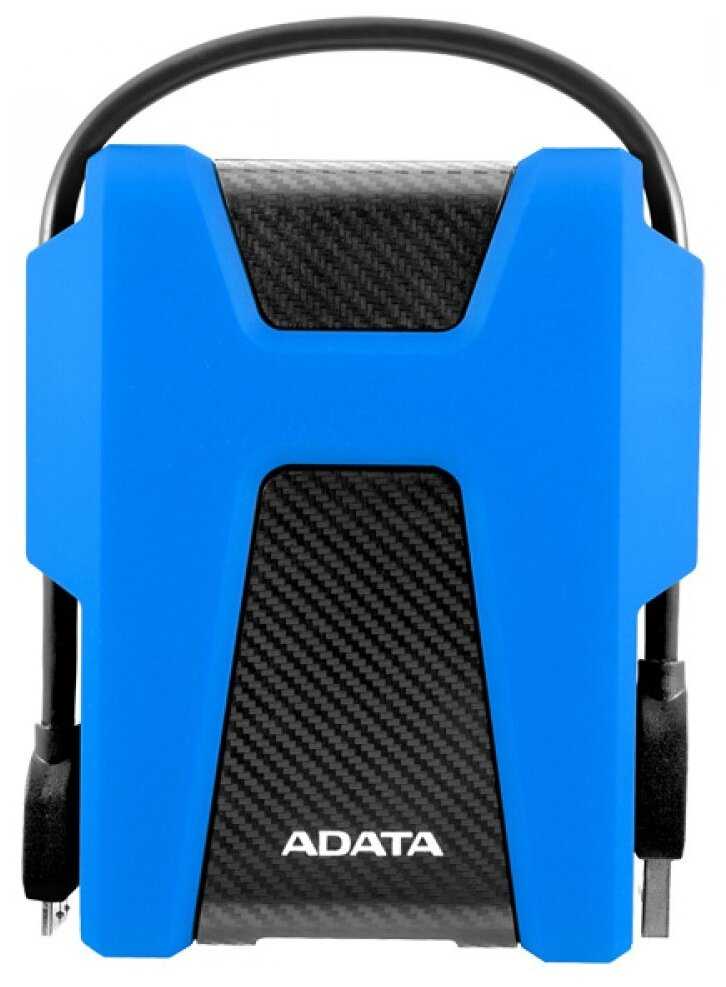
ADATA DashDrive Durable HD680

243 отзывов

от 10578.00 руб.

9.6/10 баллов

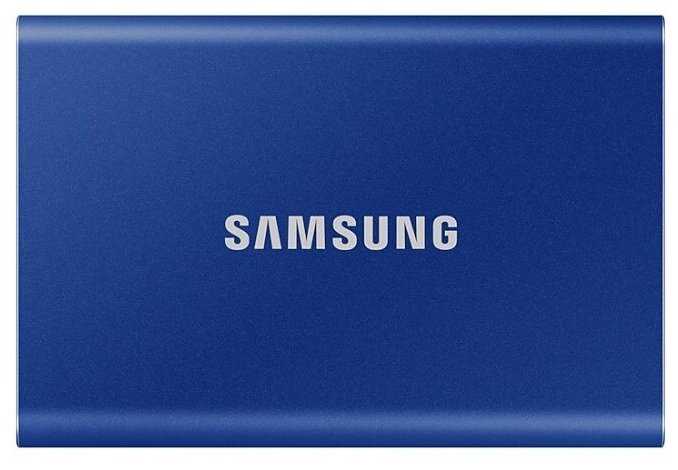
Samsung T7

571 отзывов

от 30409.00 руб.

9.3/10 баллов

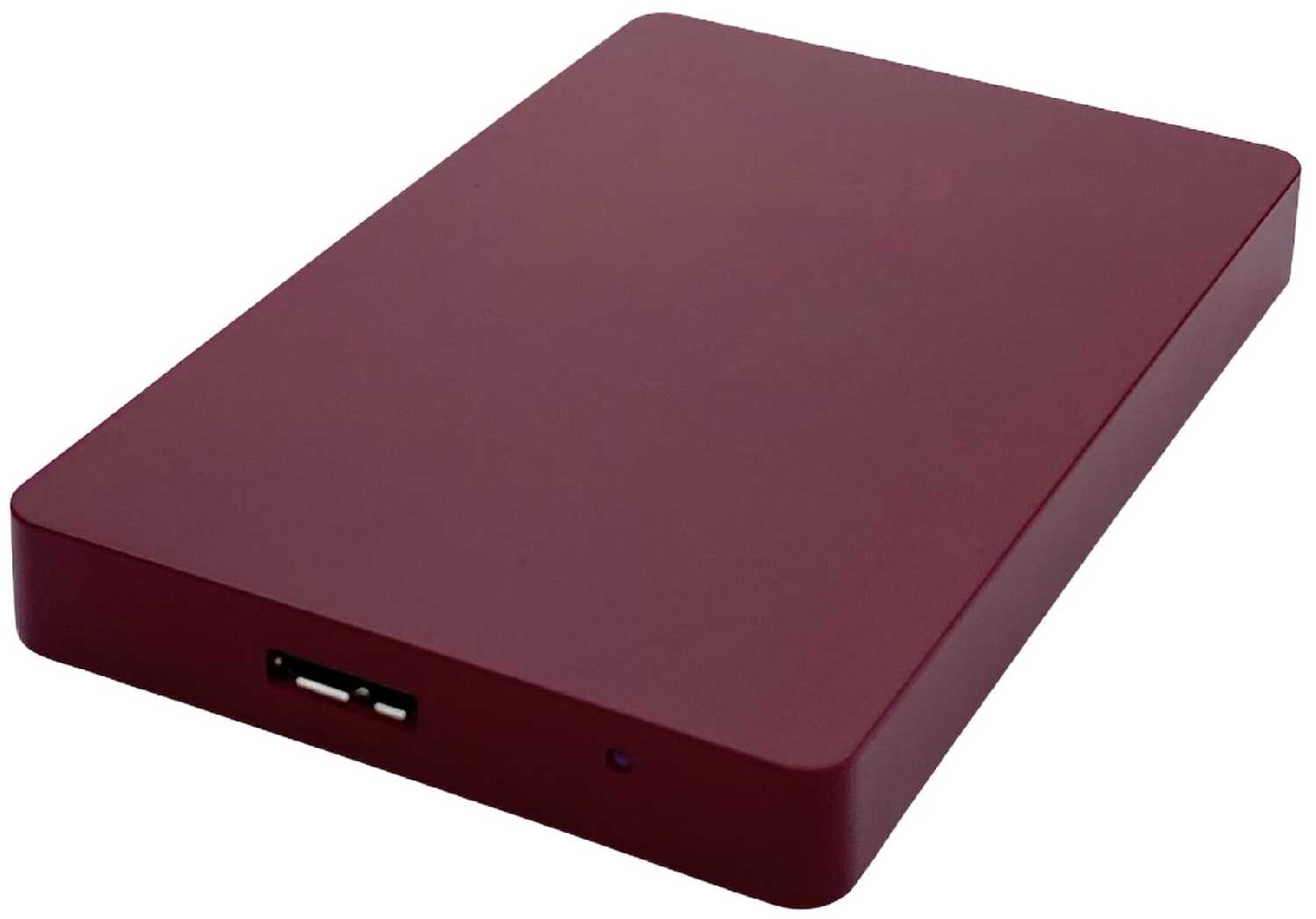
3Q Iris Portable 1 Tb Красный

61 отзывов

от 5450.00 руб.

9.3/10 баллов

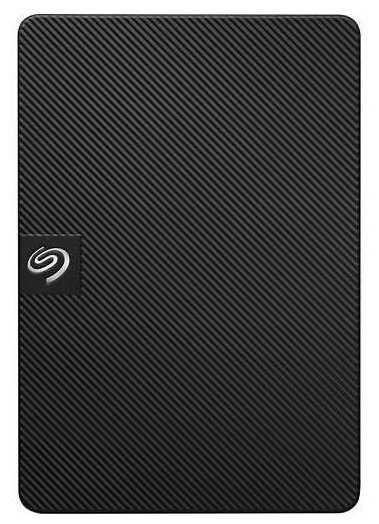
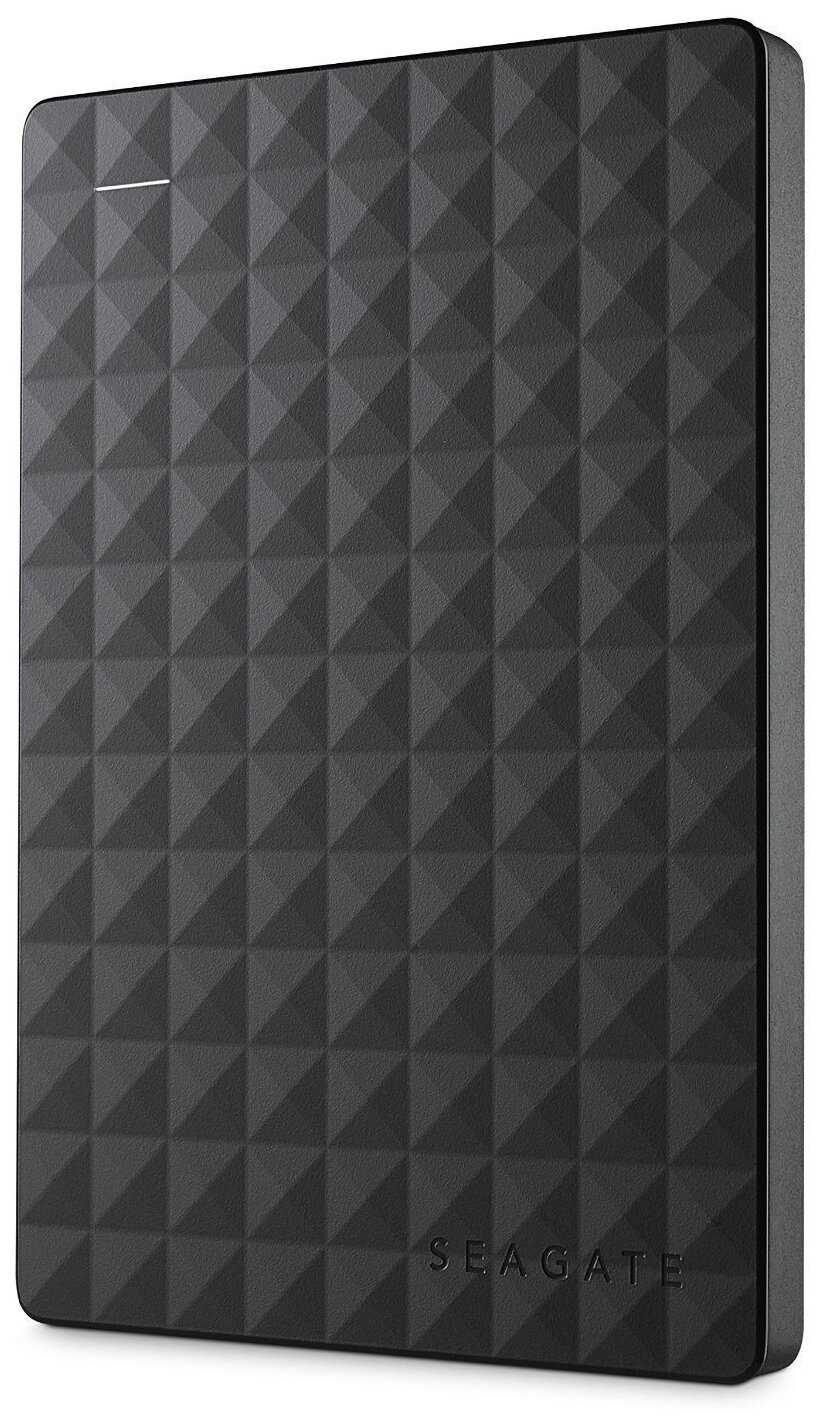
Seagate Expansion (STKM)

819 отзывов

от 10245.00 руб.

9/10 баллов

Transcend StoreJet 25A3

266 отзывов

от 7991.00 руб.

8.9/10 баллов

TLC Slim Portable (750 Гб)

51 отзывов

от 7524.00 руб.

8.9/10 баллов

TLC Metallic (500GB)

76 отзывов

от 4573.00 руб.

8.8/10 баллов

Transcend StoreJet 25H3

825 отзывов

от 12677.00 руб.

8.8/10 баллов

Toshiba CANVIO BASICS

349 отзывов

от 14999.00 руб.

8.8/10 баллов

ADATA HV620S

284 отзывов

от 11504.00 руб.

8.8/10 баллов

Transcend StoreJet 25C3S

83 отзывов

от 14162.00 руб.

8.8/10 баллов

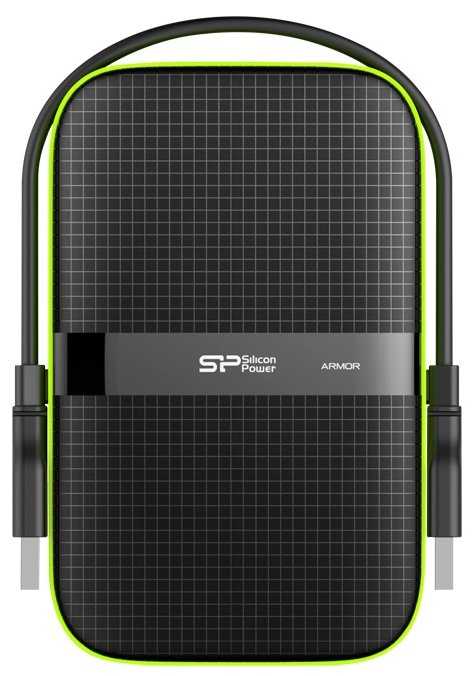
Silicon Power Armor A60

259 отзывов

от 39409.00 руб.

8.7/10 баллов

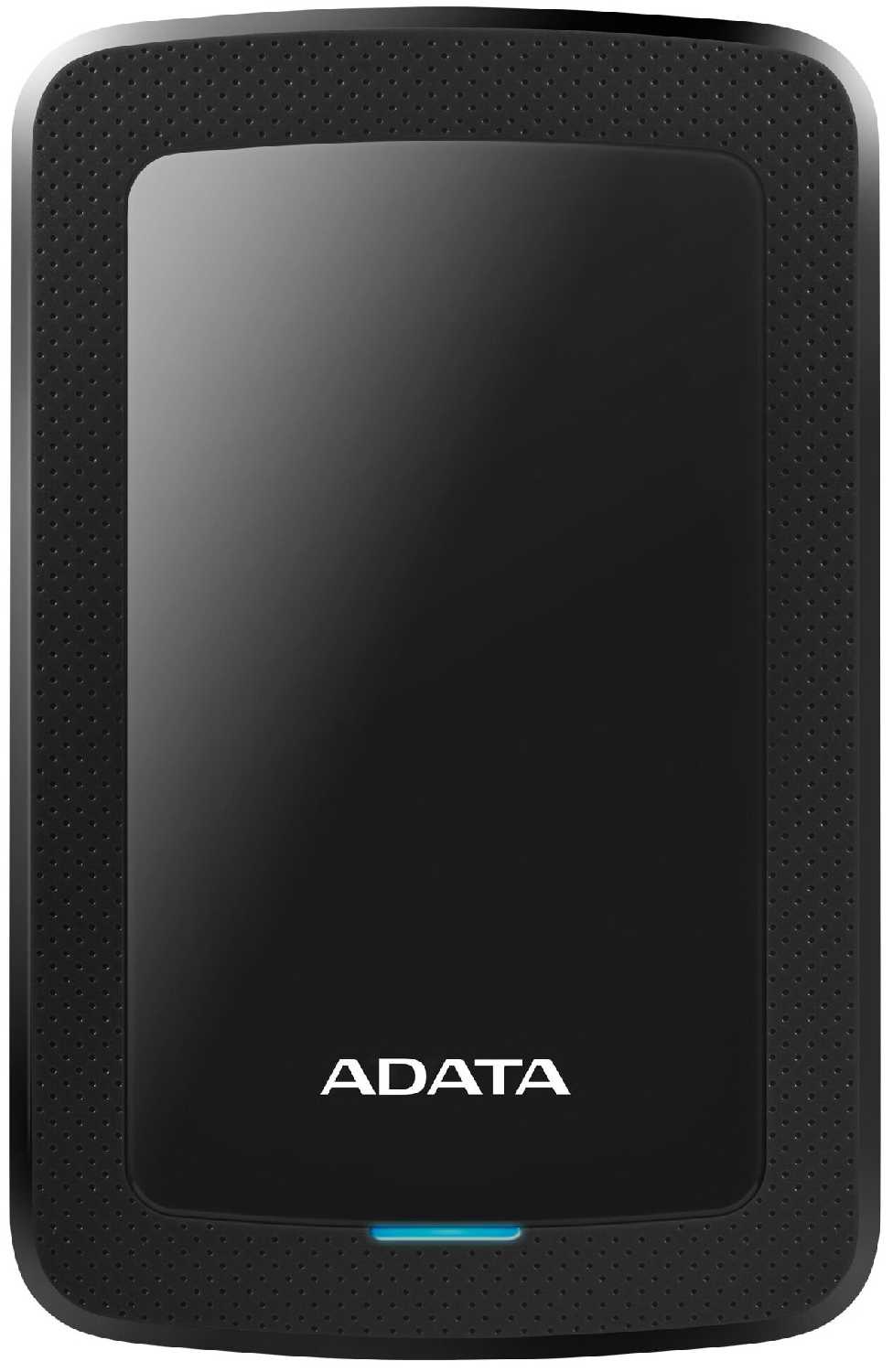
ADATA HV300

87 отзывов

от 13880.00 руб.

8.7/10 баллов

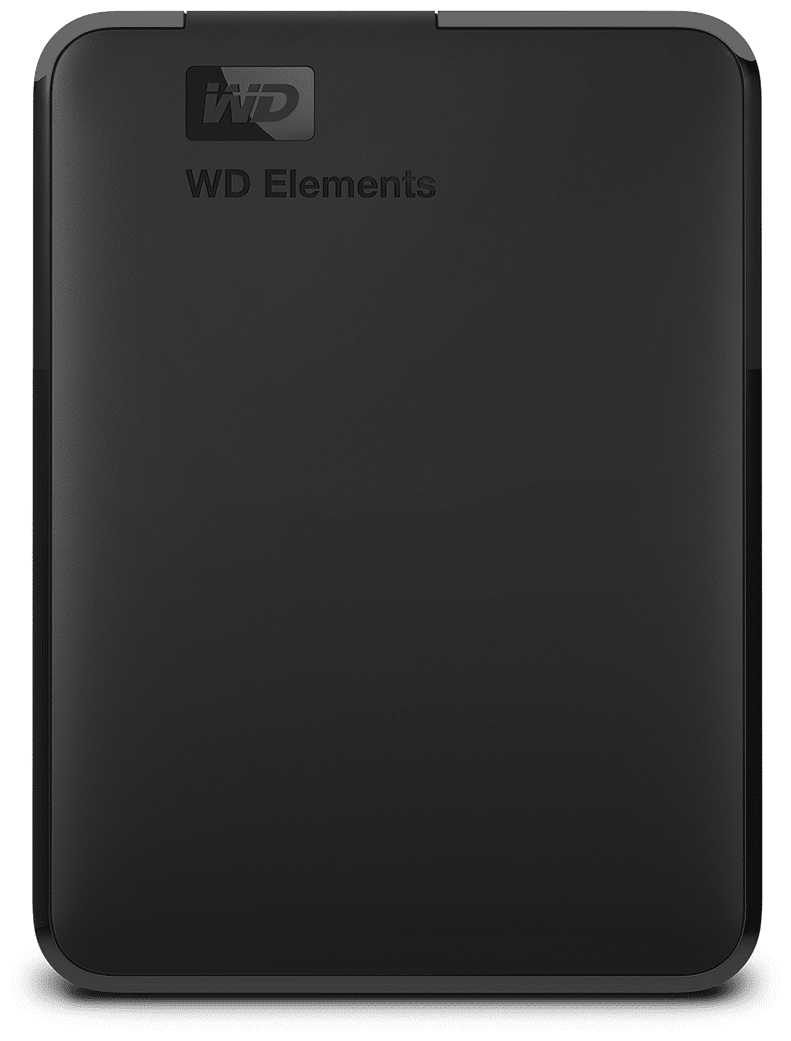
Western Digital WD Elements Portable (WDBU)

1239 отзывов

от 18260.00 руб.

8.7/10 баллов

Seagate Expansion portable, STEA

910 отзывов

от 42421.00 руб.

8.6/10 баллов

Seagate One Touch Desktop Hub (STLC20000400)

47 отзывов

от 59425.00 руб.

8.6/10 баллов

Seagate Expansion (STKP)

28 отзывов

от 60058.00 руб.

8.6/10 баллов

Apacer AC633

23 отзывов

от 10324.00 руб.

8.6/10 баллов

Apacer AC532

48 отзывов

от 5312.00 руб.

8.6/10 баллов

3Q Внешний жесткий диск 500G

12 отзывов

от 3100.00 руб.