Отзывы о Внешний HDD Lacie Rugged USB-C 7200 rpm
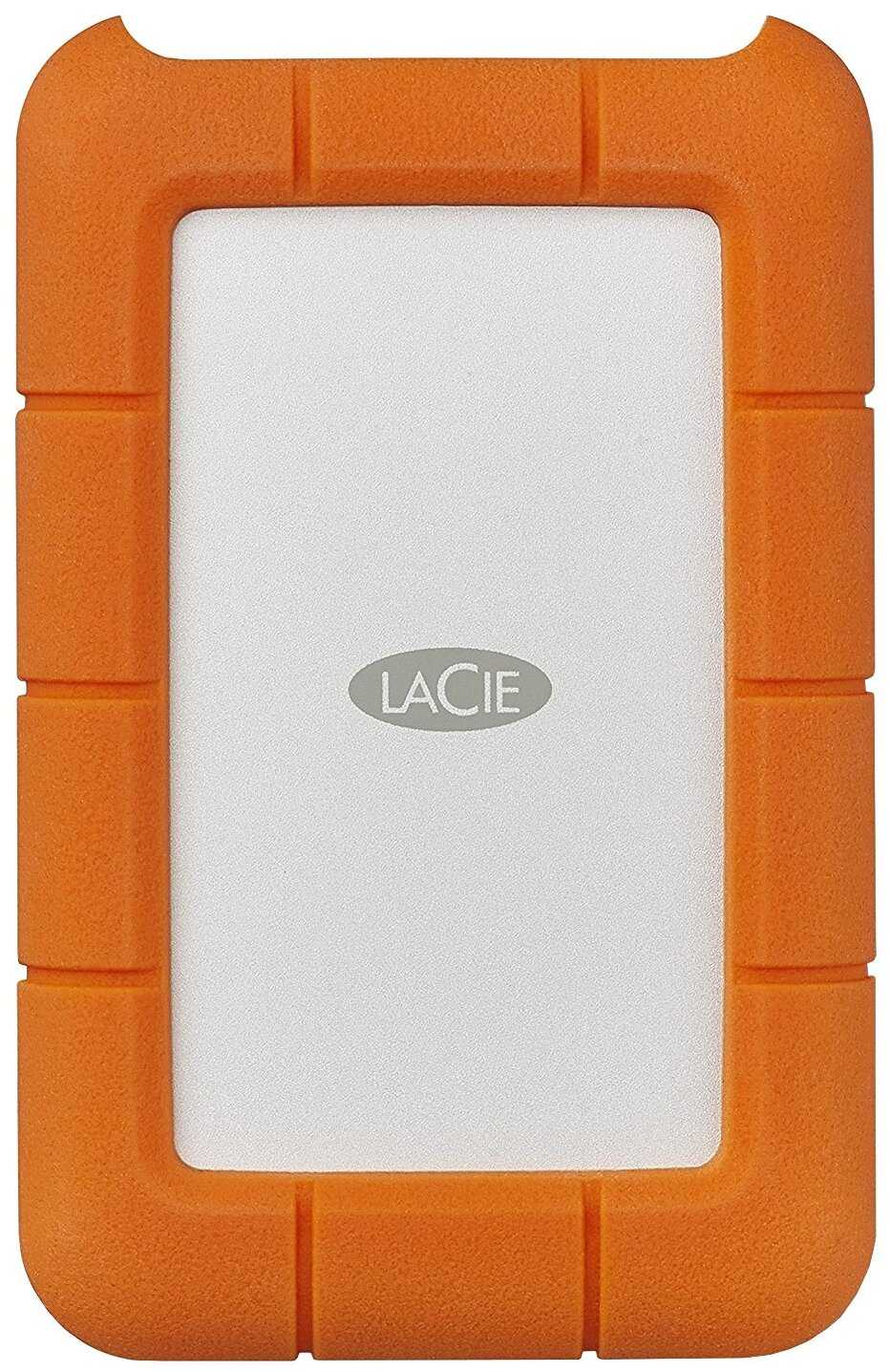
1392 отзывов пользователей o Lacie Rugged USB-C 7200 rpm

Пользовались Lacie Rugged USB-C 7200 rpm?
Поделитесь своим опытом и помогите другим сделать правильный выбор

Profile no image

Гравитон-9HNJD

29.08.2008

10/10

Оценка пользователя

Великолепно

  • + Хороший, стильный, металлический корпус. Легкий, шустрый :)
  • - не обнаружено
источник
Profile no image

Нейрон-3PIUJ

24.01.2022

10/10

Оценка пользователя

Великолепно

Отличная модель
  • + Дизайн
  • - Греется, остаёт глобально от ssd все таки
источник
Profile no image

Гиперион-8IAVN

04.02.2022

10/10

Оценка пользователя

Великолепно

Отличная модель
  • + Отлично
источник
Profile no image

Странник-3NGTR

08.02.2022

10/10

Оценка пользователя

Великолепно

Отличная модель
  • + Лучший внешний диск.
источник
Profile no image

НеоВояжер-9KUDN

25.04.2022

10/10

Оценка пользователя

Великолепно

Отличная модель
  • + всё чётко и без проблем. Ласи есть ласи
источник
Profile no image

НоваГость-4UCMR

05.12.2023

10/10

Оценка пользователя

Великолепно

Отличная модель
  • + Известные сливки от Сигейта. Спасибо!
  • - Нет шнурка type-c to usb 3.0 почти во всех выпусках данных дисков есть данный аксуссуар, а тут нет. Очень огорчило и подвело на работе!!! Если это недогляд магазина при выборе ассортимента товаров на продажу, то вопрос к нему!
источник
Profile no image

Вектрон-0HOBG

05.12.2023

10/10

Оценка пользователя

Великолепно

Отличная модель
  • + Удобный, надежный, не сильно быстрый, но для бэкапа отлично
  • - Греется
источник
Profile no image

Синтрон-1YLHC

05.12.2023

10/10

Оценка пользователя

Великолепно

Отличная модель
  • + Скорость. Быстрее, чем мои прошлые hdd, причем в два раза.
  • - Пока не обнаружил
источник
Profile no image

Странник-0BESX

30.08.2020

10/10

Оценка пользователя

Великолепно

Отличная модель
  • + Штуковина супер. второй год уверен в ней.
  • - Нет кабеля USB-TUPE C
источник
Profile no image

НаноПилигрим-3FSQD

09.07.2024

10/10

Оценка пользователя

Великолепно

Отличная модель
  • + Устройство работает хорошо, проблем не возникало.
источник
Profile no image

Аэронавт-5WYRK

02.09.2021

10/10

Оценка пользователя

Великолепно

Отличная модель
  • + Удобство, быстрота работы, объём.
  • - Цена завышена, относительно других брендов, но все равно покупаем только...
источник
Profile no image

Гиперион-2SAFI

09.09.2021

10/10

Оценка пользователя

Великолепно

Отличная модель
  • + Алюминиевый прорезиненный по бокам корпус, красивый и оригинальный дизайн, качественное исполнение и сборка. По идее алюминиевый корпус должен хорошо отводить тепло а резина компенсировать вибрации а также скольжение корпуса. Сразу скажу что тестов никаких не проводил и не замерял, это чисто мое субъективное...
источник
Profile no image

Плазмонавт-9EPYM

08.10.2021

10/10

Оценка пользователя

Великолепно

Отличная модель
  • + Дизайн, скорость, удобство подключения к МакБук. Работает как резервное хранилище для дублекатов фотосъемок...
источник
Profile no image

Сириус-4PIEU

21.10.2022

10/10

Оценка пользователя

Великолепно

Отличная модель
  • + Тихий
  • - Пока не выявилось
источник
Profile no image

Спектроник-1CEBU

29.07.2022

6/10

Оценка пользователя

Плохо

Посредсвенная модель
  • + Красивый, надеюсь надежный
  • - Во первых в этом объявлении написано, что у него скорость шпинделя 7200, это не так - 5400. Жужжит не очень приятно, когда работает. Не понимаю отзывы в которых написано,...
источник
Profile no image

Нейрон-7MJGQ

07.09.2022

10/10

Оценка пользователя

Великолепно

Отличная модель
  • + Шикарный, очень быстрый диск
источник
Profile no image

Дроид-9PXHD

25.09.2022

10/10

Оценка пользователя

Великолепно

Отличная модель
  • + Качество, скорость, надежность
  • - нет
источник
Profile no image

НаноРейдер-2FVHZ

21.06.2012

10/10

Оценка пользователя

Великолепно

EDIT 3/23/13:I am still extremely satisfied with my hard drives. Speeds with my 1.5TB drives range from 55MB/s to ~90MB/s depending on how large the content is. Transferring 100GB+ at once gives speeds in the ~60s but transferring only a few GBs gives speeds in the 90s. The advertised speed is ~100MB/s and so far I am happy with my performance. Before I did not understand that transferring too much at once is not a good (e.g. 500GB at once) idea and that instead it's best to transfer it in smaller parts (100GB x 5) for optimal results. Smaller files (e.g. 10GB) transfer at ~90MB/s of course :).Happy customer.---I own a six-month old Lacie mini 500gb 7200rpm USB 3.0 and two brand new Lacie mini 1.5TB USB 3.0 drives. I recently bought a USB 3.0 express card too.UPDATE November 1, 2012:I just transferred 144gb data from one 1.5TB lacie to my other 1.5TB lacie in 58 minutes = ~2.48gb/min transfer speed. My new laptop has the following specs: [Dell Inspiron N411Z, i5-2450M CPU @ 2.50GHz (4CPUs), 8GB RAM, USB 3.0 two ports].From all the transfers I have done in the past few months I tell you, depending on the amount of data: if transferring a huge amount of data (e.g. 144gb) then speed is ~45mb/s but if transferring less (e.g. 60gb) then you can expect ~60gb/min.In summary, depending on the amount of data being transferred: you can expect transfer speeds to range from ~2.5gb/min - 3.75gb/min (on USB 3.0). If using USB 2.0 then you can expect typical USB 2.0 speeds (~20MB/s - 30MB/s).----------------:::PERFORMANCE :::SPEED: satisfied. I only own an old laptop and a cheap USB 3.0 express card so I'm sure these two are restricting my lacie drive's true potential.-On my old laptop (Dell Inspiron 1545 Dual Core T4400 @2.20GHz, 3gb DDR2 RAM, Win 7 Ultimate 64-bit), with the USB 3.0 express card the speed ranges from ~2GB-3.7GB/min. But, I was expecting over 4.5GB/min (at 80MB/s)... since it is USB 3.0... so I'm a bit disappointed but I understand it may be my old laptop's fault.Test #1: using the USB 3.0 express card I transferred exactly 21.0GB from laptop to 500gb hdd and it took exactly 8:44mins. This comes out to be an average transfer speed of ~ 2.33GB/min. From previous transfers I know with USB 2.0 the transfer speed is ~ half that.Test #2: using the USB 3.0 express card I transferred exactly 71.0GB from laptop to 1.5TB hdd and it took 33:15mins. This comes out to be an average transfer speed of ~2.15GB/min (about 2X as fast as USB 2.0).-TEST #3: I ran the 3rd test on the same laptop and with my 1.5TB Lacie USB 3.0 HDD (formatted to NTFS). I transferred exactly 117GB from laptop ----> 1.5TB mini. Time: 65mins 37seconds. 117GB / 65.5mins = ~1.8GB/min (average transfer speed). During the first two minutes the speed stayed at ~45MB/s and 7.42GB were transferred (7.42gb/2min = 3.71GB/min). But, the speed continued to drop slowly and stayed between 30MB/s and 35MB/s for the entire time left.-TEST #4: I ran the 4th test on the same laptop and with my 1.5TB Lacie USB 3.0 HDD (formatted to NTFS). I transferred 24.3GB in exactly 10:53 minutes. This comes out to be an average transfer speed of: 2.2GB/min. The highest speed sustained was 39.7MB/s and it slowly dropped to a sustained 37.4MB/s.-TEST #5: I transferred exactly 9.40GB from laptop to 1.5TB mini. For the first two minutes it stayed consistently between 47.3 - 46.7MB/S (same happened with TEST #3), but then dropped quickly to 30.2MB/s and then slowly continued to go up for the rest of the transfer until the transfer finished at 34.8MB/s. Total transfer time: 4:35minutes. The average transfer speed comes out to be: ~2.09GB/min.-TEST #6: 5.76GB transferred in 2:08minutes. The avg transfer speed then was: 5.76gb / (2.13) = 2.7GB/min.-TEST #7: I forgot exactly how much I transferred this time but the it was ~17GB and the transfer speed stayed at ~45MB/s the entire time which comes out to be > ~2.5GB/min.-Test #8: 13.8gb from laptop to 500gb mini USB 3.0 7200rpm, time: 4:16 minutes. The average trasfer speed comes out to be: 3.25GB/min (speeds stayed between 50MB/s - 53MB/s the entire time).-Test #9: 9.83gb from laptop to 500gb mini USB 3.0 7200rpm, time: 3:14 minutes. The average transfer speed comes out to be:3.02GB/min (speeds stayed between 50.5MB/s - 51.6MB/sthe entire time).-Test #10: 9.74gb from laptop to 1.5TB mini USB 3.0, time: 4:47 minutes. The average transfer speed comes out to be: 2.05GB/min (speeds stayed on average around at ~40MB/s).-Test #11: 10.1GB from laptop to 1.5TB drive. Time: 2:42minutes. That's 3.67GB/min.-Test #12: 3.13gb from 1.5TB to laptop: time: 2:36mins. Avg speed: 1.25GB/min-Test #13: 5.61gb/min from laptop to 1.5TB: time: 2:39min. Avg speed: 2.11gb/min-Test #14: 2:37GB in 38seconds = that's, 2.37GB / (38/60) = 2.37gb/0.63 = 3.76GB/min or 63.8MB/s. The speed stayed 62-66MB/s the entire time.-Test #15: 39.2GB test: Time: 14:16 minutes. Average computated speed: 2.75GB/min. During the first minute the speed was at around 55MB/s but then i
источник
Profile no image

Кварковец-2IDQY

20.10.2012

8/10

Оценка пользователя

Хорошо

I purchased this LaCie Little Big Disk Thunderbolt drive in a 2TB capacity in order to edit video on my MacBook Pro with Retina Display. I had previously been using an older FireWire 800 drive with a Thunderbolt to FireWire adapter, but found the speeds to be abysmally slow. That drive also spun at 5400 RPM.After careful consideration, I settled on the 2TB version of the Little Big Disk Thunderbolt because I received a very good offer from a seller in regards to its price. At first I was hesitant and even wanted to replace the internal drives with 7200 RPM ones or even SSDs when my budget allowed to. However, after just a few short minutes of actually using this drive I was instantly blown away.LaCie advertises speeds up to 180 Mbps in transfer speeds. Although I have not reached the full 180, a Blackmagic Disk Speed Test has given me results of high 120+ Mbps. Thunderbolt is very fast, transferring one gigabyte of video to and from this drive in under ten seconds.The Little Big Disk is unique for several reasons. First, it is a desktop-class external hard drive that requires a power adapter, but it contains 2.5" internal hard drives/SSDs as opposed to the 3.5. Because of this, the footprint of this drive is extremely small and portable. Power adapter aside, I could toss this into my bag and carry it around quite nicely without noticing too much extra bulk. Second, the Little Big Disk contains not one but TWO internal drives. Each drive is half of the total advertised available space. This is because of the Little Big Disk's third reason for being so unique: It is also a RAID disk.By default, the Little Big Disk is set up as a RAID 0 and with the help of either LaCie's software or the Mac's Disk Utility, you can configure it to work as a RAID 1. Let's explain what both of those mean.RAID 0 is where both hard drives inside the Little Big Disk work in unison to store your information. It splits this information up, essentially telling the first disk to only take "even" numbers and the second disk to only take "odd" numbers. They work together to keep your information in place.RAID 1 is where both hard drives inside the Little Big Disk work together and make sure your information is double-secure. Rather than splitting the information up, they become carbon copies of each other. Each drive keeps the exact same information as the other so if one drive fails, you still have access to the information on the other drive. A RAID 1 setup comes at a cost of sacrificing half of the available storage space of your total storage here. Additionally, if you were using a RAID 0 and then wished to switch over to RAID 1, you will have to erase the contents of the disk in order to change it.There are a few things you might want to know about this drive before purchasing it. They are also the reason why this review is given at four stars as opposed to five:Bring your own Thunderbolt cable, because this drive does not come with one on its own.The support plate for the drive is not really necessary, but be prepared to use a non-philips head (the name evades me right now) screwdriver in order to put it inThe fan is loud! You're powering two 2.5" drives in such a small enclosure so prepare to hear it when in use.There are other drives on the market at the moment: LaCie has just come out with a Rugged Thunderbolt drive. It's 1TB, spins at 5400 RPM, comes with its own Thunderbolt cable, and is just $249. One thing to note about that drives is that it is not a RAID drive. Seagate's own GoFlex solutions in my opinion are way too pricey and not worth taking a risk with their Thunderbolt adapters, which I researched and found mixed reviews with them.So far I have owned this drive for about three weeks and have no issues with it. I love it for the speed and reliability and recommend it.
источник
Profile no image

Пандорец-4YEFL

19.10.2011

10/10

Оценка пользователя

Великолепно

This drive has been a pleasant surprise across the board. Based on my testing I'm planning to use several for disaster recovery and for local disk expansion (esp for Adobe Lightroom which won't use catalogs on network resources). I can't really find any faults.It's fast:The challenge with large drives is having adequate bandwidth to move large data volumes to what they're attached to. USB2 is a real bottleneck for drives over 1TB. It takes hours to move big loads. For this 2TB drive it would take a day and a half to fill at typical USB2 port speeds.* When connected to USB3 it tested over twice as fast when communicating to a high-speed NAS server over gigabit Ethernet vs. when connected to USB2. In this case I installed a USB3 ExpressCard in my Lenovo T61 laptop for testing to a ReadyNAS U6+. I was seeing >25MB/sec sustained for a 25GB mixed-file-size test.* Back and forth to the Lenovo internal drive the speed was significantly lower and USB V3/V2 difference was slightly less than 2x. Surprisingly this external drive on USB3 is faster than the internal laptop drive (no slouch, a WD 250GB 7200rpm), so when used as a local drive there will probably be little to no compromise in speed.It's enclosed and connectors/buttons are robust:Unlike previous WD Books I've used, it doesn't have air vents. The case is mostly aluminum, and it feels solid. It only gets slightly warm when running flat out. However it isn't rated as rugged so it shouldn't be bounced around or exposed to moisture. Having read about issues with connectors on competing products I wanted to avoid those problems, and everything about this is well designed. It does have an odd USB data cable you'll want to keep track of... it's not like the 20 others you already have. One end (at the drive) is a new "USB 3.0 Micro-B" format while the other end is the old boxy Type-A format you know. It will connect to either V2 or V3 USB computer portsIt's small:For a 2TB external drive the case is reasonably compact, and they stack nicely. It has soft rubber runners on the bottom. OK, it also looks nice if that matters.It comes with a power supply:Having been burned in the past trying to source enough power from USB ports to power external drives I always use separate supplies when I can. They come in the box. The problem is that the USB V2 spec calls for a max load of 500mA per port, but too often the vendors are providing devices that need much more than that. The symptoms of inadequate power on drives are usually write failures and file corruption, the last thing you want. The vendor work-around has been the Y-connectors, which work if you have them along with spare USB ports. In fact LaCie includes an extra USB-port power cable if you don't want to use the power supply; I recommend you use it in that case to avoid trouble.It's silent:It virtually makes no noise. The blue light on top blinks when it's doing something, but that's about the only way to know. It doesn't have usage bars or LCD readouts.It's easy to set up:It runs a quick simple little application to configure it, and then it's ready to go with 1.8TB usable space in Windows.Internals:Mine have a Seagate ST2000DL001 9VT156 (2TB 5900rpm) drive, a member of their green Barracuda series. Spec sheets on the ST2000DL003 are probably close. Operating temp 0-60C.Update 14mar2012:* I have four drives I use almost daily with automatic scripts. No problems, no fails.* Case where I'm backing up NAS (on 1Gb network) with LaCie (attached to Intel_i7 USB3): Copy speeds run between 40-50MB/sec sustained between the LaCie and the NAS server, twice what I was seeing with the older laptop (no big surprise).* Case where I'm backing up Intel_i7 desktop SSD with LaCie: Copy speeds from the SSD to this USB3 drive run 92MB/sec for a mix of 40 large files. This might be as fast as you can expect these drives to run.
источник
Profile no image

Пандорец-1VMEW

19.10.2011

10/10

Оценка пользователя

Великолепно

This drive has been a pleasant surprise across the board. Based on my testing I'm planning to use several for disaster recovery and for local disk expansion (esp for Adobe Lightroom which won't use catalogs on network resources). I can't really find any faults.It's fast:The challenge with large drives is having adequate bandwidth to move large data volumes to what they're attached to. USB2 is a real bottleneck for drives over 1TB. It takes hours to move big loads. For this 2TB drive it would take a day and a half to fill at typical USB2 port speeds.* When connected to USB3 it tested over twice as fast when communicating to a high-speed NAS server over gigabit Ethernet vs. when connected to USB2. In this case I installed a USB3 ExpressCard in my Lenovo T61 laptop for testing to a ReadyNAS U6+. I was seeing >25MB/sec sustained for a 25GB mixed-file-size test.* Back and forth to the Lenovo internal drive the speed was significantly lower and USB V3/V2 difference was slightly less than 2x. Surprisingly this external drive on USB3 is faster than the internal laptop drive (no slouch, a WD 250GB 7200rpm), so when used as a local drive there will probably be little to no compromise in speed.It's enclosed and connectors/buttons are robust:Unlike previous WD Books I've used, it doesn't have air vents. The case is mostly aluminum, and it feels solid. It only gets slightly warm when running flat out. However it isn't rated as rugged so it shouldn't be bounced around or exposed to moisture. Having read about issues with connectors on competing products I wanted to avoid those problems, and everything about this is well designed. It does have an odd USB data cable you'll want to keep track of... it's not like the 20 others you already have. One end (at the drive) is a new "USB 3.0 Micro-B" format while the other end is the old boxy Type-A format you know. It will connect to either V2 or V3 USB computer portsIt's small:For a 2TB external drive the case is reasonably compact, and they stack nicely. It has soft rubber runners on the bottom. OK, it also looks nice if that matters.It comes with a power supply:Having been burned in the past trying to source enough power from USB ports to power external drives I always use separate supplies when I can. They come in the box. The problem is that the USB V2 spec calls for a max load of 500mA per port, but too often the vendors are providing devices that need much more than that. The symptoms of inadequate power on drives are usually write failures and file corruption, the last thing you want. The vendor work-around has been the Y-connectors, which work if you have them along with spare USB ports. In fact LaCie includes an extra USB-port power cable if you don't want to use the power supply; I recommend you use it in that case to avoid trouble.It's silent:It virtually makes no noise. The blue light on top blinks when it's doing something, but that's about the only way to know. It doesn't have usage bars or LCD readouts.It's easy to set up:It runs a quick simple little application to configure it, and then it's ready to go with 1.8TB usable space in Windows.Internals:Mine have a Seagate ST2000DL001 9VT156 (2TB 5900rpm) drive, a member of their green Barracuda series. Spec sheets on the ST2000DL003 are probably close. Operating temp 0-60C.Update 14mar2012:* I have four drives I use almost daily with automatic scripts. No problems, no fails.* Case where I'm backing up NAS (on 1Gb network) with LaCie (attached to Intel_i7 USB3): Copy speeds run between 40-50MB/sec sustained between the LaCie and the NAS server, twice what I was seeing with the older laptop (no big surprise).* Case where I'm backing up Intel_i7 desktop SSD with LaCie: Copy speeds from the SSD to this USB3 drive run 92MB/sec for a mix of 40 large files. This might be as fast as you can expect these drives to run.
источник
Profile no image

Зета-Орион-6DCUE

08.03.2013

8/10

Оценка пользователя

Хорошо

I purchased this drive to consolidate several 2TB drives I had collected over the years with tons of media (videos/photos) to connect to my new 2013 iMac.PROS:- Very fast. I'm able to edit in Adobe Premiere CS6 off of this drive. I believe the box said average speed 350 MBs or so. I used the Blackmagic speed test and mine topped out at 450 MBs. The only limitation is the drive speed themselves. They are only 7200 RPM drives, so you can only get so much speed.- Thunderbolt cable included. A $40 dollar value at writing this review- Pretty quiet. I have it sitting behind my iMac since I don't need to interact with it on a daily basis. Unless I am doing some truly large file moving, it stays pretty quiet.- Hot swapping is easy and simple.- Works with Mountain Lion.CONS:- Damn, that blue light is brighter than a second sun when you are editing in the darkness, but once again, it sits behind my iMac so it just looks like a blue halo surrounding it.- Heavy. I wouldn't want to drop this thing. Probably would take someone's foot out, if I did.- Because of the weight, this is not a great video/photo field production drive. I don't like carrying this thing around. It stays at home.Finally, I did a lot of research before landing on this drive. I read some reviews with horror stories of the drive making too much noise or of the actual hard drives needing firmware updates to perform well. In the first case, it sounded like LaCie replaced the drive with no arguments while the latter review had to perform the firmware updates themselves.I've owned several LaCie drives over the years and they always have inconsistant performance issues. Some work fine, some have trouble. This one, in my case, has worked like a charm, but I don't give it the full 5 stars because of S.A.L. 9000 blue eye lighting up my office like a beacon on a foggy night. I know it's part of the design of these drives, but let's drop the wattage LaCie. Sheesh.
источник
Profile no image

ТехноНаблюдатель-7BZFY

28.01.2013

6/10

Оценка пользователя

Плохо

The Pros:* The case is solidly built and feels like it could survive an earthquake and/or grizzly bear attack. (Not tested.)* The individual drives are extremely easy to access and replace with nothing more than a small coin.* If you only want RAID 0 for speed/performance, it's ready to go right out of the box. RAID 1 and JBOD are also fairly easy to setup if you're familiar with OSX Disk Utility. RAID 1 setup took me about 5 minutes.* Although the SATA bus limits the top speed compared to the max. throughput of the Thunderbolt interface, it's still plenty fast. I use the drive for projects in Aperture, Logic Pro, and streaming music and video from iTunes without any noticeable slowdown. (It might be too slow for editing HD video -- haven't tried this yet.)The Cons:* This drive is loud, even without the built-in fan running. I can't have this drive powered up while recording music in my home studio, as you can clearly hear it whirring away through my instrument mics.* When the drives heat up and the case fan kicks in, it's even noisier. I think mine shipped with a slightly defective fan, because at high RPMs it starts to make a buzzing noise that you can hear from the next room. Expecting a fan failure any day now.* The drive is HUGE. It stands about the same height as a 13" Macbook Pro with the screen open and takes up a footprint on my desk about the size of a child's lunchbox. Considering it only houses 2x 3.5" SATA drives, the circuit board, and a 50x50x15mm cooling fan, the case seems larger than necessary.* I bought this drive specifically because all of the online specs said it had hot-swappable, user-serviceable drives. I had planned to buy a third 3.5" SATA drive to use as an off-site backup, but the manual specifically says not to swap out drives in RAID 1 unless one of the drives has failed. It would have been nice to know this before buying...* The giant, obnoxious blue light ruins an otherwise elegant design and is extremely annoying, especially if your workspace is dimly lit.
источник
Profile no image

Кварковец-9UNTZ

10.02.2012

4/10

Оценка пользователя

Ужасно

Ok, so I bought the Lacie Rikiki 1tb and was extremely exited about it. It was small, it looked good, it didn't have a separate power cord, it loaded information extremely fast because of its 3.0 USB drive, etc... Essentially, it had a lot of features that appealed to me. However, in one month's time it broke down. I started getting a weird beeping sound when connected and then it would just not mount. After talking to Lacie tech support, which were very nice and helpful to the best of their abilities, I suspected that it may be simply a power issue provided that the 3.0 drive requires more energy then the USB port could provide. To be exact about 500 mA, while my mac USB port provided only 200mA. So, the suggestion was to try a Lacie 3.0 Y usb Cable, otherwise known as a power sharing cable, so that the Lacie drive would take as much energy as possible. That didn't work. I still got the beeping and the drive failed to mount, again. So I decided to try the Y cable in an externally powered USB hub, and through that attach the cable to my mac. Now, the powered external USB hub provides 500mA per port, in addition to the power sharing cable which is supposed to take the power from each USB port and transport it to the Lacie hard drive, technically providing the drive with 1000 mA. I thought this would suffice if it was a power issue, WRONG. It did not. So, it was not a power issue. I even tried the Lacie in a desktop since the desktop USB is supposed to provide more energy. That did not work either.Now, I explained all the steps because I would like to save some time to the other mates that may experience this same issue in the future. I will give this product 2 stars because it did great damage to me, it lost all my data. To be exact, about 350 GB of data. Very painful. They are replacing my unit but they cannot save my data. If you want your data saved they will charge an absurd amount of $399. I don't think I am paying that simply out of spite. It should not be my problem if your item does not work properly, and additionally, any damage that follows because of the manufacturers faulty item should be their responsibility. That, turns out, is wishful thinking. The sole fact that I pay money, and potentially good money for this item, implies that I should get good service, and that includes retrieving my data. It is almost like buying a car and having an accident with the car because of some manufacturer related issue and then being offered just a new car back, when you could have possibly lost a leg in the process.Anyway, I apologize for the bad analogy and suggest that you take this product with a grain of salt. I did read the reviews before I bought the item and was aware that it was not the most clean working item in the market but I got sold by the features it offered. But, these features are nothing in comparison to the damage that happened to me and the damage that could potentially happen to someone else. So, be wary.Cheers.
источник
Показаны отзывы 73-96 из 1392.

Похожие товары с лучшей оценкой
9.8/10 баллов

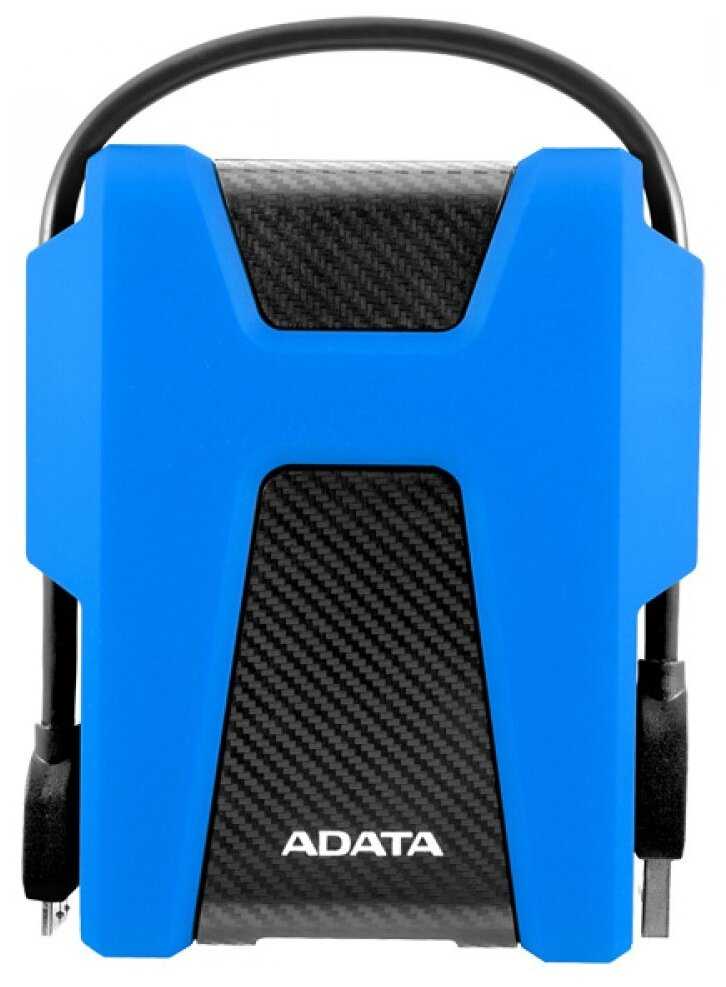
ADATA DashDrive Durable HD680

243 отзывов

от 10578.00 руб.

9.6/10 баллов

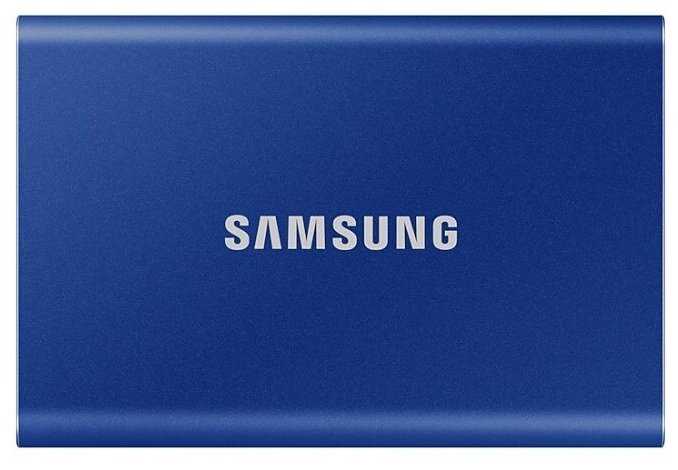
Samsung T7

571 отзывов

от 30409.00 руб.

9.3/10 баллов

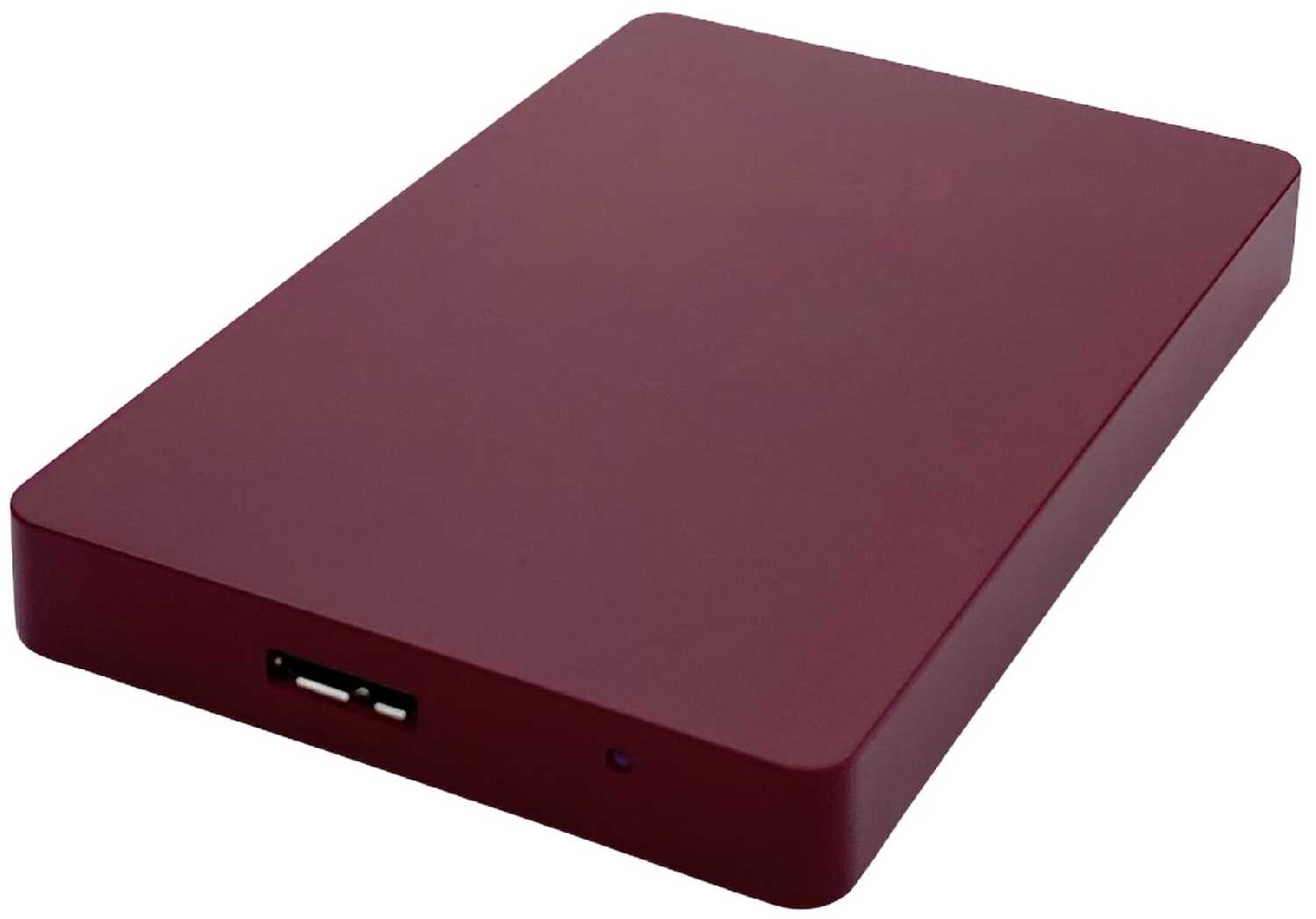
3Q Iris Portable 1 Tb Красный

61 отзывов

от 5450.00 руб.

9.3/10 баллов

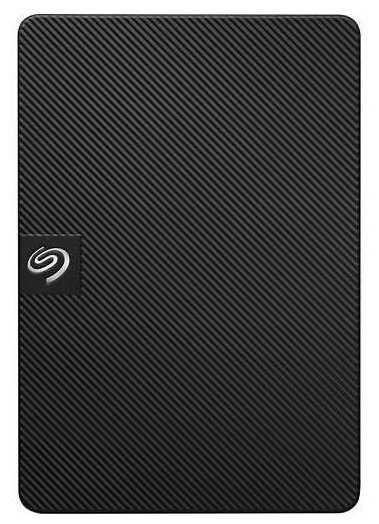
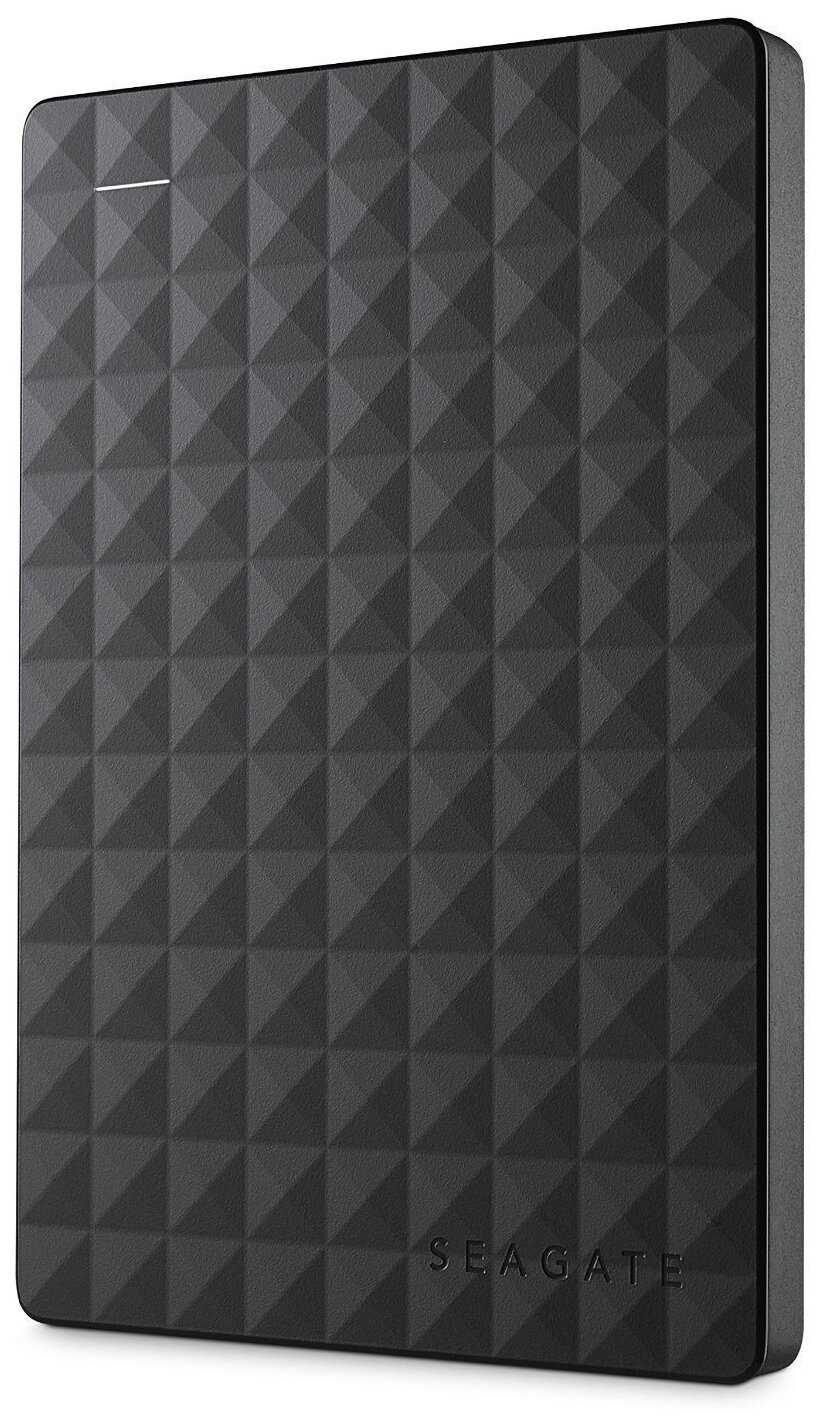
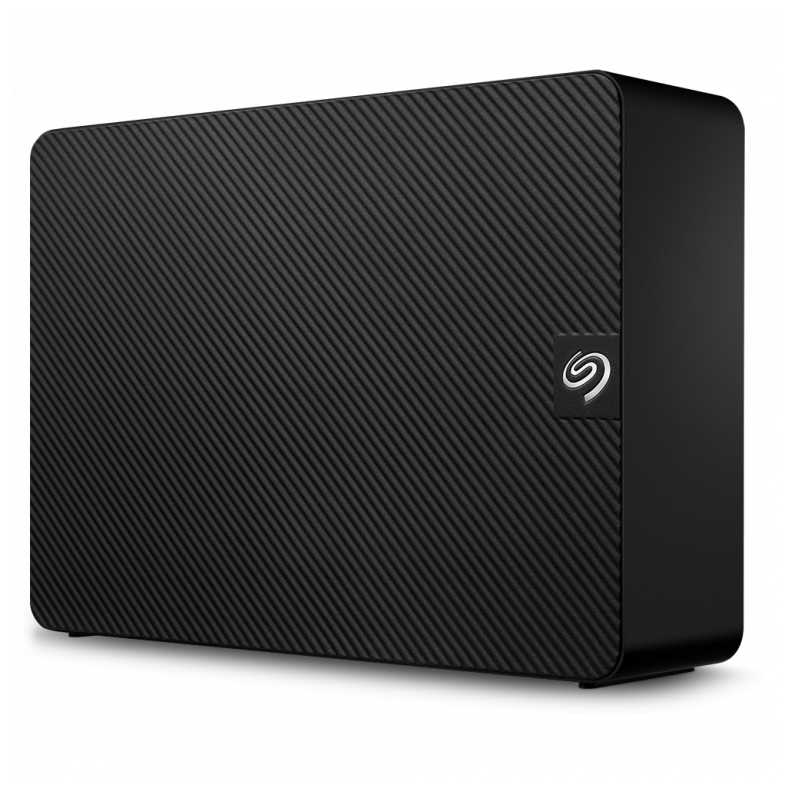
Seagate Expansion (STKM)

819 отзывов

от 10245.00 руб.

9/10 баллов

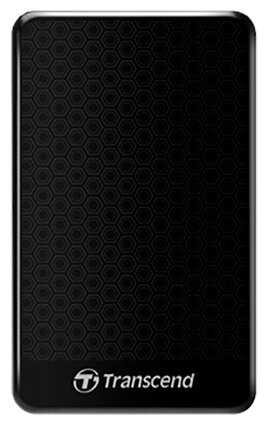
Transcend StoreJet 25A3

266 отзывов

от 7991.00 руб.

8.9/10 баллов

TLC Slim Portable (750 Гб)

51 отзывов

от 7524.00 руб.

8.9/10 баллов

TLC Metallic (500GB)

76 отзывов

от 4573.00 руб.

8.8/10 баллов

Transcend StoreJet 25H3

825 отзывов

от 12677.00 руб.

8.8/10 баллов

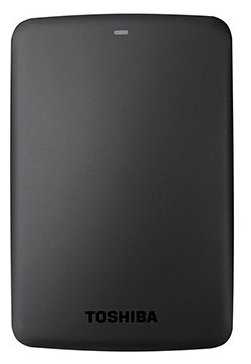
Toshiba CANVIO BASICS

349 отзывов

от 14999.00 руб.

8.8/10 баллов

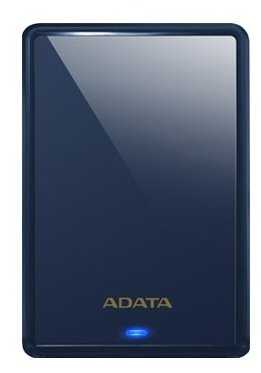
ADATA HV620S

284 отзывов

от 11504.00 руб.

8.8/10 баллов

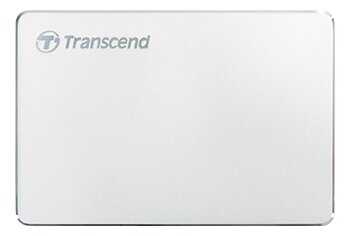
Transcend StoreJet 25C3S

83 отзывов

от 14162.00 руб.

8.8/10 баллов

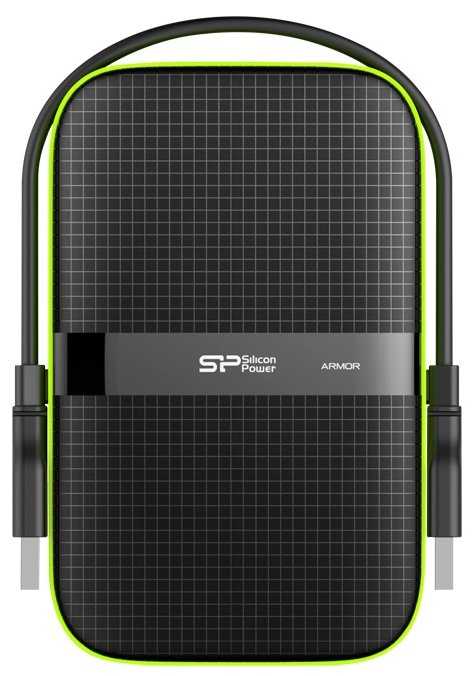
Silicon Power Armor A60

259 отзывов

от 39409.00 руб.

8.7/10 баллов

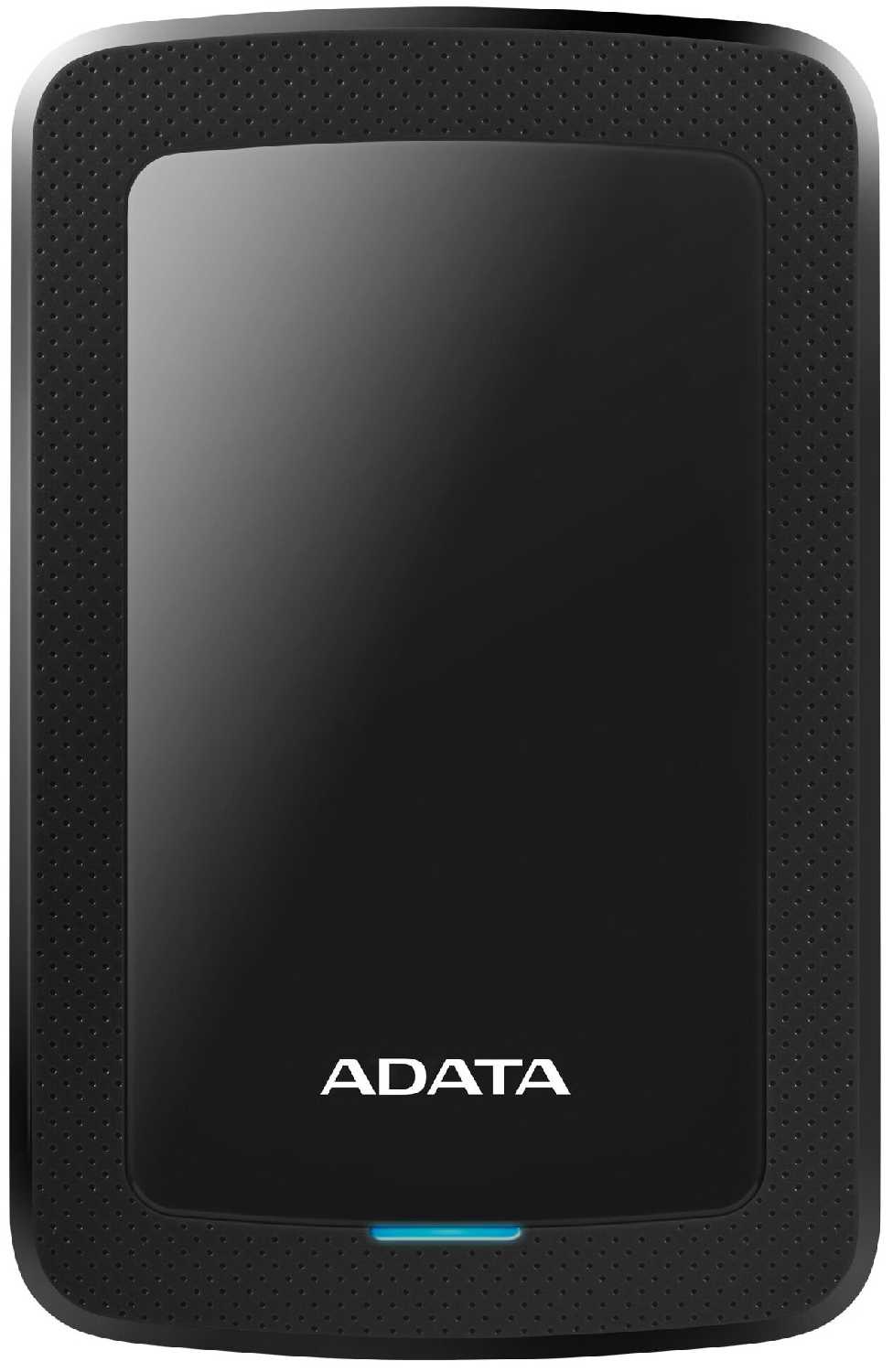
ADATA HV300

87 отзывов

от 13880.00 руб.

8.7/10 баллов

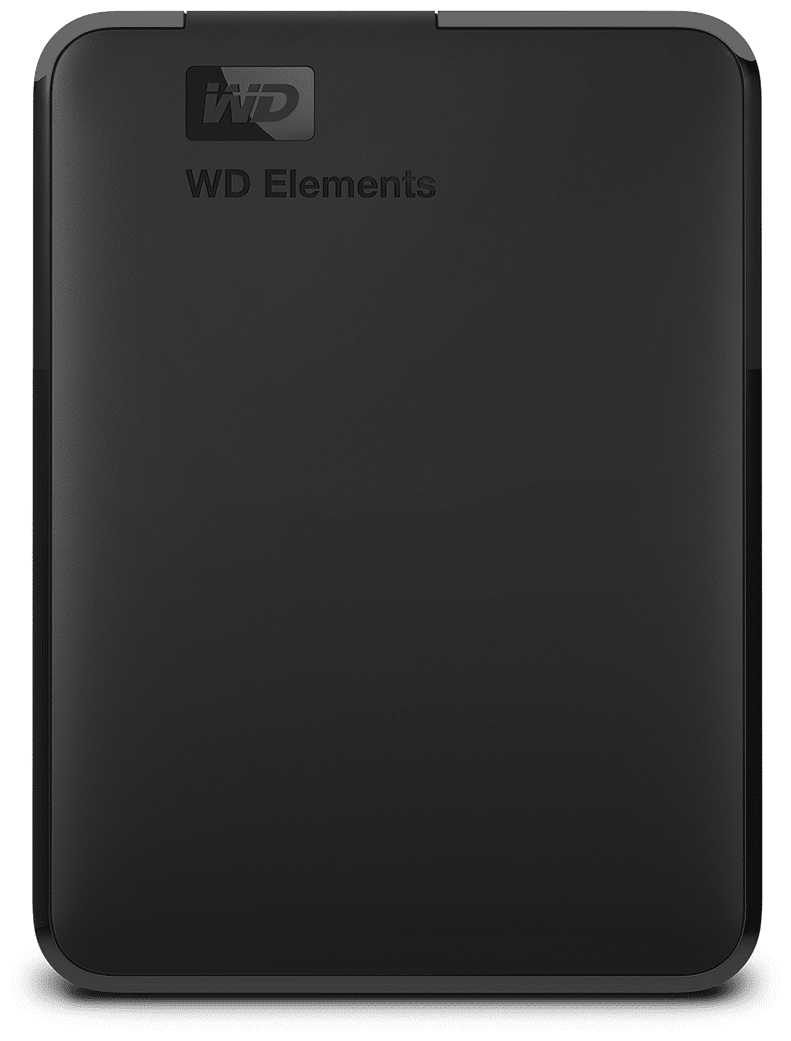
Western Digital WD Elements Portable (WDBU)

1239 отзывов

от 18260.00 руб.

8.7/10 баллов

Seagate Expansion portable, STEA

910 отзывов

от 42421.00 руб.

8.6/10 баллов

Seagate One Touch Desktop Hub (STLC20000400)

47 отзывов

от 59425.00 руб.

8.6/10 баллов

Seagate Expansion (STKP)

28 отзывов

от 60058.00 руб.

8.6/10 баллов

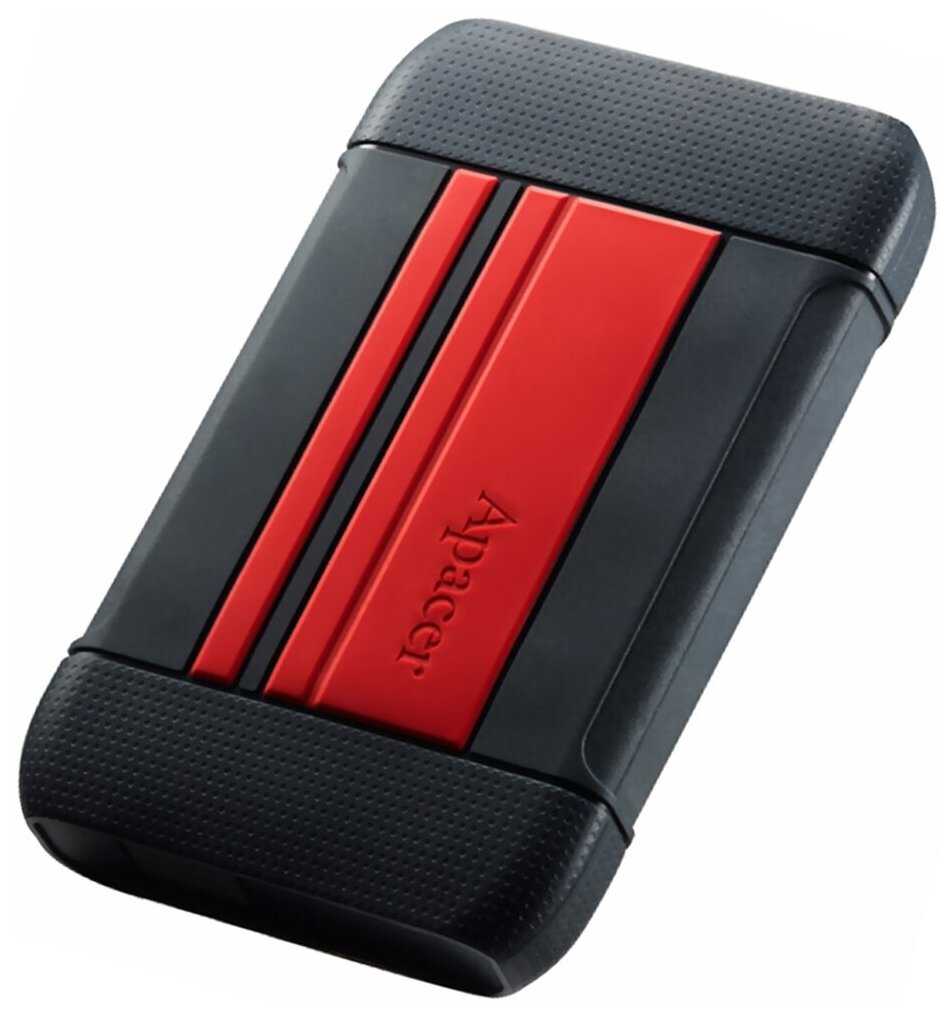
Apacer AC633

23 отзывов

от 10324.00 руб.

8.6/10 баллов

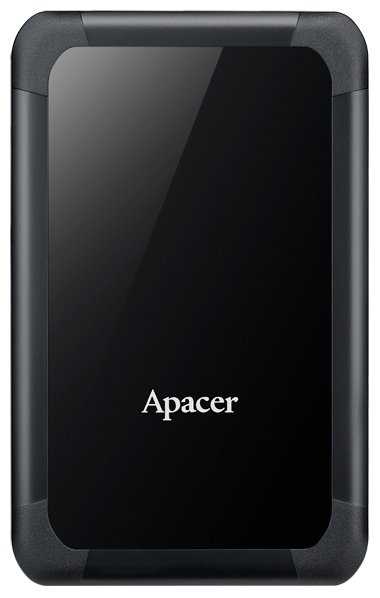
Apacer AC532

48 отзывов

от 5312.00 руб.

8.6/10 баллов

3Q Внешний жесткий диск 500G

12 отзывов

от 3100.00 руб.