Отзывы о Внутренняя звуковая карта ASUS Xonar SE

439 отзывов пользователей о ASUS Xonar SE

Пользовались ASUS Xonar SE?
Поделитесь своим опытом и помогите другим сделать правильный выбор

231
80
38
35
55
Profile no image

Скромный эксперт

15.10.2020

10/10

Оценка пользователя

Великолепно

I took a chance on this card (Xonar SE) as there were no reviews at the time of purchase. I needed to find a basic, inexpensive sound card with optical output as my new micro-atx motherboard did not come with one. The card went in easily, and the latest drivers for Windows 10 from ASUS installed without issue. I made sure to disable my onboard audio in the BIOS first. I can't speak for the analog sound quality, to either speakers or headphones, but the SPDIF optical to my receiver is working perfectly. The card does come with a half-height bracket for those with small form factor machines. It also has a header for front panel audio.
I would certainly consider this sound card if you're in need of an inexpensive one with optical output.
источник
Profile no image

Amazon カスタマー

06.12.2020

6/10

Оценка пользователя

Плохо

同じ会社製のマザーボードで二回に一回は接続されません、再起動すれば使えますが、安定していません。
источник
Profile no image

Скромный эксперт

15.10.2020

4/10

Оценка пользователя

Ужасно

Most motherboards have built in sound. This integrated audio is generally fairly good. If all you want is to listed to YouTube videos, play DVDs, and stream Netflix movies, integrated sound is entirely adequate. But, if you use your computer for more exacting listening, a good sound card is worth considering.

For a good many years, my favorite sound card has been the Asus Xonar DG card. It sounds excellent and it served my needs fine. With Microsoft dropping support for Windows 7, it was inevitable that I would have to upgrade to Win 10. Unfortunately, my Xonar DG card was incompatible with Win 10. I did eventually find new drivers at the Asus site, and was able to restore functioning sound on my other computer. In the meantime, I could no longer find the DG model at a decent price, for my other Win 10 machine. So, I went with the Asus Xonar SE model here at Amazon.

I was bitterly disappointed. The drivers installed in Win 10, but the card and software control panel are total trash. I spent a good deal of time with both and found the control software to be nearly useless. Basic functions like the equalizer are hidden and difficult to use. The control panel was designed by idiots. In particular, the equalizer is stupidly designed. As you boost, say 5 khz, the equalizer LOWERS all other frequencies bands simultaneously! Setting your equalizer is like playing Whack-A-Mole.

I concluded that the Xonar SE is a bad design. Also, there is some kind of issue in the chips or software. I heard a fairly constant pumping effect (the music getting louder and softer, from moment to moment). It sounded like the "breathing effect" associated with dynamic compressors and the like. Just awful.

It's worth knowing that the overall sound and volume levels of my computer improved when I returned to my integrated audio on the motherboard. One curious thing, is that the chips on the board are not labeled. Just blank chips. It makes me wonder. Well, I'm sending this back.

By the way, for those who still favor the Xonar DG, I discovered that eBay has five or six available at any given time for about the same money.
источник
Profile no image

HAYAO

06.12.2020

8/10

Оценка пользователя

Хорошо

光デジタル端子はとても安定して聴けますます。 自分の場合ですとヘッドホンをジャックに繋いでも5.1chが入力されません。そもそも入力されない時もあります。光デジタル端子以外は安定して入力されません。
ドライバーをインストールするとき全て英語表記だったのでとても怖かったです。
источник
Profile no image

Скромный эксперт

15.10.2020

10/10

Оценка пользователя

Великолепно

192kHz/24-bit Hi-Res 116dB SNR for $39. This kind of specs used to cost close to $200. The sound quality is top-notch. The only "high-end" feature it doesn't have is the RCA line output, which high-end soundcards provide. But because it has an optical output, adding a $20 DAC would complete the high end specs.

On Windows 10, the card works without installation of any software. The operating system recognizes the device automatically.

However, it is important to install the Asus driver and software anyway. Asus proprietary driver makes a huge difference in signal-to-noise ratio. The card is actually quite nosy running Windows generic driver. Clearly, signal-to-noise ratio is not just a matter of hardware, but also software (probably both the driver and the signal processor). The software has a management console in addition to the driver.

Also, it's better to download the latest from Asus website, instead of using the CD that comes with the device.
источник
Profile no image

Dusko

06.12.2020

8/10

Оценка пользователя

Хорошо

XONAR SE 5.1 PCIe

So far so good. I didn't have any issues installing it in Windows 10.
This is what I did BEFORE installing the card in my PC:

1. Log into Windows and uninstall Sound Card drivers from Device Manager.
2. Turn off PC and go into the BIOS, disable integrated sound. (Save and exit BIOS)
3. Turn off PC and install the card.
4. Log into Windows, download newest drivers from ASUS and install them. (I didn't touch the CD that comes with it).
5. Reboot, that's it.

As a previous reviewer mentioned, it seems that there's a USB chip in it, actually, if I hold the mouse pointer on the speakers icon from the taskbar, it says "Speakers (USB)". Now, I don't know for a fact if that slows down the PCIe functionality to a USB speed. If so, that's really bad, misleading and wrong. No idea, but it seems to work fine, anyway, that's not an excuse if they're not supposed to use a USB chip on a PCIe device!

Sound:
I have a small Fifine 4 channel stereo mixer where I connect a bunch of audio equipment (including the line out from the card), all that is connected to my old but good powered Altec Lansing speakers. Turned the volume all the way up from the computer, mixer and speakers and couldn't hear any static noises, hiss, hums, nothing! Very impressed! Actually I put my ears to the speakers and couldn't hear a thing!! Be careful if you try that, a sound notification from Windows can give you a very unpleasant surprise, also, that will not be healthy for your audio equipment.

The sound seems pretty flat (which is a very good thing). If I need some EQ, I'll do it myself! BTW, the EQ, FX, ambience or whatever you want to call them, are all turned off by default, another very good thing.
I tested it with a few YouTube videos and a couple of audio files in Audacity, haven't tested a mic, or any advanced audio stuff. It seems to do what is supposed to, haven't noticed any lag. I'm not into surround sound so that's that. The front panel port works as expected. I'll update when I do some other tests.

As per Windows Sound settings, the SPDIF out only does 2 stereo channels up to 24bit 192KHz. So it will NOT output digital 5.1 surround, you will have to use the analog audio connections for that. Anyway, found this in Wikipedia: "S/PDIF can carry two channels of uncompressed PCM audio or compressed 5.1/7.1 surround sound (such as DTS audio codec)". So, I don't care if it doesn't output SPDIF 5.1 compressed sound, but, that's me.

User Interface (UI) seems fine to me, nice, simple, clean and straight forward.

Hope this helps!
источник
Profile no image

Скромный эксперт

15.10.2020

2/10

Оценка пользователя

Ужасно

ASUS Technical Support might be pretty good in general, but there is a glitch in their chat software that routes sound card question to Notebook agents. You cannot get to the sound card agent unless you ask for a supervisor. When I finally got to the agent, I found that there seems to be a two-minute clock ticking over their heads. I kept getting assigned to go check something on the computer (like re-seating the card) and finding that the agent was long gone. I tried three times doing various assignments. The last agent said to send it back to Amazon. I asked for an RMA and the agent did not seem to understand "Return Material Authorization."
The problem with the card was that it could not handle audio streaming. Every two seconds is stops playing audio for ten seconds. I doubt there is any thing wrong with the card. There probably is a simple explanation for the problem, but I seem to be out of luck with these agents. So I will send it back and try a different card, different manufacturer. Irritating.
источник
Profile no image

Dylan Stanton

06.12.2020

10/10

Оценка пользователя

Великолепно

So first off, I love this thing and just installed it a few min ago. I originally needed SPIF out, which my 2019 mobo didn't include for some odd reason (also asus) Before I was taking audio (via HDMI) through a tv, to my sound bar, now it's direct. But wow, what a difference. The highs are crisp, the mids I can actually hear and the lows are more bold. Now, using a sound bar, I can only use 96000hz/24 bit. But thats using toslink, to a soundbar. When I connected my surround sound to it, I'm able to play my flac quality music at 19200hz/24. You won't get any sound if your equipment doesn't support it. As soon as I booted windows up, boom everything was working without the software.

Just remember, a secondary card always will carry better quality than what is built in, no matter the cost. The chip can be fine, but the integration is terrible, and quality suffers. This sound card fixes it. Added bonus, you can connect your front panel sound to the card! my old soundblaster didn't offer that.
источник
Profile no image

Скромный эксперт

15.10.2020

2/10

Оценка пользователя

Ужасно

ASUS XONAR SE 5.1 Channel 192kHz/24-bit Hi-Res 116dB SNR PCIe Gaming Sound Card with Windows 10 Compatibility installed in an HP i5 SFF PC running Windows 7 64 bit with minimal hardware and software.
(The package included a low profile bracket and the card itself is low profile but came with a full height bracket)
The instructions on the included standard size CD say install the card, then install the driver. I tried installing the driver first and the installer was smart enough to report the card missing and halt. After installing the card, the driver appeared to complete successfully and required a reboot. After reboot, an icon for the card's control software had appeared on the desktop. The card appeared in Windows Device Manager with no issues. However, the Xonar management software reported "no card" and I couldn't get any audio output from any of the ports and no illumination of the SPDIF port. The optical port was the only reason I purchased the card and I couldn't confirm if the port is even provisioned.
источник
Profile no image

Скромный эксперт

15.10.2020

2/10

Оценка пользователя

Ужасно

I'm trying to break away from Creative Labs products. This card was my first attempt to do so.

Installation was straightforward; software and driver installation was simple, although I found the software to be pretty lightweight with no way to apply EQ.

Then yesterday & today the card just stopped emitting sound in the middle of a Windows session. Sound could only be restored by restarting the PC.

Amazon approved its return and it's going back tomorrow.

Disappointed.
источник
Profile no image

Glenn Weaver

06.12.2020

10/10

Оценка пользователя

Великолепно

Install for me was a breeze because I build desktops for a living.
IT me less then 5 Mins to install them I went to ASUS's website and downloaded the lhe latest software sounds awesome.
I had to add a sound this sound card to my ASUS Rog Gmaers motherboard Crosshair Formula V AMD Board, I just had to move my Asus Video Card over to access the PCI Express slot because the other one is being used by a wireless card I installed last year.
источник
Profile no image

Скромный эксперт

15.10.2020

4/10

Оценка пользователя

Ужасно

I ordered this card because the motherboard's sound processor stopped sending sound to the surround right speaker. It is an ASUS Z370 motherboard, and this is an ASUS card.

Uninstalled the motherboard sound drivers. Installed the card. As soon as I powered up the speakers, but not the computer, I heard thumping in the left and surround left speakers.

Booted, installed the drivers, made all the volume changes I wanted to make -- problem persisted.

Moving the router around alleviated the problem some, but it still goes on. This never happened when the sound was driven from the motherboard.

The software isn't the most intuitive or useful software, either. It is organized strangely, forcing you to go back and forth dozens of times during calibration, and it doesn't allow for setting speaker distances.

Overall, while I now again have a full set of surround speakers, I'm very disappointed in this purchase. I installed the card too late to return it, but I will probably look for a different card and eat the cost of this one.
источник
Profile no image

Rust Never Sleeps

06.12.2020

10/10

Оценка пользователя

Великолепно

116 db Version:
Easy install into DELL Optiplex 9020 SFF -- comes with Short Bracket for SFF machines.
Windows 10 PRO allows for easy set-up.
Sound quality is excellent throughout the range of music types -- from Rock to Reggae.
The 116 db version handles gaming sound very well -- surprisingly good, with reliable XONAR quality.
I will buy another one for my wife's Dell Vostro -- good stuff !!
источник
Profile no image

Скромный эксперт

15.10.2020

8/10

Оценка пользователя

Хорошо

Definitely a decent little card for anyone on a budget. However -- Xonar Audio Center is a terrible piece of software with horrible naming conventions. Here are just a few of the worst offenders:

Xear Audio Brilliant (with a "Brilliant Level" slider from 1-5)
Xear Surround Max II
Xear SingFX

Any guess as to what the above settings do to the audio input? Me neither. And the software tells you absolutely nothing, so have fun digging around in the manual or support forums to find out. So to prospective buyers: be warned -- with budget hardware comes budget software, but if you are willing to put up with it, the card itself is fine.
источник
Profile no image

Скромный эксперт

15.10.2020

10/10

Оценка пользователя

Великолепно

I needed a new sound card for my old recently upgraded desktop computer I upgraded to Windows 10 and the old sound card did not work with Windows 10....but this ASUS sound card sure does work excellent on my desktop computer! Easy to install physically and software CD install was easy and within 5 minutes after installing sound card and software and restarting my computer....I had sound finally on my old upgraded Windows 10 desktop computer! 5 stars for excellent sound quality.
источник
Profile no image

Скромный эксперт

15.10.2020

2/10

Оценка пользователя

Ужасно

I read this raving review for this product (here on Amazon, below the product info) and the guy says to just put the card in and go to the website, download software/drivers and that it's the best thing ever, especially for the price. Well, bull$4!+ it is. Found out that the drivers aren't really even ready for retail sale. Not for windows 10 at least (found through personal online research through reviews of said product) and that it sounds like crap even if it works for earlier windows versions. The optical out wouldn't even work. Next time I won't believe a review that looks like paradise, it's pretty much bound to be propaganda.
источник
Profile no image

Скромный эксперт

15.10.2020

6/10

Оценка пользователя

Плохо

 The software is fine just not the best. The sound seems very good though. But there is a huge problem with sound if you use power saver in Windows. See my video (hope it uploaded as I can't seen any preview above). You'll see the sound is complete borked if I used power saving mode. But if I change it to balanced or high performance the sound is normal again. Unforgivable as I like to listen to music when I go to bed and I don't want me pc to use up too much power.

Edit: Knocked off one star because the mic jacks were putting out horribly quality audio.
источник
Profile no image

Скромный эксперт

15.10.2020

2/10

Оценка пользователя

Ужасно

After jumping through a bunch of hoops to get the Asus drivers installed, I was finally able to get the card to work but sound quality is bad and it stutters severely. Won't play youtube videos without the sound lagging every 10 seconds and listening to music it sounds like someone is moving the volume control up and down slightly at random intervals. Some research shows that this may have more to do with Windows 10 than the sound card itself but if ASUS can't keep their driver updated to work with my OS, what good is this card to me? Very disappointed.
источник
Profile no image

Lucas

06.12.2020

10/10

Оценка пользователя

Великолепно

The software is weird and unclear. Every time I turn my computer on it tells me I'll have to click "Speakers" to enable speakers and it defaults to headphones. Not sure why it doesn't just save previous settings.

I also wish you could flip the speakers or enable stereo fill mode like most other cards. Other than that no real complaints.
источник
Profile no image

Скромный эксперт

15.10.2020

8/10

Оценка пользователя

Хорошо

It took a couple restarts before installing the drivers to get a clean install on Win10, but it was for the most part easy & seamless. I was hoping for better control of speakers on 5.1 over optical, but it the end it gives me no more control than the factory onboard audio on my MB.. But with that said, it's a great card & does have better seperation in games, & music is clean. It's worth every penny, so all I can do is hope they can muster some driver updates to utilize more of what the card has to offer in speaker control, even over optical into a good home receiver.
источник
Profile no image

C Marchetti

06.12.2020

8/10

Оценка пользователя

Хорошо

I got this card to replace the motherboard sound which no longer works. The hardware install and software setup was painless, the PCIe version of the card is detected as a USB device and works with the builtin USB audio driver on recent Linux (5.8.0 when I first bought this card and no issues with later upgrades).

The only setup issue is that the default volume assigned by ALSA is about 40%, so the sound was usually quiet and required boosting volumes in applications beyond 100%. Once I corrected this the volume range and audio quality on recording and playback has been great.
источник
Profile no image

Скромный эксперт

15.10.2020

10/10

Оценка пользователя

Великолепно

It absolutely works in Ubuntu 18.04 and variants. Just one thing, open a terminal and type "alsamixer" and turn all those colored bars all the way up as they'll probably be half-way.

I had a very old M-Audio Revolution 7.1 I payed like ~$70 for and let me tell you...technology has advanced. This card is a few miles ahead of that old card. Ultra-clear audio with zero noise. I'm happy.
источник
Profile no image

David G.

06.12.2020

8/10

Оценка пользователя

Хорошо

Bought this card to eliminate some RF noise problems experienced with integrated sound output. Had hoped a dedicated sound card would fix everything. 90% better though. Still hear the RFI when transferring files via USB hub.
источник
Profile no image

Скромный эксперт

15.10.2020

10/10

Оценка пользователя

Великолепно

I have not had a discrete sound card since a Soundblaster 16 some time in the 90's. Onboard audio has been just fine to me all this time, until I got saddled with a very poor Realtek chipset on a Asrock Taichi z390 motherboard. Drivers were appallingly bad, especially for the mic. I contemplated a replacement motherboard, but instead of dropping $280 there, I thought $40 for a sound card would be the better option. It was definitely the right choice. Music was clearer and richer and ambient sounds in games like Red Dead Redemtion 2 or TheHunter were improved and more immersive. Adding this card has extended the life of my PC by several years in my mind.
источник
Profile no image

Padremellyrn

18.12.2020

10/10

Оценка пользователя

Великолепно

The soft ware itself didn't automatically install and set up, I did have to do a bit of manual operations to get the total output, but this is every bit as good as any SoundBlaster 5.1 that I have ever had, and beats the Startek 5.1 in flexibility. Once you get the soft ware install for Windows 10, there is a lot tweeking you can do to get your output the way you want. There is so many 'options' it takes a bit playing to get the top working output but worth.
You do have to a bit of technical skills to get it to the control center installed and some of the options are not 'intuitively obvious', but it is easy to change options and try different set ups, and even configure the speakers in stereo, Quadrophonic or 5.1, and even allows for 7.1 configuration if have the speakers for it. Cables are color coded for easy of installation in the 5.1 speaker set up.
Good price, good quality, and it does work with windows 10
источник
Profile no image

Скромный эксперт

15.10.2020

4/10

Оценка пользователя

Ужасно

This is an average sound card at best. I am in the process of building a rack mount PC for my DJ setup and am looking for a good low profile sound card that can at least match my years old sound blaster Omni USB sound card and this isn’t it. The software like most cards including my Omni is absolute garbage, looks like a 8 year old new to programming made it. the headphone amp built in is nothing special and the volume on max in really low and lacks punch. Really unimpressed. It’s marginally better than my mobo’s built in audio but doesn’t live up to the hype ASUS prints on the box. Epic fail for music uses.
источник
Profile no image

Скромный эксперт

15.10.2020

2/10

Оценка пользователя

Ужасно

Got this and it installed perfectly. plugged in the spdif cable and had nice stereo sound. Wait, what, stereo this thing says it supports 5.1 sound. Ok installed their software and looked for the setting to select 5.1, but there is no setting. After multiple contacts with customer support, They tell me "Please be advice that again there's no 5.1 setting from the card but will need a 3rd party receiver to decode the stereo/raw signal from the card. And there's nothing more we can suggest at this point as there might be cable and/or compatibility/setting issue on the 3rd party device." So they are blaiming my receiver which specifically says it handles DTS and Dolby audio. So if you need this for 5.1, I would move on. Ordered a soundblaster card, and magically it works.
источник
Profile no image

Скромный эксперт

15.10.2020

6/10

Оценка пользователя

Плохо

Not nearly as loud as the onboard sound card I replaced when it stopped functioning... thus the 3 stars. Other than that it was fairly easy to install by following some of the pitfalls to avoid in posts of other reviewers. At least I have sound again.
1. Disable existing soundcard in bios.
2. Download software for the appropriate OS and model of soundcard from the website, don't bother with CD - way out of date.
3. Shutdown and install soundcard and reboot. My PC installed a generic driver without asking. It didn't even tell me it had found new hardware. I just installed new software from the website and rebooted again.
4. Go into Control Panel Sound App and set Xonar as default. I had to disable all other items in Sound App, set Xonar as default, and then re-enable the other items.
I am not using for gaming and did not use tech support so cannot comment on those. Using for videos and internet sites.
источник
Profile no image

Скромный эксперт

15.10.2020

10/10

Оценка пользователя

Великолепно

I got this card to fix the dreaded "red X" in Windows 10 audio playback drivers that I had for the better part of a year, and no negatives to report here. Plugged the card in, turned on the computer, and it was running already without me having to install the driver CD that it came with. It even works in conjunction with the aftermarket bluetooth card i installed on the motherboard without further drivers. For reference, I have a Gigabyte Gaming G6 MB with an intel I5 6500.
источник
Profile no image

Скромный эксперт

15.10.2020

2/10

Оценка пользователя

Ужасно

I wanted a cheap/simple sound card for my desktop and ended up choosing this Asus card. It did the job for a little over 4 weeks (just past the return window.) My computer recognizes the card but no sound comes out, and says speaker not plugged in. I tried moving the card to a different port, it worked again for 1 day then did the same thing. Moved it around some more and got no results. Dead card after 4 weeks of use. I ended up just plugging my speakers into the main board and I get the same quality sound anyway.
источник
Profile no image

Скромный эксперт

15.10.2020

8/10

Оценка пользователя

Хорошо

It was a bear to install. I've read other reviews where others say it was a breeze and others like me. I am very experienced and i had a hard time but In the end, I like the card.. Make sure to download the latest drivers from the ASUS web site after the install.
источник
Profile no image

Скромный эксперт

15.10.2020

4/10

Оценка пользователя

Ужасно

Case bracket required bending to keep it from pulling the card out of the slot. Worse in Windows than the Soundblaster Z, not great in Linux. I dug an old Xonar DSX out of my junk in the basement. This was much better! I had to tweak Linux just a little so it could see the subwoofer, probably happens with every card. I had originally retired this card due to some Windows driver hell. Looks like the UNI driver has been improved a bit since the last time I tried. it.
источник
Profile no image

Скромный эксперт

15.10.2020

4/10

Оценка пользователя

Ужасно

A nightmare indeed as another user mentioned. Getting the subwoofer to work has been nearly impossible.
Merely connecting a cable from the card to sub DOESN'T WORK. I must enable an EFFECT called XEAR or something.
It seems to put sound through the sub, but guess what? Once I restart my PC, Win10, all of the settings are gone, so NO SUB again. Zero support for this problem. Returning immediately.
источник
Profile no image

Скромный эксперт

15.10.2020

10/10

Оценка пользователя

Великолепно

I installed this on the personal PC of a physician who uses it to listen to online radio stations. His onboard sound (from the motherboard) had died due to a hardware failure and he was unhappy. This was a five-minute fix. Windows 10 found and installed the drivers automatically. Didn't even need the included driver CD. He's a happy camper, in his own words. Great product, as far as I'm concerned!
источник
Profile no image

Скромный эксперт

15.10.2020

10/10

Оценка пользователя

Великолепно

Very solid option for the price. I was looking for sound cards to eliminate hiss and most were 80 dollars or more, and even those had reported issues with annoying driver software. I chose asus because I figured the drivers wouldn't be unsupported crap, and I am pleased. Audio quality is very clear without hiss. Only downside is it doesn't really boost volume, or have bass boost options similar to my portable amp, but this did what I wanted for a cheap price. Also the PCIE card is just plug and play, with a slot to connect to your front jack.
источник
Profile no image

Скромный эксперт

15.10.2020

10/10

Оценка пользователя

Великолепно

Sound card was a great improvement over the stock onboard system on my PC. I added a set of Bose speakers to this card...and all I can say is WOW.....very impressed. Would definitely buy again. Card is very compact and does not interfere with the air ventilation needed for my video card as complained by others, and I have to say, for an Asus product, it is very impressive. No interference noise or anything as even complained by others by the competing Soundblaster card.
источник
Profile no image

Скромный эксперт

15.10.2020

10/10

Оценка пользователя

Великолепно

I love this sound card and I did not have the troubles that other reviewers mentioned because the card is acting as a pass-thru for me. I bought this card since my computer MoBo did not have optical output and I could not connect it to my external DAC/AMP stack. The card is tiny and easily fit under my thicc graphics card. As for set up, there was none. I installed the card and windows 10 immediately recognized the card and labeled the sound outputs accordingly in the sound control panel.

I can't speak for the audio quality since I'm only using this as a $35 adapter. I wouldn't expect this to be better than most external audio solutions, but I promise it will be a big step up from on-board audio. Just don't expect gaming "headsets" to accurately reflect the gains from the amp in the card.
источник
Profile no image

Скромный эксперт

15.10.2020

2/10

Оценка пользователя

Ужасно

The price was good and I have bought cheaper cards that were pretty good so figured I would try it. Waste of money used it for a 4 months without any problems and used the optical jack from the beginning. switch to other outputs when the audio started delaying off and on then in the end the sound would stop for a few seconds off and on. maybe a bad one? or ........
источник
Profile no image

Скромный эксперт

15.10.2020

4/10

Оценка пользователя

Ужасно

Great sound card but has one major issue.

It seems when using the “high power” mode to drive higher end head phones there is an issue where there will be a static build up on the headphone that can shock you and cause a static noise in one of the ear drivers.

You then have to hard power off your PC to remedy this issue. This can also cause damage to your motherboard as you’re sending a jolt of electricity right back through the PCI lane. I have replaced this sound card at least 3 times and every card has had the same issue, across multiple PCs. I even had this issue on their old Xonar DGX cards, so there is something strange with how they are grounding it.

I will now have to replace my motherboard as it has sustained so much damage from it that it frequently just shuts off. Please be aware when buying ASUS sound cards.
источник
Profile no image

Скромный эксперт

15.10.2020

10/10

Оценка пользователя

Великолепно

Great Product! Plugged into my ASUS B450-F Gaming Motherboard and it was ready to go. Just remember to turn off your onboard sound in your BIOS before installation and you’ll be good to go!
источник
Profile no image

Скромный эксперт

15.10.2020

10/10

Оценка пользователя

Великолепно

Didn't ever think a sound card would make such a difference, but even with a slightly budget headset, music is so much more crisp and loud, and gaming is so much more immersive. Such an upgrade over my garbage onboard audio on my Gigabyte Aorus M. You have to tweak some of the settings in the Xonar Audio Control app, but it's easy to use and in just a few clicks I had everything to my liking. Only sound card I've owned and I'd say it was definitely worth it.
источник
Profile no image

Скромный эксперт

15.10.2020

8/10

Оценка пользователя

Хорошо

I did get this to work somewhat. I wanted to use this for my 5.1 sound system but I had to do some research and jump through some hoops to get it to work. I finally got the rear speakers and sub to work but some tracks have missing parts. It's better than stereo but not by much.
источник
Profile no image

Скромный эксперт

15.10.2020

8/10

Оценка пользователя

Хорошо

For a while, I've been plagued by noisy computer audio; I could hear when my mouse moved across my screen. Even when I bought the acclaimed Modi 3 DAC from Schiit audio, it could only reduce the motherboard noise, but not eliminate it. This was due to the noisy USB power/ground making USB DACs ineffective.

However, the Xonar SE was able to nigh eliminate noise from my computer audio, especially when passed through my DAC through toslink. Even the analogue out was clean enough to use directly, and can provide enough juice to power full sized headphones.
источник
Profile no image

Скромный эксперт

15.10.2020

10/10

Оценка пользователя

Великолепно

Not really what I was expecting. I was hoping it would work as good as an onboard spdif optical but it doesn't. It has some weird glitchy signals so when you skip through a video or song, it will either tell my amp/receiver to go full blast on the volume or will cut out completely.
источник
Profile no image

Скромный эксперт

15.10.2020

4/10

Оценка пользователя

Ужасно

I'm impressed with the sound, and the features. But on boot, the default sound output is to headphones, not speakers. I've tried everything I can think of to changing this without any luck. So for best sound, on boot, I have to open the board's interface, and select "Speakers". I cannot get this to be the default.
источник
Profile no image

Скромный эксперт

15.10.2020

2/10

Оценка пользователя

Ужасно

Windows 10 64 bit user: I had no issue with the installation of the driver itself (SE model) but the sound was not working correctly. I got sound for maybe a split second (sometimes) and an odd click/ticking sound (sometimes). That's about it. I bought this only for the optical output. FYI, the Uni drivers don't support the SE model. I did see a lot of negative reviews here and now I see even more on other websites. Good luck to anyone that gives it a try but I don't want to spend more time troubleshooting.
источник
Profile no image

Скромный эксперт

15.10.2020

8/10

Оценка пользователя

Хорошо

In an electronically-noisy Dell Optiplex 9020 this delivers clean detailed and quiet sound, both on speakers and phones. Tried an outboard USB dongle but that was as noisy as the onboard Realtek. This works well, input A/D is good too (I record old tapes).
Recommended especially for the price.
источник
Profile no image

Скромный эксперт

15.10.2020

10/10

Оценка пользователя

Великолепно

Lost all sound when I switched from Windows 7 to 10. After struggling with my old Creative SoundBlaster card and having no luck, I decided to get the Asus Xonar and I am glad I did. It was not too expensive and works with Windows 10. The installation wasn't difficult; old card out, new card in, ran the installation disk and could finally hear sound.
источник
Показаны отзывы 153-200 из 439.

Похожие товары с лучшей оценкой
9.6/10 баллов

MOTU M2

69 отзывов

от 34900.00 руб.

9.5/10 баллов

BEHRINGER U-PHORIA UMC204HD

117 отзывов

от 15550.00 руб.

9.3/10 баллов

Arturia MiniFuse 2

136 отзывов

от 19300.00 руб.

9.2/10 баллов

UGreen CM129

121 отзывов

от 1599.00 0

9.1/10 баллов

Universal Audio VOLT 1

55 отзывов

от 21450.00 руб.

9.1/10 баллов

Steinberg UR22C

305 отзывов

от 27390.00 руб.

9.1/10 баллов

BEHRINGER U-PHORIA UMC404HD

783 отзывов

от 20600.00 руб.

9.1/10 баллов

Creative Sound BlasterX AE-5 Plus

378 отзывов

от 36373.00 руб.

9.1/10 баллов

Edifier GS 01

77 отзывов

от 2236.00 руб.

9.1/10 баллов

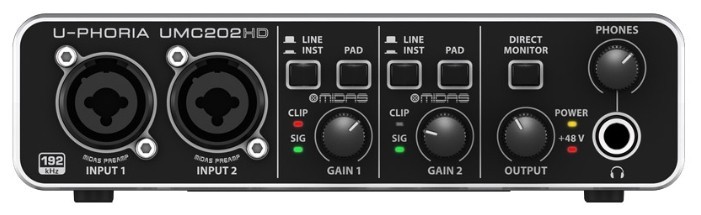
BEHRINGER U-PHORIA UMC202HD

75 отзывов

от 10900.00 руб.

9.1/10 баллов

Universal Audio VOLT 2

37 отзывов

от 33018.00 руб.

9/10 баллов

Creative SB Play! 3

420 отзывов

от 2639.00 руб.

9/10 баллов

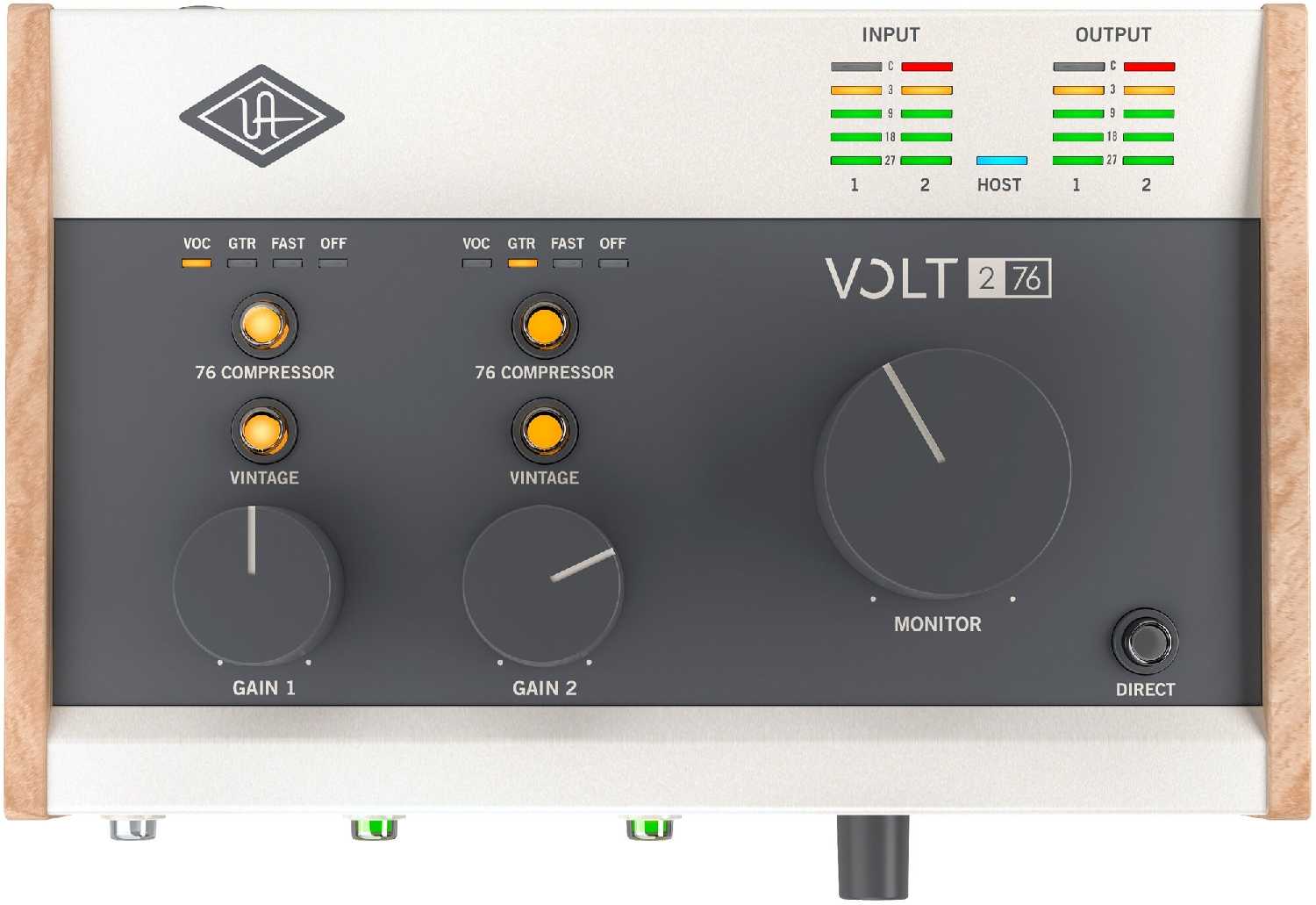
Universal Audio VOLT 276

32 отзывов

от 40350.00 руб.

9/10 баллов

Creative Sound Blaster X4 (Super X-Fi Ultra DS

203 отзывов

от 26430.00 руб.

9/10 баллов

UGreen 2 в 1, USB аудио интерфей

86 отзывов

от 655.00 руб.

9/10 баллов

Audient ID14 MKII

81 отзывов

от 33700.00 руб.

8.9/10 баллов

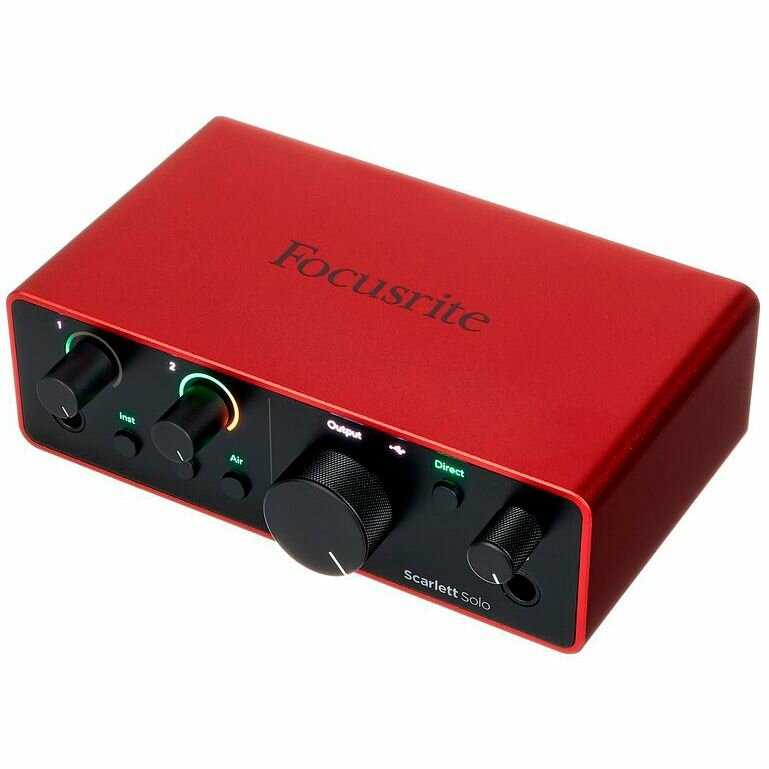
Focusrite Scarlett Solo 4th Gen

149 отзывов

от 33000.00 руб.

8.9/10 баллов

Creative Sound Blaster X5

65 отзывов

от 44278.00 руб.

8.9/10 баллов

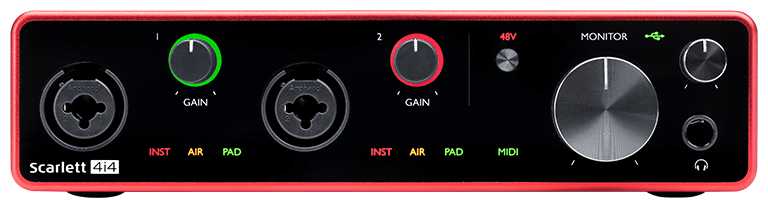
Focusrite Scarlett 4i4 (3rd Gen)

41 отзывов

от 51590.00 руб.

8.9/10 баллов

Roland Rubix24

24 отзывов

от 29256.00 руб.