Отзывы о Внутренняя звуковая карта ASUS Xonar SE

7.4/10

Хорошо


  • чистый детальный звук
  • мощное усиление наушников
  • компактный размер
  • лучше встроенного Realtek
  • оптический SPDIF
  • сброс настроек при выключении
  • кривые драйверы
  • проблемы с 5.1
  • слабый микрофон
  • плохая сборка

Рейтинг: Хорошо 357 отзывов

87 место из 166 в категории Звуковые карты
189
66
30
30
42


Краткие характеристики:

  • PCI-E
  • разрядность ЦАП: 24 бит
  • частота дискретизации ЦАП: 192 кГц
  • ASIO 2.2


Плюсы по отзывам пользователей - Почему стоит купить ASUS Xonar SE?:

  1. Значительно лучше встроенного звука Realtek:
    • Чистый, детальный звук без шума и шипения, заметно на FLAC, Hi-Res и MP3 320 кбит/с.
    • Улучшенные басы, высокие и средние частоты, музыка звучит объемнее и сочнее.
    • В играх (Witcher 3, GTA 5, шутеры) лучше позиционирование шагов и эффектов.
  2. Мощное усиление для наушников:
    • High Gain режим дает запас громкости для наушников до 300 Ом (Sennheiser, Marshall, Audio-Technica).
    • Раскачивает даже требовательные модели, звук громче и чище без искажений.
    • Нет наводок от ПК, мыши или видеокарты при хорошем БП.
  3. Компактный размер и удобная установка:
    • Маленькая плата не мешает airflow к видеокарте, подходит для mATX и низкопрофильных корпусов.
    • Автоопределение в Windows 10/11, драйверы с сайта ASUS ставятся просто.
    • Работает без отключения встроенного Realtek в BIOS.
  4. Полезный софт Xonar Audio Center:
    • 10-полосный эквалайзер, эффекты (Audio Brilliance), пресеты для Hi-Fi, игр, кино.
    • Переключение gain, регулировка усилителя, виртуальный 5.1 для стерео.
    • SNR 116 дБ подтверждается отсутствием помех в тишине.
  5. Оптический выход SPDIF:
    • Подходит для саундбаров, ресиверов, акустики Edifier (R2000DB, S730).
    • Чистый звук по оптике для 2.0/2.1, передает PCM без задержек при правильной настройке.
    • Улучшает звук в кино и музыке по сравнению со встроенным.
  6. Хорошее соотношение цена/качество:
    • За 2500–3500 руб. превосходит встроенные чипы ALC887/892/1220.
    • Подходит для повседневного использования, игр, музыки не-аудиофилам.
    • Работает в Linux без доп. драйверов.

Минусы по отзывам пользователей:

  1. Сброс настроек после выключения ПК:
    • Автоматически переключается на "наушники" вместо "колонок" или 5.1 при обесточивании.
    • Требует ручной правки в Xonar Audio Center каждый раз, подтверждено поддержкой ASUS как "аппаратная особенность".
    • Работает только при перезагрузке, не при полном выключении.
  2. Проблемы с драйверами и софтом:
    • Кривой Xonar Audio Center: падает, не сохраняет выбор устройства, конфликты с NVIDIA/Realtek.
    • Заикания, прерывания звука при движении мыши или свертывании окон (решаемо отключением HPET, C-states).
    • Слабая поддержка Windows 11, устаревшие драйверы, проблемы с установкой.
  3. Ограниченная поддержка многоканального звука 5.1:
    • SPDIF передает только 2 канала PCM или сжатый DTS/DD, без Dolby Digital Live/DTS Connect.
    • В стерео-режиме не всегда разводит на 5.1, проблемы с колонками (Logitech X540, Sven).
    • Требует хаков (Voicemeeter, отключение устройств) для стабильности.
  4. Слабая запись микрофона:
    • Громкость скачет, помехи, хуже встроенного на некоторых платах.
    • Не раскачивает микрофоны в наушниках (Sennheiser GSP 300) стабильно.
    • Шум на входе, не для стриминга/голосового общения.
  5. Недостатки сборки и внешний вид:
    • Загнутые конденсаторы, кривая пайка, выглядит дешево (маленькие разъемы).
    • Тугой гнездо микрофона, тесные разъемы для толстых штекеров 5.1.
    • Нет винтика в комплекте, иногда болтается в слоте.
  6. Не для аудиофилов и high-end:
    • Звук субъективно хуже Creative X-Fi/Audigy для требовательных систем.
    • Искажения эквалайзера/эффектов, плоский звук без настроек.
    • Треск на 24/192 кГц, задержки на оптике у некоторых.


357 отзывов пользователей o ASUS Xonar SE

Пользовались ASUS Xonar SE?
Поделитесь своим опытом и помогите другим сделать правильный выбор

Profile no image

Скромный эксперт

15.10.2020

2/10

Оценка пользователя

Ужасно

Bad product
This card is not good sound quality is very bad
bad product i dont like it
источник
Profile no image

Скромный эксперт

15.10.2020

10/10

Оценка пользователя

Великолепно

Good
Good
источник
Profile no image

Скромный эксперт

15.10.2020

2/10

Оценка пользователя

Ужасно

No return policy from this seller
Product is Good but don't buy from this seller, after purchasing it's shows no return policy on this product, bad experience
источник
Profile no image

Скромный эксперт

15.10.2020

2/10

Оценка пользователя

Ужасно

Don't buy this,low sound quality,onboard is good
Don't buy this one,lose of money,it have less quality
источник
Profile no image

Скромный эксперт

15.10.2020

10/10

Оценка пользователя

Великолепно

Good
Good
источник
Profile no image

Скромный эксперт

15.10.2020

2/10

Оценка пользователя

Ужасно

No new dolby support
No support for dolby sound. If codec in driver for dolby and surround provide by asus it is good.
источник
Profile no image

Скромный эксперт

15.10.2020

4/10

Оценка пользователя

Ужасно

Worked fine immediately after installation (with minor complaint: every time we restarted our computer we had to reconfigure device to output sound to the connected 2-channel speakers, rather than the default: 2-channel front-panel headphones, which were NOT connected). Bizarre, that for 21 GBP, one cannot have reliable auto-detection of connected audio devices!)

Sound quality was OK while it worked: residual buzz while switched on without sound output was very minimal and unintrusive compared with the basic motherboard sound output we used previously.

1 week after installation, we noticed that the sound was very tinny: listening to the speakers, only one side (right) was working. 1/2 of the green rear 2-channel output 3.5mm audio jack was broken (electrically, but not physically): I tested with various devices (speakers, earphones) on various output jacks, and was able to eliminate the possibility of speaker/wire damage: the issue was clearly a fault with the sound card.

Returning, will go back to using motherboard's built-in sound output, or will order something else (perhaps an equivalent Sound Blaster).
источник
Profile no image

Скромный эксперт

15.10.2020

10/10

Оценка пользователя

Великолепно

I bought this card because the sound on my motherboard packed up. I picked this one as all my other gear is Asus.
It was easy to install on a spare pci slot and I connected the front panel HD audio panel.
The drivers were easy to install on my dual booted XP and Windows 7 64. Just install the card and boot up. Just make sure you disable the on board sound in bios and uninstall all the sound drivers before installation.
I was amazed at the power of output and the quality. Through headphones you can simulate 7.1 surround sound and Dolby surround. There are many adjustments you can make in the console.
The sound quality is far superior to any on board sound.

I can now confirm that this card works fine with Windows 10.
источник
Profile no image

Скромный эксперт

15.10.2020

6/10

Оценка пользователя

Плохо

These ASUS Xonar cards are always a bit finicky it seems. I got this to replace a PCIe card that I could no longer fit in my cramped machine due to a change around in the USB department. The old card was Xonar too, and I remember being a pain to get going. This one was no different, and was frustrating before I got it working.

Sound reproduction is great, but every now & then it will crash the PC when you stop music, which lost it another star. It also crackles a bit when you pause and restart music from MusicBee, which always makes me expect another blue screen. Sometimes when it crashes it does so repeating the last few microseconds of output like a buzzsaw, which has you wincing and reaching for the off-switch. I haven't looked into resolving the issue myself yet, so I'm not going to rubbish it further, especially as the onboard sound on my motherboard is fried, so it's that or nothing.
источник
Profile no image

Скромный эксперт

15.10.2020

10/10

Оценка пользователя

Великолепно

When installed correctly and once the DG Audio Centre is configured correctly for 2 channel audio, I can say without reservation that you would be hard pushed to tell any difference between this card and the Asus Xonar Essence One muses Edition (costing over 20x more) when using headphones for stereo output. It has a proper on board "hardware" headphone amp and will drive pretty much anything.

I have compared both these "DACS/AMPS" driving Grado SR60i & AKG K701 headphones and at a matched volume level. I cannot honestly say that I could not identify any significant difference between the two. However, the essence one comes into it's own when used as a full blown pre amp driving running into a full blown Hi-Fi system with power amp and speakers, but as a headphone amp I'd go for the DG every time purely based on price / performance ratio. If only want to run headphones, look no further and don't waste your money on overhyped products costing £100's if not £1000's more.

I must stress that the drivers and Audio Centre software need to be properly installed and configured to get this card to sing, but once it does, you will be pleased you didn't spend any more!

Here is a great article about how our brains tell us something is better because we want it to be, its called "cognitive bias", we are all biased by the price tag but in reality, it's about what it actually sounds like to you that counts and not the price tag. http://www.tomshardware.com/reviews/high-end-pc-audio,3733-10.html
источник
Profile no image

Скромный эксперт

15.10.2020

2/10

Оценка пользователя

Ужасно

No amount of effort made this HORRIBLE card want to install. I have over 20yrs experience with computers and this just REFUSED to install no matter what I tried. I spent 6 solid hours and got NOTHING. I'm currently in the process of returning it. I'll see if a USB sound card is a better option.

Running W7 x64 SP1 with all the latest BIOS, latest drivers, latest updates for all my kit, also tried safe-mode and many, many other things too. I even tried the 3rd party UNIxonar drivers,. nothing worked. I did all I knew how and it steadfastly maintained a stubbornness I've not experienced in hardware installation, (software primarily, but you get what I'm saying).

I've had it with Asus,.. really fed up with them. The annoying thing is that I'm not even happy with Creative either,. they're just as inept and lazy as Asus; both their drivers and software, (Asus and Creative alike), are bloody AWFUL - what's even MORE frustating is that these two firms are supposed to be the best! Disgraceful!

So once again I'm back to using the on-board audio,.. which is terrible, but at least it works!
источник
Profile no image

Скромный эксперт

15.10.2020

4/10

Оценка пользователя

Ужасно

Sorry to say that after spending hours on failed installations and failed fault finding with Asus customers services I have returned the card for a refund - its just not worth the hassle. 1 It does not recognise the disc download and keeps telling you you need to install the card when it is there.
2. It would not allow my computer Win 7 Home Premium 64 bit to shutdown and could only be closed by pulling the plug! 3. Updates from Asus website failed to install. Finally Asus customer services were very polite and quick to respond offered no real solution.
источник
Profile no image

Скромный эксперт

15.10.2020

8/10

Оценка пользователя

Хорошо

I bought this to replace my old Soundblaster Audigy 4, which had problems with mic stuttering in Windows 7. I have to say given its price this card has exceeded all my expectations. Sound quality is great, as good or better than the soundblaster it replaced, and significantly better than my motherboards onboard audio. A particularly great feature is the built in headphone amp. On a lot of soundcards volume levels through headphones are far too low as the card is expecting amplified speakers, not a problem here as you can use the control panel that installs with the cards drivers to have the card amplify the sound. There are 3 levels, each for different usage scanarios and/or types of headphones. The only downside and the reason it has 4 stars instead of 5 is that there is no hardware midi support, only software playback. Given that even the cheapest cards have had hardware playback for years now it seems an odd decision not to include it. However it is only a minor issue at most and for the majority of people a non issue. A highly recommended soundcard, especially if you use headphones often
источник
Profile no image

Скромный эксперт

15.10.2020

10/10

Оценка пользователя

Великолепно

I initiated purchase of a PCI sound card for one reason only: Like most onboard sound cards, the one on my ASUS P8Z77V-LX motherboard generates an annoying "POP" on PC boot that is completely out of character with an otherwise very refined system.

The ASUS DG card is inexpensive and supports a front panel connection, so I ordered one.

The first one was faulty (not detected in any PCI slot despite care taken to observe anti-static precautions) and replaced without quibble by Amazon. The second one installed flawlessly, first time, having of course first disabled the onboard soundcard via the BIOS utility.

My pleasant surprise has been the staggering difference in sound quality both compared to the onboard sound card ("wooden") and also a Creative Soundblaster Audigy card (nothing special) that I used until recently in another PC, in the same location, with the same Creative 5.1 amplifier and speakers. Sure, it is not a patch on high end HiFI kit, but music is surprisingly, well, musical - and enjoyable for it. 5.1 imaging from true surround sound source is also more precise than with the other cards.

Very happy.
источник
Profile no image

Скромный эксперт

15.10.2020

4/10

Оценка пользователя

Ужасно

Doesn’t work with windows 10 latest edition update. Asus latest update for windows 10 doesn’t work. Had to send back for refund. Bought a usb sound card in the end.
источник
Profile no image

Скромный эксперт

15.10.2020

10/10

Оценка пользователя

Великолепно

Bought this to replace a high-end Asus Xonar D2 which, while being excellent, refused to work properly with W7.
For 20 quids this is an excellent replacement - I don't do gaming and flashy stuff so I just need a good quality sound card and this fits the bill.
Installation was simple and took about 15 minutes from the time I put the card into its slot. No trouble with drivers but NOTE: The Asus installation guide tells you not to let Windows try and find drivers. Cancel the Windows auto-seek and go straight to the supplied utility disc. Let it do its own loading and you are away.
One point to mention: if you are recording from the computer (eg Wavepad or similar) that software will not recognise an input until you go to the Control Panel and set 'Asus Wave' as the default. Why wave I don't know but it works fine.
Would recommend.
источник
Profile no image

Скромный эксперт

15.10.2020

8/10

Оценка пользователя

Хорошо

I bought this to go along with my new headphones as the onboard audio on my motherboard simply wasn't good enough. There is a definite difference in audio quality with this and I have been told my mic also sounds a lot better with less static noise.
In order to get this to work however, I had to use 3rd party drivers as it was not working with windows 10 and this is the major problem with this product. It is easy enough to fix as you can simply google "Asus Xonar DG windows 10" and you will be directed to the fix but this should not be needed. Hopefully this will be sorted soon and then I will update my review to 5 stars.

Pros:
Price
Sound quality

Cons:
Drivers
источник
Profile no image

Скромный эксперт

15.10.2020

10/10

Оценка пользователя

Великолепно

You cannot go wrong with this budget sound card. Excellent quality sound, easy to install - the optional low profile bracket is a great addition. Installed this on a Win XP PC I use for running older programs and games. No problems at all. Plus, as with all Asus sound cards, it works flawlessly with Linux. The driver and software installed without issue.
The headphone amp is a bonus and the quality though a high end pair of 'phones is excellent.
Why pay more? This does all you need for a very sensible price
источник
Profile no image

Скромный эксперт

15.10.2020

10/10

Оценка пользователя

Великолепно

Bought this mainly for the headphone amp - which is really useful. If you have a good motherboard, or just good onboard audio, there probably won't be a very noticeable difference at all in sound quality though. Really its a great overall sound card, especially considering the price, and the software is good, but I would recommend google searching guides on how to customise all the settings ---- just don't buy it expecting for your gaming life to change dramatically, unless you're buying this alongside a gaming headset or surround system.
источник
Profile no image

Скромный эксперт

15.10.2020

6/10

Оценка пользователя

Плохо

I used to have a creative audigy sound card but it broke about a year ago. I have been using the on-board sound since then. I wanted to buy one of the sound blaster z series but the only compatible PCI express slot on my motherboard is obscured by a dual slot graphics card so i was limited to PCI sound card only. I could have bought another audigy but I thought i would try this. Installation was easy and the drivers don't come with any bloatware so it was quick to get it up and running.
In terms of sound quality, its A LOT BETTER then the on-board sound especially in games. I always found games sounded a little flat from the onboard sound chip. Compared to the audigy....I still prefer the sound from the creative sound card...maybe its just me.
источник
Profile no image

Скромный эксперт

15.10.2020

6/10

Оценка пользователя

Плохо

This sound card is the PCI (older slot) version of the Xonar DGX (PCI-E). As a result, the features are essentially the same, as is performance (bandwidth on PCI shouldn't be an issue).

I encountered an issue with the card which I resolved through painfully slow means.The issue was the card being detected as a multimedia sound device (IIRC) via Device Manager but the drivers failing to detect the card. I tried both older and newer versions of the official drivers. Uni's custom drivers also failed to detect the card. Onboard was turned off (this is done via BIOS/UEFI > onboard devices config > realtek/onboard sound disabled) yet the issue remained. Eventually I found the culprit for my problem: Via Device Manager go down to "Sound, video and game controllers" and check if you have AMD's or nVidia's High Definition Audio Device device installed. If it is there proceed to disable it and reboot. Drivers should install fine after that... if you've got the same issue.

Many sources suggested reflashing it's eeprom due to corrupted firmware however the hardware/vendor IDs matched so suggestion is for a completely different problem.

The card is good value for its cost however, 3 stars for having to piss about with Device Manager. My Xonar DGX never required me to disable HD Audio Devices and was perplexed that I had to do it at all.
источник
Profile no image

Скромный эксперт

15.10.2020

8/10

Оценка пользователя

Хорошо

I bought this - being in need of a sound card and this has some ecxellent reviews - all five stars as I can see. But it does have a small problem, now I would expect, old fool that I am, that the default output from a sound card would be switched, depending upon the connected outputs, but no, its not. Now when you read all these 5 star reviews please note they are invariably from those who listen via headphones, and that dear readers is the default setting. If you want your speakers to give you the benefit of your new toy you are going to manually switch from headphone to speaker system every time you switch on or even wake up. Its not the greatest chore in the world you merely merely end up with the Xonar short cut pinned. I did contact Asus and had a bit of a gripe, and was told to get used to it cos thats the way it worked. Now then having got that off my chest let me say that this is a lovely piece of kit the sound is gorgeous both with speakers and headphones, I found it easy to load and set up, apart of course, from its default setting. The job it does is worthy of the 5 stars thrown at it willy nilly, but I don't like the way it does it; so no -I'm not giving it 5 stars
Many months have past and at last I've discovered the secret. Took it off the computer; removed the software; refitted but ignored the instructions and used no internal connections -so no front panel and merely reloaded the driver, voila a miracle the sound card now will only operate on the speakers leaving the phones to use the motherboard via the front panel, and it still mutes the card.
источник
Profile no image

Скромный эксперт

15.10.2020

10/10

Оценка пользователя

Великолепно

The card is a half-height and it comes with a half-height adapter. Installation is straight forward. The Xonar software has good configuration function for adjusting the sound quality and effect; there are a lot of well configured presets ready to use. Just two observations; 1) if you select surround sound for you headphones, you may want to adjust the “distance” of the surround sound effect otherwise it can sound like you are sitting in a tin bath. 2) If you are going to use the Analogue Mic function onboard, it is not powered, keep the mic cable short otherwise it can be too quiet.

I have a more expensive (older) Auzeneech X-Fi Prelude, apart from missing some customisation function, the Xonar card is almost as good at a budget price.
источник
Profile no image

Скромный эксперт

15.10.2020

6/10

Оценка пользователя

Плохо

I play sound through three jack cables into a sony receiver. When i plugged it in and set up the sound to 5.1 in the windows sound section (as I did before for the crackly soundblaster x-fi) then it only played through the front two speakers. I spent an hour changing over cables, trying the SP/DIF (no sound no matter what I did - see others comments on not being a real sp/dif and only putting out PCM) and was about to return the nasty piece of junk when half an hour searching on the net pointed me to the Xonar DG audio centre, where you have to replicate everything in the windows setup screen.

It now sounds good, but please remember that you have to set up both control sets to make it work.

By the way, to do anything useful, you have to press the arrow in the bottom right to expose the actual controls - just clicking 2 channel stereo and expecting to have some influence on this is beyond the software writers.

Good sound - lousy controls
источник
Показаны отзывы 1-24 из 357.


График изменения цены ASUS Xonar SE

Характеристи ASUS Xonar SE

Общие характеристики
Тип : внутренняя
Тип подключения : PCI-E
Необходимость дополнительного питания : нет
Возможность вывода многоканального звука : нет
Звуковые характеристики
Максимальная частота АЦП : 192 кГц
Разрядность ЦАП : 24
Макс. частота дискретизации : 192
Разрядность АЦП : 24
Максимальная частота АЦП : 192
Отношение сигнал/шум ЦАП : 116 дБ
Аналоговые выходы
Версия EAX : 2
Аналоговые входы
Игровая : есть
Поддержка стандартов
Поддержка ASIO : нет
Поддержка OpenAL : нет
Поддержка ОС : Windows 7 и выше
Поддержка ASIO : 2.2
Прочие разъемы и интерфейсы
Цифровой оптический выход S/PDIF : есть
Общие свойства
Тип : внутренняя
Тип подключения : PCI-E
Версия USB : 2.0
Особенности : возможность вывода многоканального звука, игровая
Порты и разъемы
Разъемы и интерфейсы : разъем для подключения к передней панели ПК, цифровой оптический выход S/PDIF
Количество входных аналоговых каналов : есть
Количество входных разъемов jack 3.5 мм : есть
Количество микрофонных входов : есть
Количество выходных аналоговых каналов : 3
Количество выходных аналоговых разъемов  : 3
Количество независимых выходов на наушники : есть
Дополнительная информация : диск с ПО, документация, низкопрофильная планка

Информация о характеристиках носит справочный характер.
Перед покупкой уточняйте характеристики и комплектацию товара у продавца

Похожие товары с лучшей оценкой

9.7/10 баллов

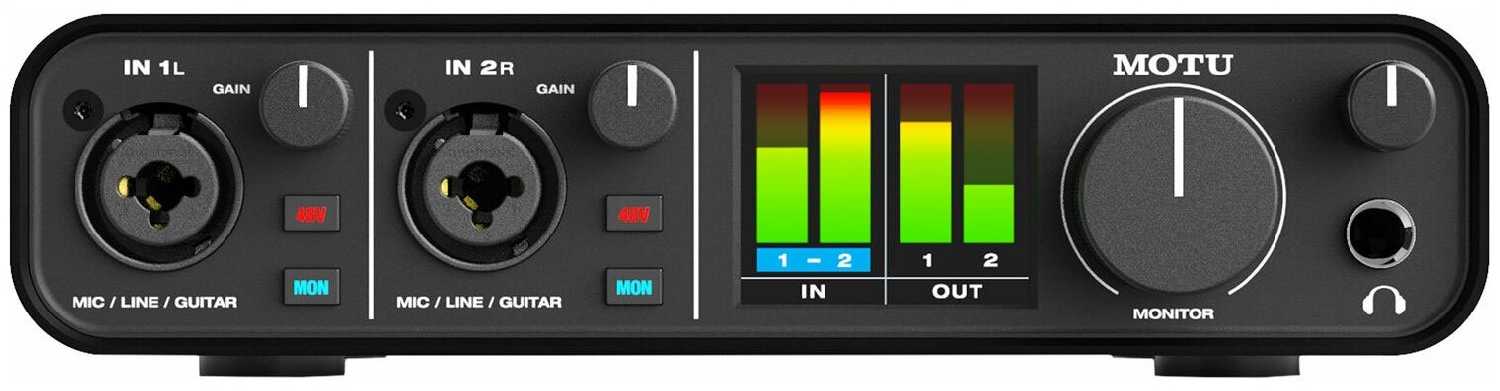
MOTU M2

59 отзывов

от 39829.00 руб.

9.5/10 баллов

BEHRINGER U-PHORIA UMC204HD

114 отзывов

от 14567.00 руб.

9.3/10 баллов

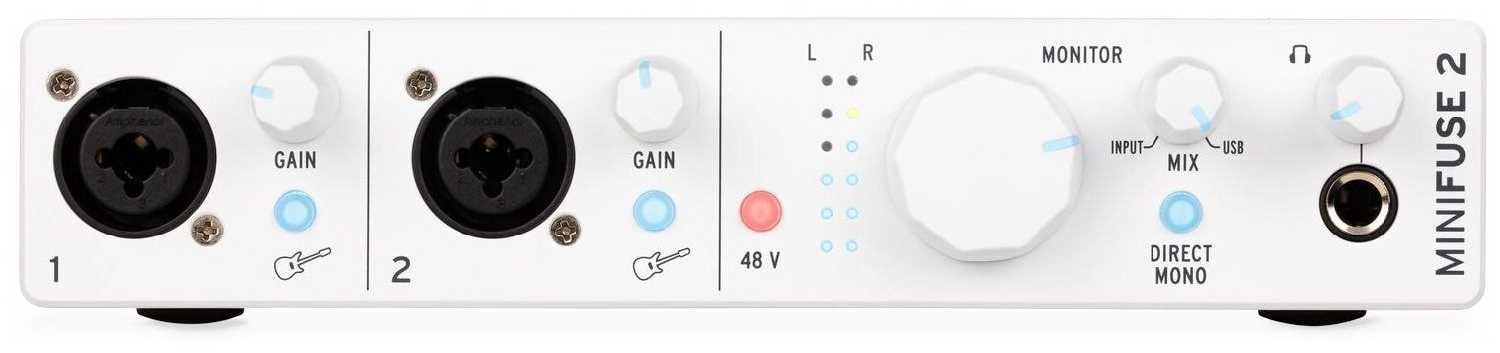
Arturia MiniFuse 2

103 отзывов

от 19110.00 руб.

9.2/10 баллов

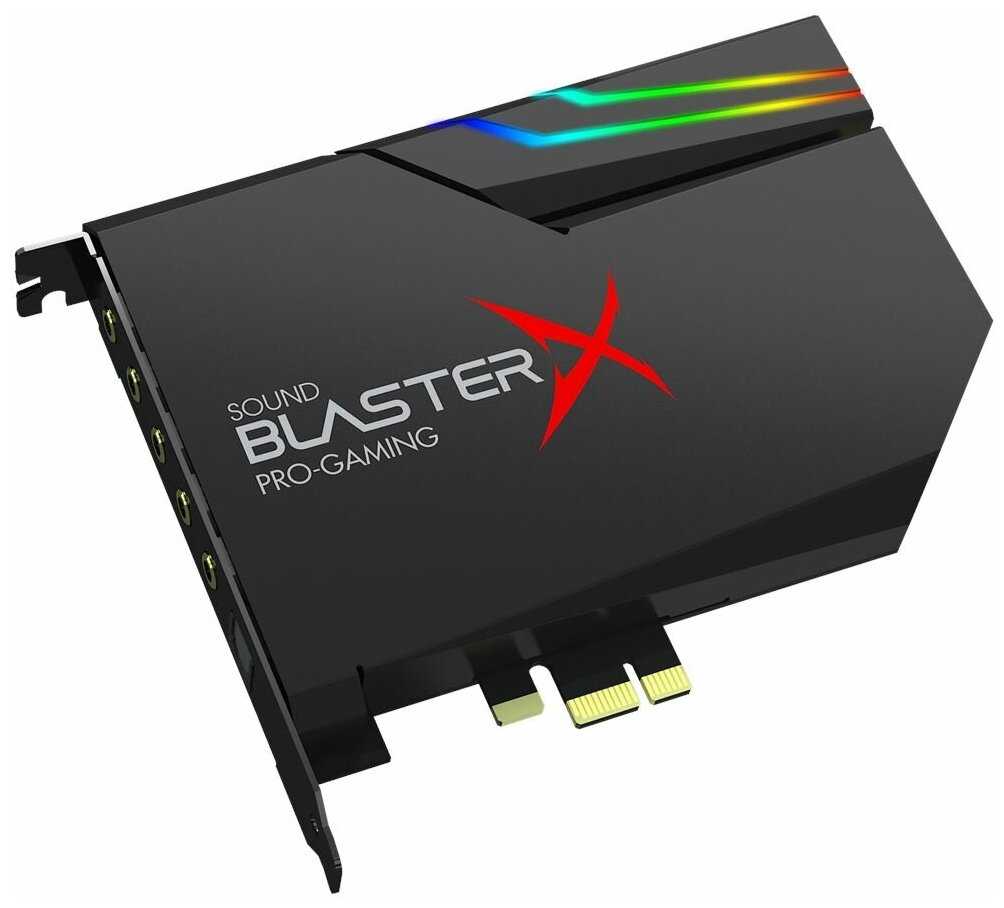
Creative Sound BlasterX AE-5 Plus

344 отзывов

от 17334.00 руб.

9.1/10 баллов

Universal Audio VOLT 1

36 отзывов

от 29856.00 руб.

9.1/10 баллов

Steinberg UR22C

289 отзывов

от 27390.00 руб.

9.1/10 баллов

BEHRINGER U-PHORIA UMC404HD

782 отзывов

от 26734.00 руб.

9.1/10 баллов

Universal Audio VOLT 2

34 отзывов

от 43152.00 руб.

9.1/10 баллов

UGreen CM129

119 отзывов

от 2685.00 0

9/10 баллов

Creative SB Play! 3

419 отзывов

от 2720.00 руб.

9/10 баллов

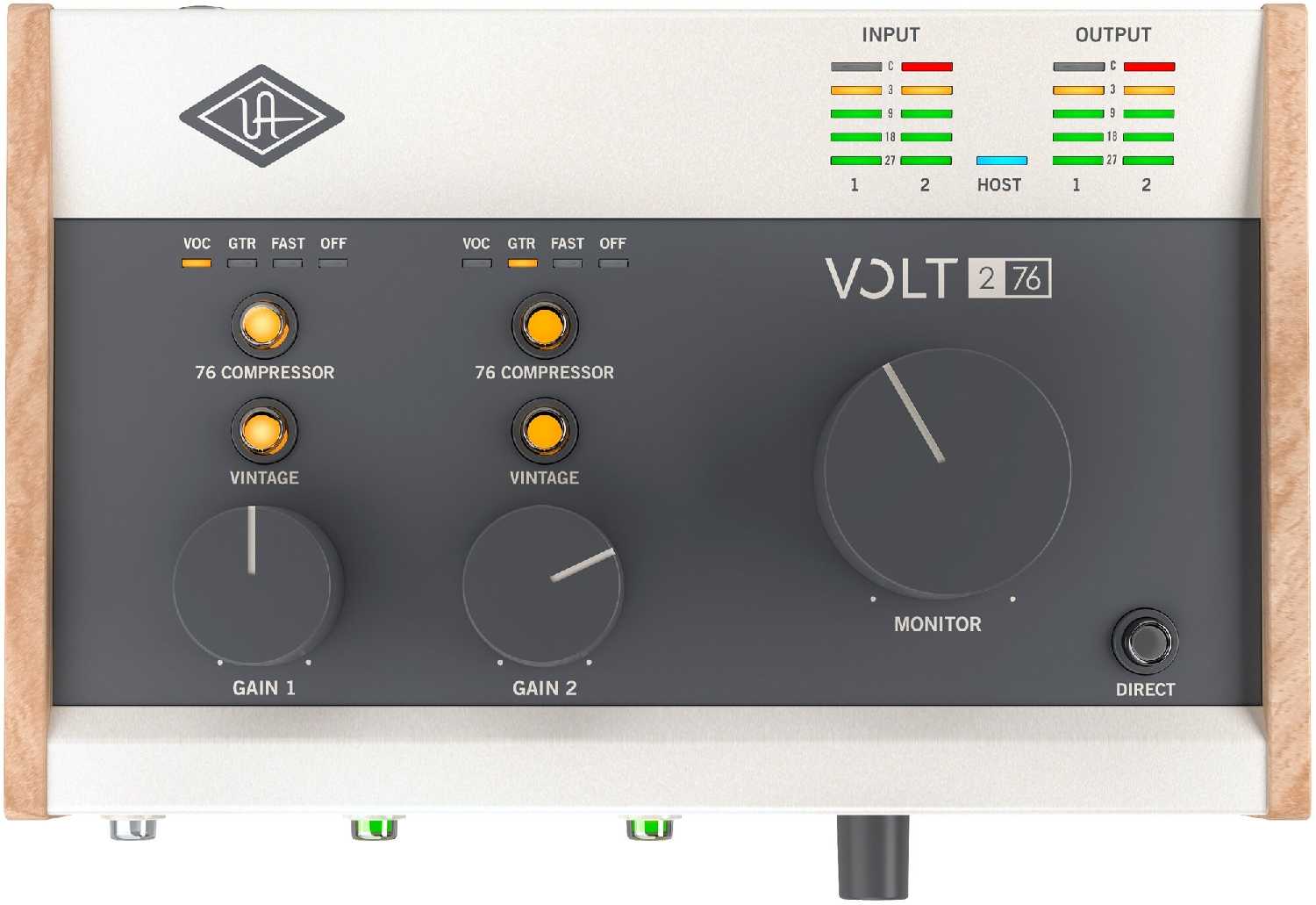
Universal Audio VOLT 276

24 отзывов

от 42160.00 руб.

9/10 баллов

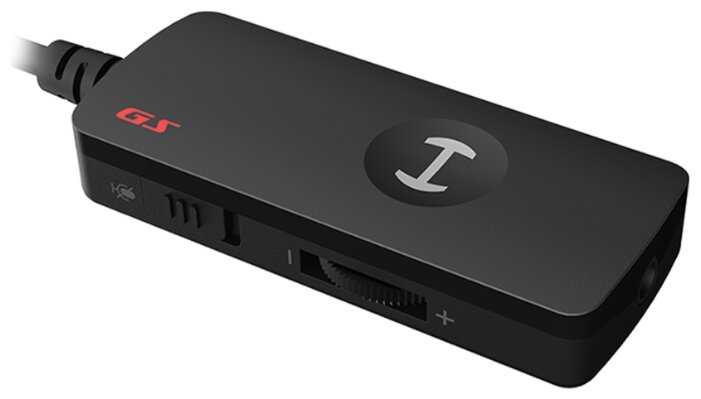
Edifier GS 01

42 отзывов

от 1611.00 руб.

9/10 баллов

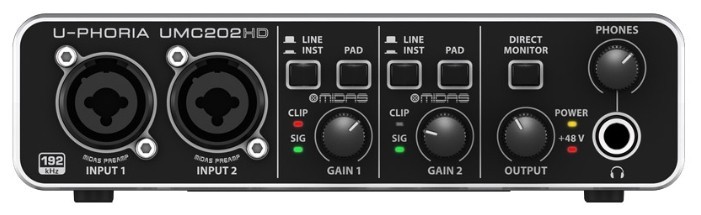
BEHRINGER U-PHORIA UMC202HD

74 отзывов

от 9990.00 руб.

9/10 баллов

Creative Sound Blaster X4 (Super X-Fi Ultra DS

190 отзывов

от 20900.00 руб.

9/10 баллов

UGreen 2 в 1, USB аудио интерфей

86 отзывов

от 655.00 руб.

9/10 баллов

Audient ID14 MKII

81 отзывов

от 34100.00 руб.

8.9/10 баллов

Creative Sound Blaster X5

59 отзывов

от 41050.00 руб.

8.9/10 баллов

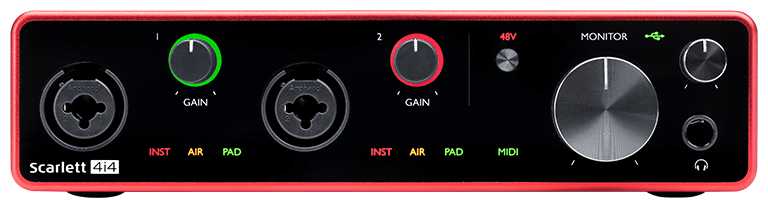
Focusrite Scarlett 4i4 (3rd Gen)

30 отзывов

от 51590.00 руб.

8.9/10 баллов

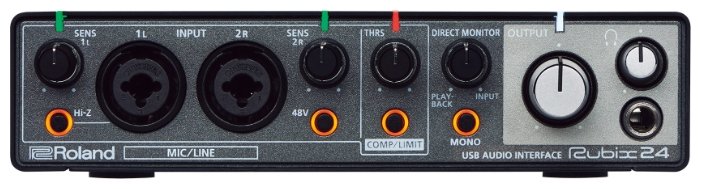
Roland Rubix24

24 отзывов

от 34294.00 руб.

8.8/10 баллов

Fifine Микшер SC3

34 отзывов

от 6635.00 руб.