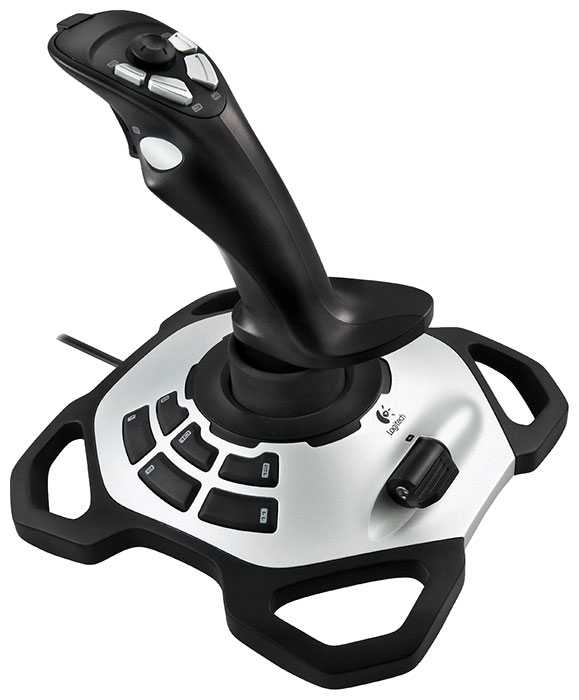
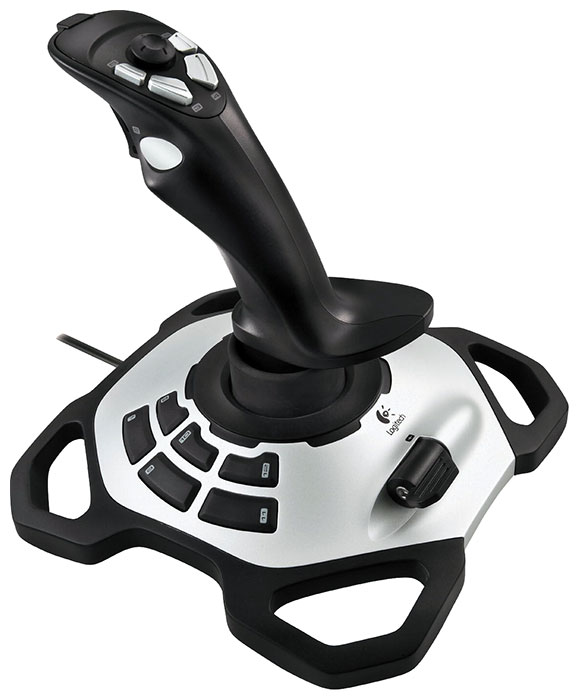
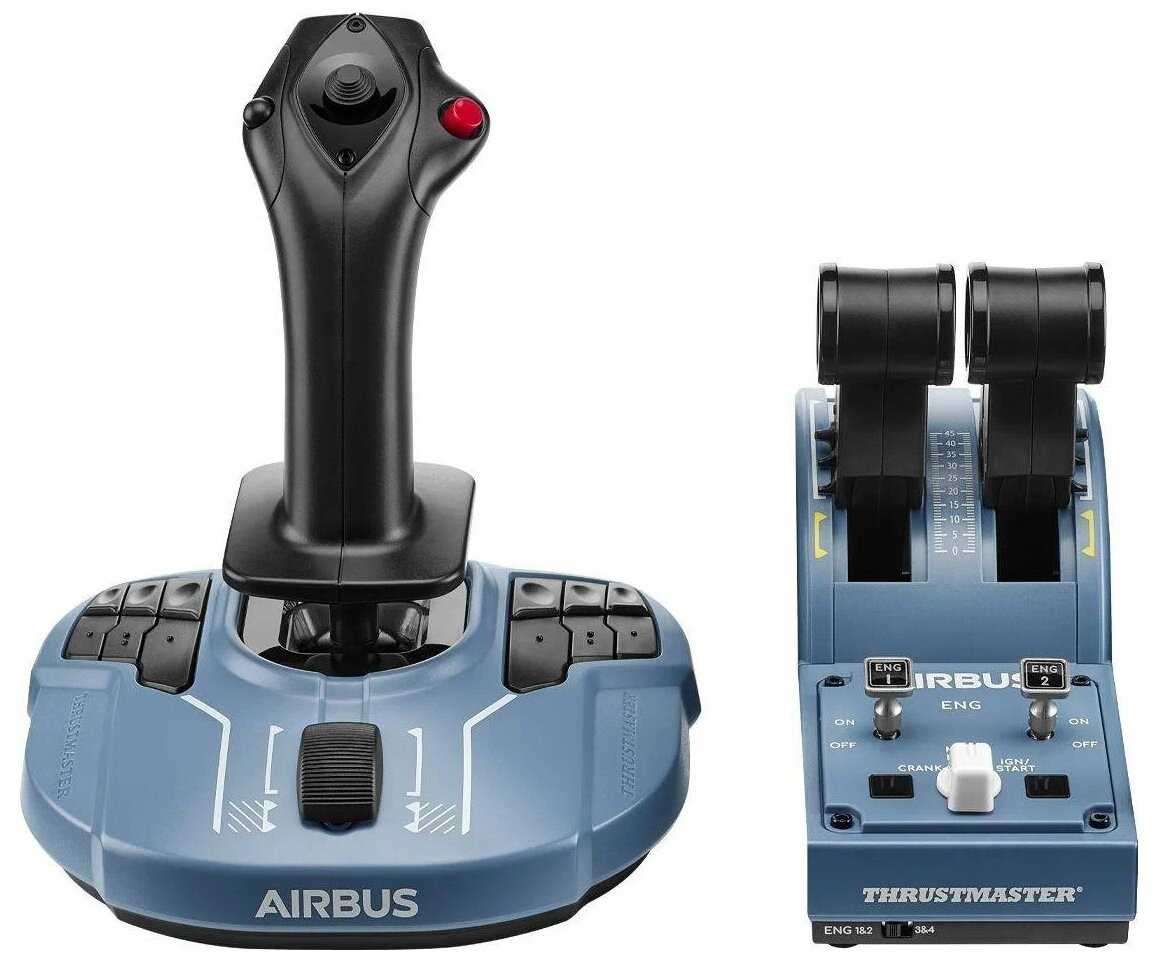
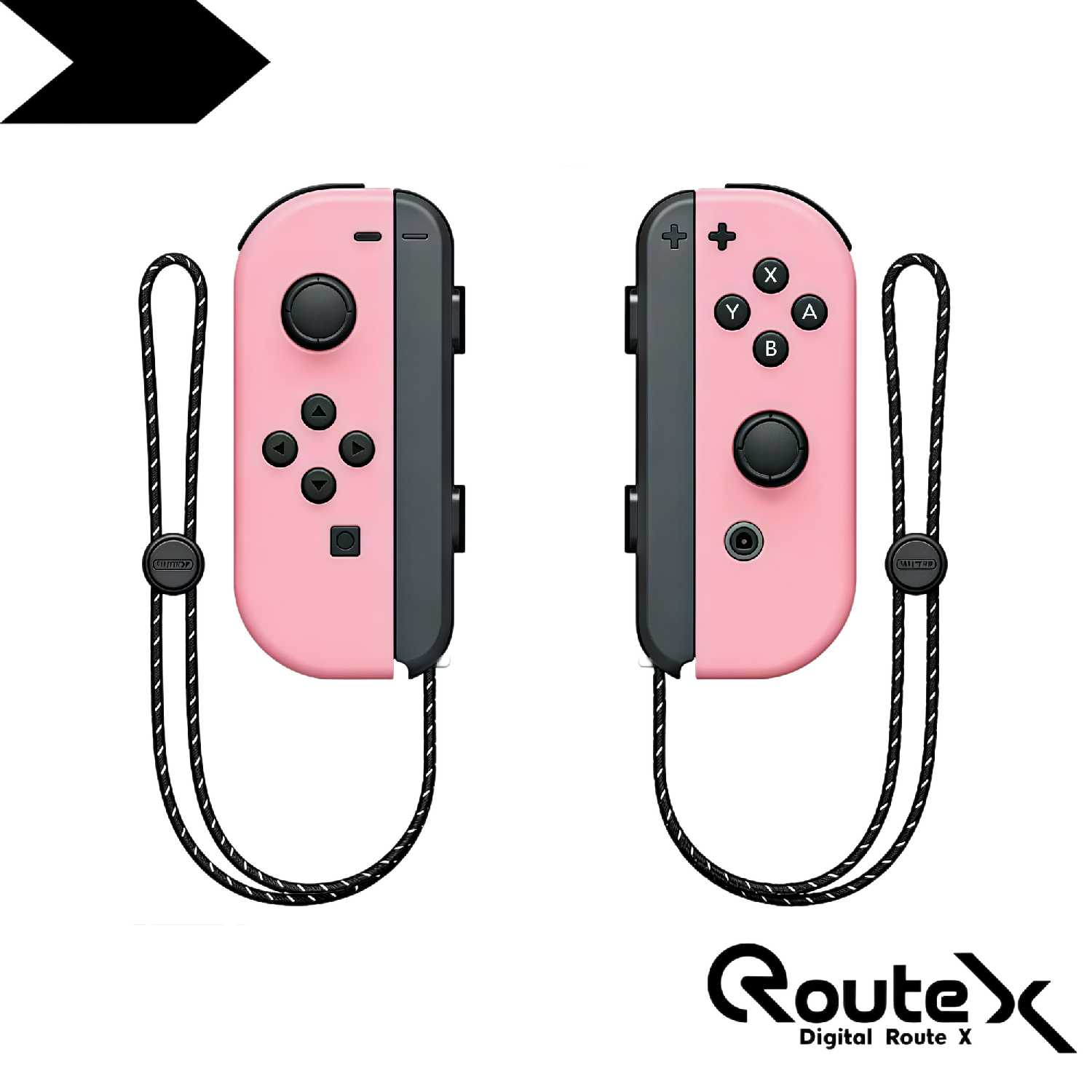
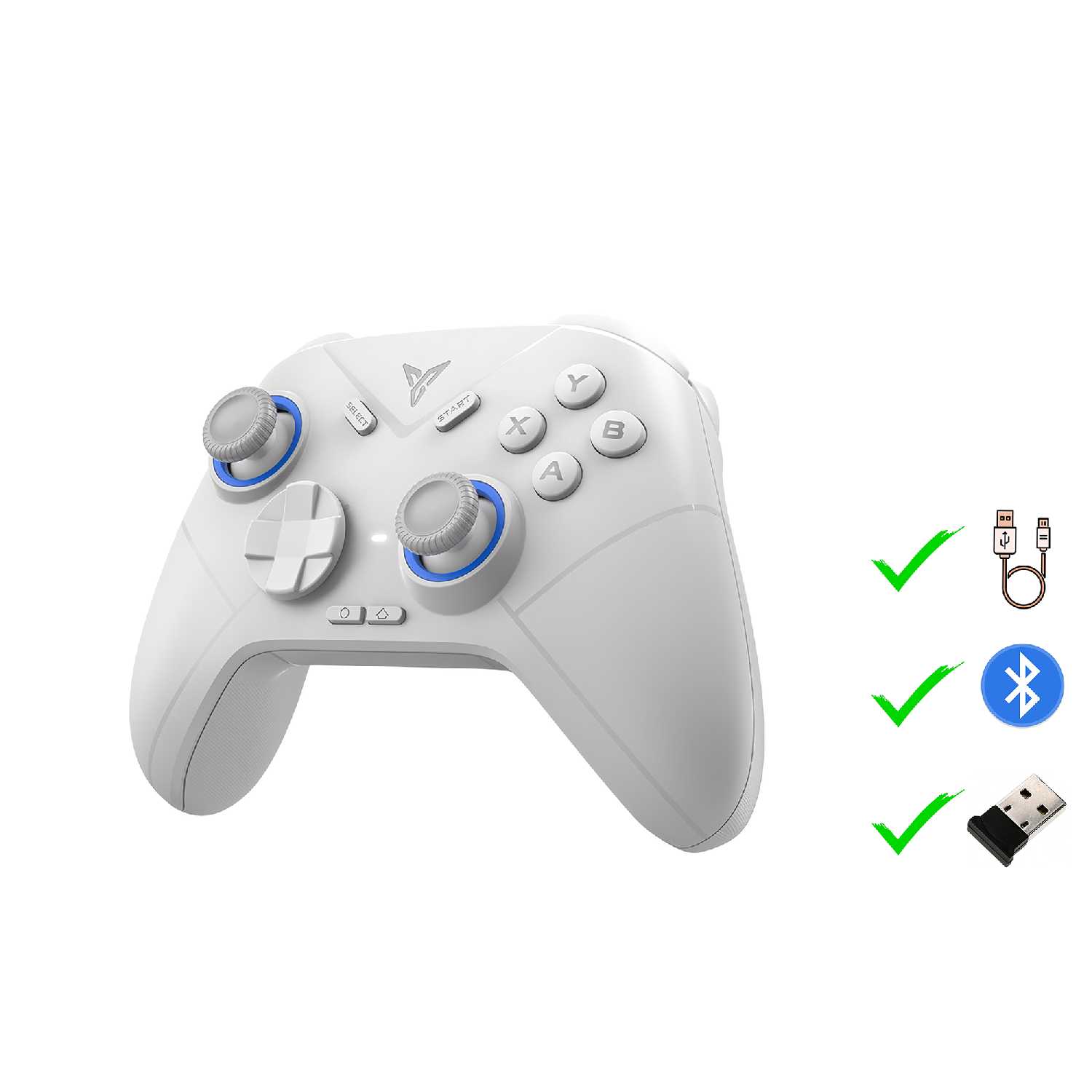
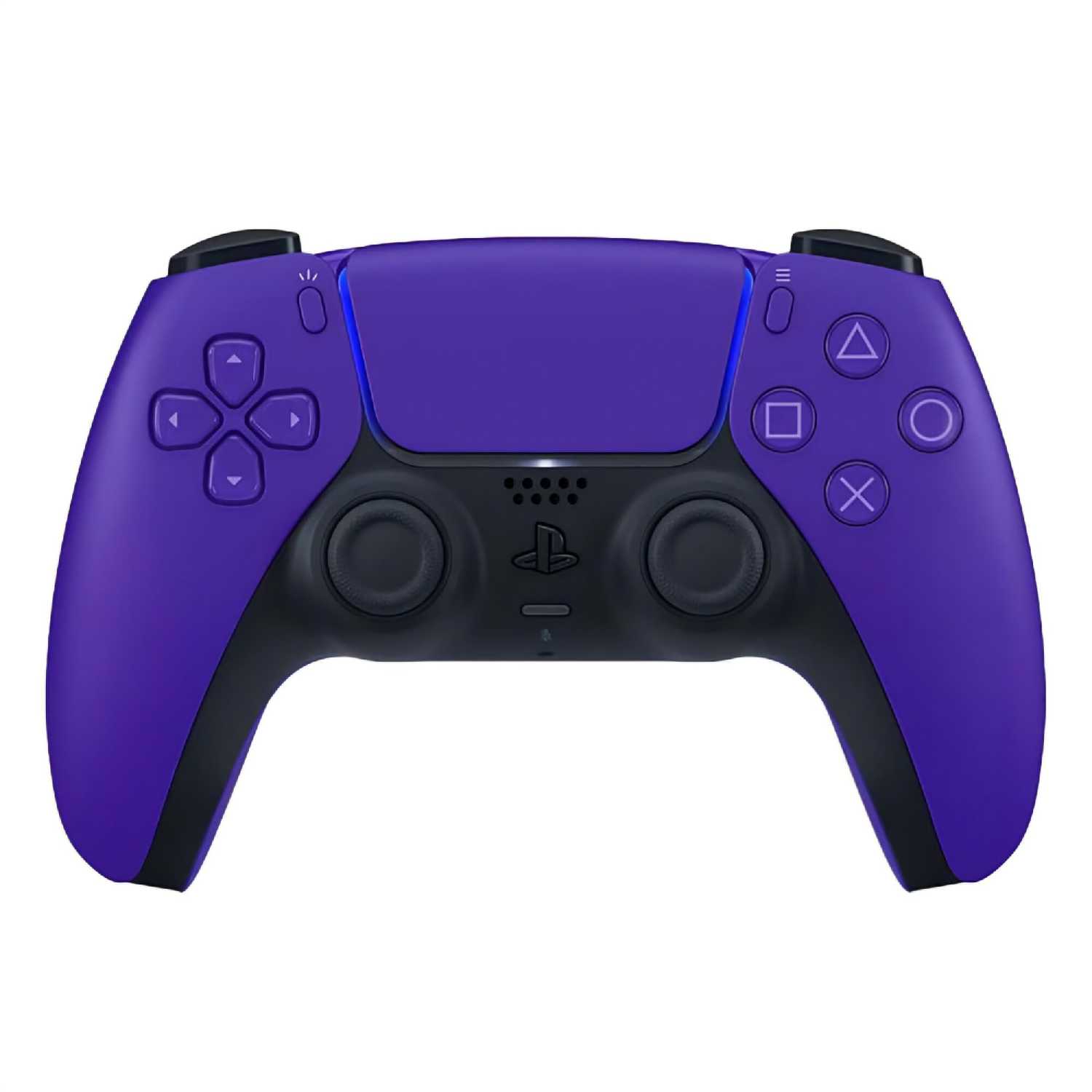
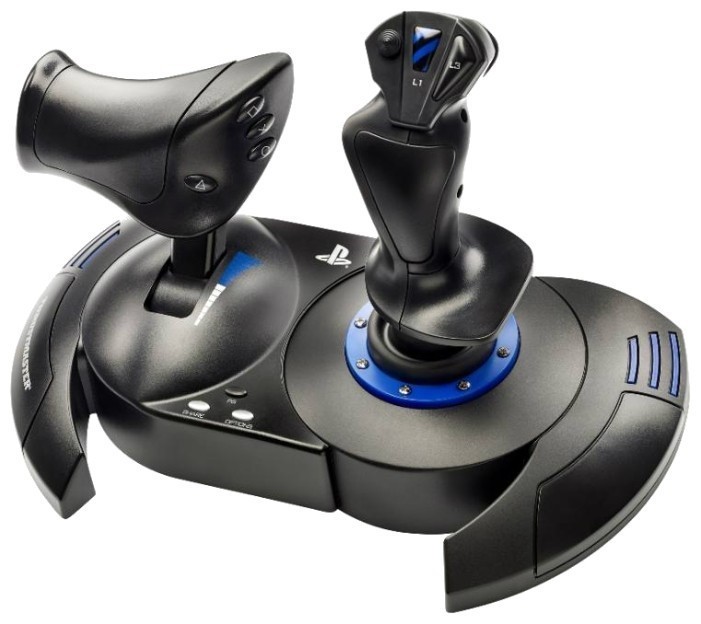
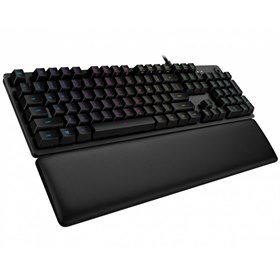
+ Когда-то у меня был kempston джойстик, потом, уже в 200х я, будучи фанатом вселенной звёздных войн, купил трастмастер какой-то базовый. А теперь вот данный вариант. Что могу сказать... если это джойстик, то до этого у меня были палочки без удовольствия. Увесистый, хорошо стоит на стороне, прорезиненная подошва, 12 кнопок (6 на гашетке и 6 сбоку), слайдер ускорения и министик обзора, 6 направлений гашетки (4 плюс по и против часовой...
Гелиос-2JNXM
08.03.2024
10/10
Оценка пользователя
Великолепно
Отличная модель
+ чсетвертое мое устройство.служит не менее 5 лет
Капеллан-0RYOX
08.03.2024
10/10
Оценка пользователя
Великолепно
Отличная модель
+ Отличная цена/качество
Астрон-3NPKW
18.01.2013
10/10
Оценка пользователя
Великолепно
I've had this joystick laying around for a while and I wasn't sure if it would stand up to "today's games". For your most basic flight simulators, it serves it's purpose. There's no feedback, but the amount of buttons and the throttle control will let you get away with pretty much anything you would ever want a $26 Joystick to do. This thing sat in my closet for a year or 2 before I got Battlefield 3 which has helicopters and fighter planes and decided to give it a go.Not really a Con, but more of a Note: The battlefield 3 key bindings for a joystick work extremely well, but only after setting up a few things first. I plugged the USB cable in, and had no response from the game at all. So I downloaded the newest Logitech drivers which comes with a profiler program. There's a scan function within the profiler to find any game compatible with this joystick, which did not find BF3. Luckily there's a browse function that you can select your game of choice; so I selected the .exe BF3 file and it did recognize the game, to which now the joystick worked without any problems. As I set up the buttons to do what I want, BF3 has some trouble recognizing what buttons do what. Left, right, up, down, and Yaw all work and are labeled as advertised.However, the buttons don't read out as you would expect. For example, the trigger button is listed as D pad down. Other thumb buttons read different directions or a numbered button that doesn't really make sense to the actual button labels. With that being said, when I set the trigger button as my trigger button, even though it says down, or 5, or whatever the case may be, my trigger works fine as my trigger. It's just labeled weird, but it'll work to whatever you set it as. The Hat switch does not work at all. But this seems to be a common issue with most joysticks, so I think it's more of a programming issue with the game than this joystick in particular.Overall, it beats using the keyboard. You can "fine tune" your aiming and directional control with the rotational yaw and throttle switch as opposed to "all or nothing" on a keyboard. You can't beat the price and performs phenomenally for a "non-simulator" game.
Квантум-3UYMF
18.06.2012
2/10
Оценка пользователя
Ужасно
I have been buying logitech products since I got my first computer. Their joysticks I have always been disappointed by. The early wingman joysticks were great, As soon as I got the Extreme 3D models including this Force 3D, Each had some issue with it. My buddies Extreme 3D pro, throttle does not work properly, causing engine explosions in the process when playing Me262 in IL-2, on my Extreme 3D pro the base buttons on the left side of the joystick are not functioning, i have to press really hard several times for them to operate, this has been going on since the first month of use, i do not eat around my equipment. The Stick itself was very jerky in behavior. So i bought this Force 3D hoping the force feedback is going to smooth the movement of the stick and the keys being a more expensive controller would function, however, I was disappointed within 3 months. The Force feedback, in the same game that it used to work great in, started to suddenly and randomly jerk the aircraft in random directions. For example, i used to fly really well with it in battlefield 3, and the joystick would respond to my commands flawlessly and smoothly, you could set the sensitivity and tension of the stick if you wanted the stick to follow your hand easily, or with more tension. After a while, in the same instances it used to work properly, it no longer did, i would be making a continuous turn using joystick in full back position, and suddenly the plane would start sharply rolling left or right, depending on its whim. I tried the same play using the Extreme 3D which does not have force feedback, and the crazy random turns stopped happening, leading me to the conclusion that The Force feedback in the Force 3D fails after a few months.Pros:1. Great feel in being able to set up your personal desired tension in the balancing force of the stick, which is handled by the force feedback mechanism.2. Plenty of programmable buttons.3. Bind keys/actions.Cons:1. Massive fail in the Force Feedback causing random violent roll actions. <--- pretty bad and unplayable issue.2. Logitech's tendency for faulty buttons, throttle system, or Force Feedback.
Пандорец-8WMBB
05.09.2010
8/10
Оценка пользователя
Хорошо
I'm mainly a console gamer and play on my PS3 quite often. Due to this fact, I occasionally miss the feel of a controller in my hand when playing games on my PC. For an average thumb jockey like myself, I have no clue how keyboard ninjas manage to hit countless hotkeys with so much precision. I am overjoyed to have a joystick like this come along and be available to use on complicated flight sim games or fighting games. Below I will give you the highlights and lowlights of this joystick...(To skip to the main points, simply read the headers of each section.)THE GOODS:Quick and Nimble Response Time-This pro is a biggie for me. Joysticks I've used in the past had some annoying lag problems and caused me to crash and burn. This particular one responds so well to every button press, quicker than even my PS3 controller in fact! The only drawback though is that buttons beside the trigger button have a tad too much firmness to them. Which means I have to put a bit of force in my button pushes to get the desired results.Excellent Control and Precision-While this is not a crucial criteria for games that merely require you to walk your character forward, this is absolutely critical for flight sim games. A stiff joystick delivers terrible result in such games and can truly make the experience less enjoyable. This particular one gives you an incredible amount of control and allows you to gauge your movements with precision. It rotates with very little resistance and feels incredibly natural.Comfortable Grip-I love how the joystick just fits in the hand so perfectly, almost like a glove. Despite the smooth texture, its far from slippery and I can maintain a grasp of it for hours. The two things I dislike however, are the stiff trigger with uncomfortable ridges (will go into that later) and the far too low hand rest. I have smaller hands, so if I lay my hand on the rest, my index finger only reaches the bottom of the trigger. Those with larger hands may not experience this issue but its still a big enough annoyance for me to complain about. Regardless of these flaws, using this joystick still feels like an effortless experience.Sturdy Base-The base on this device is just brilliant. It doesn't add a ton of weight to the apparatus so you can easily pick up and reset the joystick. It has performed so well that I only had a couple near topple occurrences. Usually such instances happen when I'm doing an emergency nose dive and have no choice but to act fast. In such cases, I only had the base lift an inch or so off my desk.THE BADS:Big Footprint-Unfortunately the price to pay for a sturdy base is the big footprint this joystick leaves. You have to clear just enough room for it to fit amongst all the other paraphernalia on your desk. This isn't that much of a negative however, this joystick may be a bit too bulky for gamers with modest desk space.Right Hand Only-Left handed gamers will find this joystick to be utterly unusable. Not only is the hand rest curvature sitting on the right side but all the programmable buttons are placed on the left side. Meaning that a left handed gamer cannot lay their hand on the rest and they will have to uncomfortably reach over the stick to use any of the buttons. This may seem like a small flaw but in reality is quite fatal as it limits those who can purchase this joystick.Stiff Trigger-I would appreciate if the trigger on the joystick was not so stiff. I believe a trigger that could be depressed more would cause less pressure on my index finger. I also dislike the ridges placed on the trigger. I understand they are included to prevent slipping off the button, but perhaps a texturized trigger could have solved this problem better.All in all, this is a great joystick for average or expert thumb jocks alike. Despite its quirks, it preforms incredibly well and can stand up to a good deal of abuse. I would definitely say this joystick is still a contender against the latest joysticks on the market.
Квазар-4KFEU
26.01.2013
8/10
Оценка пользователя
Хорошо
... so far, I like it quite a bit. Not being a gamer, but instead learning to fly airplanes so using this with MS FSX I'm still trying to figure the thing out. I don't know if it's MS FSX or this joystick, but when I intend to pitch up, moving the joystick back, which logically to me woyld be the equivalent of applying back pressure, (pulling back on a yoke) thus the nose of the plane would ideally point upward, away from the ground. Instead, the opposite occurs.Hopefully, this can be re-programmed. Otherwise, this has a good feel to it and it is well documented by a reputable company with a good website.I would recommend it to a beginner for certain, someone advanced in gaming, well I wouldn't know what to compare it to. I personally like this. It IS programmable, but I don't know yet if the pitch (up or down movement of the nose of an airplane) can be reversed or not.
Квазар-7IGXS
10.12.2011
2/10
Оценка пользователя
Ужасно
Got this joystick as a gift, installed it effortless on Windows7.This is a right-handed joystick, don't even bother if you are left-handed. With that caveat aside, this was a great joystick for the first 40 minutes... yes minutes!I suddenly lost the ability to bank using a variety of flight simulation software. Went to Control Panel/Device and Printers/Set up USB Game Controllers/Logitech Extreme 3D/Properties and up comes a Test Tab. I move the joystick around, everything works great except for the ability to move the joystick left or right in the "joystick" window. Up/down and all the other buttons work great. Tough to 'fly' when you can't bank!!!I spend a couple of hours going through Logitech tech support forums and FAQs and the sentiment seems to be "I'll never buy another Logitech product again..." for exactly the reasons I'm going through. I try pretty much everything suggested in the forums and get pretty much identical results... the best that happens is that the joystick will work marginally better for a couple of minutes then it dead again.I'm back in the Control Panel test tab again, gradually applying a little more "english" to the joystick when suddenly there's a ping then a rattle. The joystick goes to the extreme right in the test tab and nothing I can do will change this (unplugging/replugging, rebooting the laptop, etc). This device is basically DOA within the first three hours of installation (having suffered a soon-to-be fatal failure after only 40 minutes).Now if I had been ripping and yanking on the joystick initially and thus abused it physically, I'd say I need to get a more robust game interface. But the fact is that I was being very light-handed with this joystick (using the Condor Soaring simulation) when this piece of junk stopped working. Looking at the vast numbers of other folks who are having essentially the identical problem, I'd say everybody would be best served by avoid buying this joystick. It's too bad, I have a couple of older Logitech joystick which seemed to be bullet-proof but this joystick comes from a different pedigree. The older joysticks still work even though this one doesn't.Don't waste your time on this one. I'd give this zero stars if I could...
Вояджер-3MIIH
21.10.2012
10/10
Оценка пользователя
Великолепно
I have had this joystick for 8 years now and have had no problems with this joystick at all..It is just the best one out there...I paid back in the day 80 dollars for it...This thing has out lasted some of my friends very expensive models and they can't believe it so they also bought one from Amazon...They are very well made and heavy..You think buy looking at it that is is just very light cheap plastic..But it's not..This thing is heavy duty for sure...And it is very easy to set up you go to the Logitech website for the new drivers for whatever system you have and download it..This thing works on all systems...XP,Vista,Windows 7 you name it...I can't believe it is only 25 dollars now..It is worth more for sure...
Астрон-8RDBR
04.04.2010
8/10
Оценка пользователя
Хорошо
If I'm remembering correctly, I've owned three Logitech Extreme3D Pro input devices over the many years they've been produced by Logitech, and recently purchased a fourth for a novice armchair pilot I'm introducing to the flight sim world. I have used the Extreme3D Pro primarily for flight simming, but I have also used it to reasonable effect for motorcycle and car simulators; I have found the Extreme3D Pro to shine brightest when used to control a flight simulator. While there are much, much more impressive input devices on the market today, the Extreme3D Pro is an excellent, no-nonsense device for the novice and experienced flight simmer.The Extreme3D Pro provides pitch, roll, yaw, and throttle in one device, and supports 12 programmable functions plus a programmable 8 position "hat" switch. The base is large relative to the height and throw of the stick, and is stable with all but the most agressive stick inputs (i.e., the base stays put as long as you don't bang the stick to the stops). The buttons on the stick are well-placed, making it easy for the novice to learn to use to good effect. The throttle is a small rotating paddle on the base behind the stick. I have found the throw of the throttle lever to be large enough to provide a good feel for adjusting throttle settings with default gains in the sims I've used with the Extreme3D Pro. Likewise, the rotation of the stick for yaw control in flight sims (that's how I've used it over the years) is natural, with good feel given default gains in the sims I've use with the Extreme3D Pro. Logitech placed 6 of the 12 buttons on the base. Those 6 buttons could have been laid out better to accommodate the natural left-hand placement on the base while using the throttle paddle. Speaking of hand placement, there might be a version of the Extreme3D Pro for South Paws, but I haven't seen one; the stick is definately meant for use by the right hand.The buttons often have functions defined by default settings in the most popular (flight) sims available today, so there is little or no need to customize the allocation of functions to buttons other than personal preference. Logitech has a rather crude, though effective, application that enables the user to program functions for the buttons, but the experienced and expert simmer will likely want to customize the allocations within their flight sim instead, saving system resources for the simulator to eek out every frame per second you can. I use the Logitech app to calibrate the joystick, but I use the simulator's function allocator to customize what the input device is controlling and how (e.g., function allocation, command repeat and rate, gain, dead-zone, non-linearity).I have not had an Extreme3D Pro fail the same way twice (yet). The construction is rugged, and the buttons have never failed on me. As the stick gets on in age, though, you might notice a persistent drifting in the calibration of the stick, or a "stuttering" in the throttle. When I've taken apart such miss-behaving sticks that are out of warrantee (it's always started to happen out of warrantee), I've found a lot of gunk in and around the sensors for the stick. Cleaning that up usually solved the problem. However, since the Extreme3D Pro is so inexpensive to purchase, and since they last so long with light to moderate use (i.e., not repeatedly slamming the stick or throttle from one stop to another during aggressive inputs...not that I have much experience with that ;-), by the time you get any kind of anomalies in the device you'll probably be in the mood for a replacement or an upgrade.All in all, I've been very satisfied with the Logitech Extreme3D Pro, particularly when used for flight simming. It makes a great first joystick or as a replacement for a low- to mid-range joystick.
Астрон-3PIYM
02.12.2012
10/10
Оценка пользователя
Великолепно
I really like this joystick. It's accurate, sensitive, and very easy to program. I have only one complaint, one which I have been trying to figure out for three months now. I can use this JS in every game I have EXCEPT one..."Heroes in the Sky, (HIS)". Others are using it to success, but no me. I have talked to Logitech, HIS programmers, and some other players who are using this product with success in HIS. Nothing I try is successful.
Плазмонавт-9GJVM
31.08.2010
8/10
Оценка пользователя
Хорошо
I have had this Extreme 3D Pro USB joystick for about 18 months, and use it exclusively with FS2004 and FSX. It was easy to install - just plug and play. FX2004 and FSX both worked perfectly with it from the moment it was first plugged in and I never did install the drivers from the CD that came with the unit. I have owned many joysticks over the last 20 years, and most were similar in price and construction to this one.First the good points:1. Plug and play on my PC, which is running WinXP SP2. No extra drivers needed, and I have not needed to calibrate it even after 18 months.2. Quality of construction and materials is reasonably good - not the best, but then again this joystick is priced under $40. Joysticks used for professional and military training sims, made of metal instead of plastics and with ball bearing pivots, probably cost hundreds.3. Durability okay. The primary trigger, which activates the wheel brakes in FS2004/FSX and machine guns in Combat flight sims, failed only a week after arrival. This is not the first Logitech joystick I have owned in which the electrical switch under the primary trigger crapped out shortly after purchase. Logitech needs to source a more robust switch for this, apparently. The rest of the moving parts have held up with no failures.4. Feature set is very good. This joystick has plenty of buttons and switches, more in fact than I ever use for FSX, and the throttle and rudder-twist functions work well.5. Nicely weighted. You need a substantially weighted baseplate in a joystick to keep it from sliding around, especially with combat flight sims.Bad points:Considering that (as far as I know) this is Logitech's top of the line consumer joystick, it has a few weak points. The poor quality electrical switch I have already mentioned. In FSX, it's not too distracting that mine no longer works, since I have always just used the period key on the keyboard for the wheel brakes, but for a gamer that mostly plays combat flight sims, the loss of the gun trigger switch would immediately render this joystick pretty much useless. Like I said, Logitech probably needs to get a better quality part from it's suppliers for this switch.The most disappointing aspect of this joystick is probably the overly stiff centering springs. I find this joystick to be very fatiguing to use in certain circumstances; for example, when making an instrument approach in bad weather in a small, slow, lightweight plane like the Cessna 172. Twenty-plus minutes of making small, but near-continuous steering corrections with this joystick will really tire out your hand and wrist. I can see where the stiff springs could be necessary in a combat flight sim, but in FS2004 or FSX, where practicing touch and go landings is a common use of the program, the need for frequent small, precise steering inputs makes me long for a joystick with a lighter, smoother touch.Despite the criticism in the preceding paragraph, this is probably the best joystick overall in the under-$50 price category, so unless you want to spend a LOT more $$$, you might as well go with this one. As mentioned in other reviews, this joystick is strictly right-handed; the little plastic shelf upon which you rest the side of your hand fits only the right hand. Happy landings!
Дроид-3BLDU
27.01.2013
8/10
Оценка пользователя
Хорошо
This was listed in the category 'Force Feedback'. It is NOT a force feedback device. I was very disappointed after I received this unit. Though I was disappointed because it is NOT a force feedback device, I decided to keep it.
Спектроник-1PZVP
24.01.2013
10/10
Оценка пользователя
Великолепно
This unit is a very smooth and complete aid in using a flight simulator. It is realistic, the buttons are intuitivetively placed and it performs very well in all the maneuvers I've put it through to date.
Странник-0ILQU
28.01.2013
10/10
Оценка пользователя
Великолепно
Bought this to play some retro games and I was totally blasting to the past with this. Easy to configure with the software, no problems at all. Feels great, good response.
ТехноНаблюдатель-5NMGH
28.01.2013
10/10
Оценка пользователя
Великолепно
It's working perfectly... this product has exceeded my expectations! will recommend to any body bought for a purpose and ended up using it for another.
Сириус-2JYGZ
19.01.2013
10/10
Оценка пользователя
Великолепно
This Logitech Joy Stick works well and looks good. I highly recommend purchasing the Logitech 3D Pro Joy Stick. Will work with Windows 8.
ИнфраГость-5BEOT
14.12.2012
10/10
Оценка пользователя
Великолепно
My son uses this to play MS flight sim X. At 10 years, he was able to set it up and configure it all on his own. The one time I used it I was very impressed by how solid it felt. All the movement felt intentional, nothing shaky our out of place.
Дроид-3MHXC
17.01.2013
10/10
Оценка пользователя
Великолепно
My son loves it! He received it as a gift for Christmas. It works just as described and he loves the programmable buttons.
Эксопилот-4EAQT
21.01.2013
10/10
Оценка пользователя
Великолепно
its ok a little stiff but works fine,use it frequently with Flght sim x, fun to use =, feels profesional
Плазмоид-5WCGG
20.01.2013
10/10
Оценка пользователя
Великолепно
This is the perfect stick for Battlefield 3 Clear out all key commands 1st then set this up. Works great
НаноПилигрим-5WNDN
22.09.2012
10/10
Оценка пользователя
Великолепно
Though only in use for a week, I am very pleased with the quality of build and feel of this unit. I am not a gamer in any sense and this is my first joystick. Just using in a flight simulator application. This unit has the heft to stay put on a table top during normal movements of the stick. The basic button setup for flight was already in place. All 12 buttons can be assigned with the unit's profile application. Have it your way. The USB connecting cord is approximately six feet in length.
ИнфраГость-1FIPD
04.12.2012
8/10
Оценка пользователя
Хорошо
I used to play BF3 and works perfect, but in Bad Company 2 works so poor, maybe some configurations at game, I dont know. I dont have too much games to test it, but I'm happy if works in BF3, thats enough for me.
Зета-Орион-3ZSNV
15.12.2012
10/10
Оценка пользователя
Великолепно
F22's for everyone. This thing is like a trainer without the giant cost, or a military conscription. I have enjoyed many Logitech products for years without any regrets.
Спасибо за регистрацию на портале Wizemart, вам на почту пришло письмо с подтверждением регистрации, пожалуйста перейдите по ссылке внутри него для подтверждения вашего e-mail