Жесткий диск Samsung HD204UI — 79 отзывов, плюсы и минусы

79 отзывов пользователей о Samsung HD204UI

Пользовались Samsung HD204UI?
Поделитесь своим опытом и помогите другим сделать правильный выбор

49
9
6
3
12
Profile no image

Аргонавт-9ZPWR

17.01.2012

2/10

Оценка пользователя

Ужасно

  • + См другие позитивные отзывы, не греется не шумит, и тд
  • - Сдох 1 винт из 2 через пол года. Обидно, даже на уровне биоса теперь его не видно, соотвествено даные не востановить.
В...
источник
Profile no image

Спектр-6GISV

28.07.2011

10/10

Оценка пользователя

Великолепно

  • + - Тихий
    - Не греется
    - Быстрый
  • - Не выявлено.
Покупал диск для внешнего бокса HDD. Выбирал по отзывам в интернете, тестам и обзорам. Использую вышеуказанную модель более 7 мес., установил и вообще о нем больше не думал, полагаю, это должно быть нормой. Диск работает постоянно, температура на максимуме 27, в спокойном режиме 24 (в боксе установлен кулер), во всяком случае так показывает программа Everst.
В данный момент буду заказывать еще один диск такой же модели, т.к. судя по отзывам у других фирм последнее время существуют проблемы с созданием качественных HDD.
источник
Profile no image

Гелиос-2GGUO

20.02.2011

8/10

Оценка пользователя

Хорошо

  • + Достоинства: тихий и холодный
  • - Недостатки: только на хранилище
Диск у меня с декабря 2010, пока все отлично. Брал для хранилища два самсунга. один на 1,5 тб. Тот что на 1,5 Тб посыпался как то сразу. А этот на 2Тб живет и здравствует! Диски кстати были в пластиковом чехле и с винтиками)), производства Кореи. Думаю что диски все же лотерея, так как пока они до нас доедут, не раз перетряхнутся. В общем сам диск тихий и холодный 30-35С. Время линейного чтения-записи кстати за 100Mb/s это поболее чем у WD - около 80Mb/s, мелочь а приятно)).
Я пока мало общался с Самсунгами, но думаю познакомиться с ними поближе. Думаю что ставить на него систему или торренты не стоит, кстати, тот что посыпался стоял под торрентами. Считаю что все малооборотистые 1,5Тб и 2Тб созданы только для файловых помоек, дак стоит ли экспериментировать и ставить на них ресурсоемкие приложения?
Profile no image

Странник-3HTAB

11.07.2011

2/10

Оценка пользователя

Ужасно

  • + объем
    тишина
  • - не работает, что еще-то?
Может быть, я просто невезучий, но статистика SMART моего экземпляра этого винта:

Проработал: 22 дня
Плохих секторов: 3000+
Неопознанных секторов: 1

Винт просто перестал отображать файловую систему, линукс предложил отформатировать. Просто тихо умер винт. SMART-самотестирование не проходит.

На сайте Самсунга...
источник
Profile no image

Астероид-1CYRD

22.05.2011

10/10

Оценка пользователя

Великолепно

  • + 1. Тихий
    2. Достаточно быстрый(ожидал медленней чем есть). Скорость линейного чтения с диска - 131мб\сек в начале диска, потом проседает где-то до 110. Считаю хороший результат для него
    3. Температура в моем корпусе с продувом не превосходит 33 градуса. В то время...
источник
Profile no image

Лунатик-3DNME

16.02.2011

10/10

Оценка пользователя

Великолепно

  • + Относительно недороой, тихий, не греется (22 градуса в состоянии "покоя", 32 градуса при длительном копировании сотен гигабайт информации), AIDA64 показала скорость чтения 128 Mb/s - отменный показатель при скорости 5400 об/мин. В отличие от Western Digital 2 Tb, падений скорости чтения в Windows XP нет.
  • - В явном виде не выялено.
У меня в системе установлено два диска по 2 Tb (мат. плата Asus P5Q-SE): Samsung HD204UI и Seagate ST32000542AS...
источник
Profile no image

Синтрон-6TCPE

04.07.2011

6/10

Оценка пользователя

Плохо

  • + Тихий, холодный.
  • - Сломался через полгода.
Хорошо что ещё на гарантии.
Возможно что просто бракованный...
источник
Profile no image

Плазмонавт-8ULTL

17.04.2011

10/10

Оценка пользователя

Великолепно

  • + Работает очень тихо, греется слабо, скорость линейного чтения в начале диска более 110 МБ/с, судя по тестам качества поверхности и скорости чтения/записи гораздо лучше моего другого диска WD20EADS
  • - особых...
источник
Profile no image

Странник-3CBIC

01.11.2010

10/10

Оценка пользователя

Великолепно

  • + Всем доволен:
    (достоинства по отношению к Seagate320Gb)
    1) тихий
    2) не горячий (даже без обдува в системнике)
    3) быстрый
    4) самый емкий из доступных тут
  • - 1) два потока на запись и скорость записи очень падает (с 60Мб/сек до 2-4 Мб/сек)...
источник
Profile no image

ТерраБот-3MDIH

12.12.2023

2/10

Оценка пользователя

Ужасно

Очень плохая модель
  • + Проработал почти 9 лет по 3-4 часа в сутки, появилось 24000 ошибок в передаче данных, 2 битых сектора
  • - Сегодня 1.08.2021 он сгорел, то есть был внутри писк, и все - больше не включается, не определяется. Потерял на нем 600 гб видеороликов, благо не столь важные. НЕ рекомендую к покупке, всегда грелся, и тупил плохо работал
источник
Profile no image

Спектроник-5JRMT

08.07.2011

10/10

Оценка пользователя

Великолепно

This guide describes the almost-mandatory firmware upgrade process of the Samsung F4 HD204UI drives the easy way - USING USB STICKS.This is my attempt to help those contemplating over the upgrade. During my research I simply couldn't find a thorough description of the procedure. These hard drives (HD-s from now on) are exceptionally well engineered, so the effort is definitely worth it!Why should end-users upgrade the firmware? The answer is simple; using them with the old firmware might result in serious data loss later, as described by Samsung. (Certain people believe that drives with manufacturing date later than February 2011 dont have this issue; mine was manufactured in 03/2011 and I still did the upgrade, just to be safe.) Fortunately Samsung released the improved firmware on its website called F4EG (a zipped up exe file):[Hah, links don't work on Amazon. Do a web search for F4EG on Samsung's site]But the real hurdle is that you have to boot in DOS to perform the update! You could do so using a floppy drive, but not many of us have those lying around anymore, therefore my guide gives pointers on how to perform the upgrade using a USB thumb drive.Updating the firmware leaves the existing data intact on the drive; also, the drive comes unformatted; best to do the formatting on a Windows 7 computer, or use a modern formatting utility instead of Windows XP-s built-in one. Then, you can use a freeware utility such as SpeedFan or HDDScan or HDTune Pro to check for bad sectors/issues. The executable firmware file works automatically and only selects the correct drive, no user direction required. Also, the Samsung firmware upgrade MIGHT not run if your drive has the latest firmware installed already by the factory.The updating procedure using external hard drive dock connected through either USB2.0 or eSata to my PC did not work... I had to disassemble my Dell Zino HTPC: remove the Blu-Ray ROM, HD caddy w/ orig. HD) and connect the Samsung HD directly to the motherboard (Before disassembly I booted into the BIOS by hitting F2 on keyboard of my Zino, changed boot order to "USB first". There might be other steps needed for other PC-s.)I used one of my newer USB drives (my 16GB Kingston DataTraveler), I installed unetbootin on my PC. Then using unetbootin I installed FreeDOS onto the USB stick, downloaded and copied the Samsung firmware (exe file) into the same folder with FreeDOS (that is, into the root directory called "freedos").Download software mentioned above and follow instructions from these two links:[Do a web search for unetbootin. You'll find it on sourceforge.net] (click "Download for Windows" on top of page).[Do a web search for freedos. You'll find it on freedos.org] (fdbasecd.iso is what you'll need to download).Boot your PC up with the Samsung HD installed; repeatedly hit F12 on keyboard to access boot order.Navigate to the "USB (name of USB stick here)" line with the arrow keys, hit ENTERNext screen is the "Unetbooting" screen, select fdos, hit ENTER ("freedos" can't be selected, ironically...)Select the "Freedos Safe Mode (don't load any drivers)" line from the next screen, hit ENTERCheck the exact DOS name of the firmware file by typing "DIR" after "A:\" first. (This came handy to me, since the firmware file I originally named "F4EG.EXE" was renamed to F4EGEX~1 in DOS!)If you can't see the F4EG file in the "A:\" directory, switch to the C directory by typing "C:" following the "A:\" and hitting ENTERNext, type the DOS name of your firmware after "A:\" (or "C:\"...), hit ENTERThere will be a few messages displayed:"Now updating code""Please wait for a while""Download completed successfully" (followed by the S/N of the HD in brackets)Reboot PC to finalize upgrade. You can run the firmware patch repeatedly on new drives if you power off and reboot. The update itself takes less than a minute.Important: the "Download Completed Successfully" message is pretty much the ONLY confirmation on a successful firmware upgrade! Based on Samsung's own update instructions, the firmware version number does not change at all (Samsung dropped the ball on this big time...).I hope this helps someone out there! :)
источник
Profile no image

Кварковец-7QKDN

06.08.2012

8/10

Оценка пользователя

Хорошо

Since the two most recent reviews for the HD204UI are, to put the most charitable face I can on them, both confused and confusing, I think it's time to set the record straight.1. Seagate bought Samsung's hard-drive business late last year, so indeed these are now 'Seagate' drives.2. They are, however, the same drives that Samsung used to produce and sell (most likely from the same Chinese factory that Samsung started shipping from in early 2011): same circuit boards, same internal configuration, same firmware ID, same performance, and absent any convincing evidence to the contrary (and there certainly isn't any to be found in the 1500 reviews at NewEgg, once you factor out the recent ones that were just as confused as those I alluded to above) probably similar reliability.3. In particular, there is no truth whatsoever to the allegation that these are some existing Seagate drive rebadged as a Samsung. I bought 3 of them from Samsung over a year ago, 2 made in Korea and 1 in China. About a month ago I bought one from Seagate, and aside from the fact that Seagate had changed the label and the internal identifier it reports such that the Samsung diagnostics and tools would not longer operate on it it was identical and performed identically.I hope Seagate continues to provide these drives because they've proven exceptionally reliable while Seagate's 'own' drives have suffered significantly in this respect over the past half-decade or so. They also run cool and perform very well. And they can sometimes still be found on sale for under $100 (I paid an average of $60 apiece for my three last year, but that was before the Thailand floods).It's certainly possible that Seagate will manage to screw them up, so if you think you might be in the market for this kind of drive any time soon there may be no better time to pounce. I deducted one star for the reduction in warranty term from 3 years to 1, but as long as the quality remains the same as it used to be this really shouldn't matter all that much.
источник
Profile no image

Пандорец-4OMEK

08.03.2011

8/10

Оценка пользователя

Хорошо

Based on reviews, I thought these would be good drives to use to upgrade my RAID based system. In all fairness, these are not RE drives, but 2TB RE drives cost more than I wanted to spend. My older drives were Samsung RE drives, but only 1TB each.RAID edition drives are nice to have. They coordinate with each other. They are fault tolerant in ways that individual drives are not. They power up and down in sequence, so when I turn my computer off or put it to sleep, I hear the drives turn off at one second intervals with the computer powering down one second after the final drive. They survived catastrophic "blue screen" Windows failures without ever having to rebuild. And nicest of all, their performance blew these 2TB drives away.With these 2TB drives in non-RAID mode, I was able to get speeds that were in the neighborhood of what other reviewers were getting. In RAID0 mode, I was shockingly disappointed. I'm using an Intel controller that uses their matrix RAID technology. With the older RE drives, I was able to have a lightning fast RAID0 array for the OS, a very fast RAID0 volume (in the Windows sense of volume) for ephemeral media, or anything I could afford to lose in a catastrophe, although I never once lost anything due to hardware or controller problems. I also had a RAID5 backup partition for my OS, and a large RAID5 partition that offered reasonable protection for my other data. (I still backed things up regularly of course.) In my configuration, all media libraries were kept off the OS disk, so I could restore the OS quickly if needed without needing to worry about data files, and vice versa.I tried replicating the environment with these drives. I was able to get usable performance out of them, but if I tried copying huge files across the network, the performance of the OS became degraded significantly. I never got throughput on the RAID0 volume that came close to the RAID5 volume, although it should have been much faster. Ultimately, I ended up using one drive stand-alone, and putting two of them in a RAID1 array. The performance is more than adequate for my purposes, but it's still possible to run things that cause momentary pauses in other tasks.Some people are concerned with the 5400 RPM speed. In reality, the platters are the same size as they were for my 1TB drives, so the heads need to move about half the distance to read the same amount of contiguous data. Rotations take longer, but the net effect of 5400RPM is not what users might expect.I use the computer primarily as a media center. Assuming the average one hour HD TV program is 7GB, and I want to record four shows at once, watch another, and stream another to another part of the house, I don't want to lose speed. But considering that all this happens in real time, it's only 1/3600 of the file that is read or written per second on average, so the throughput will still far exceed my needs. But if I want to copy one of those recordings across my network, I can no longer do it in 2.5 minutes, let alone without affecting performance. The saving grace is that my OS is on a disk that's separate from much of my data.Overall, the performance is not stellar, and you can't expect to get RE performance out of these. But you can expect to get performance that is very good for the price, and my history with Samsung drives has made me feel comfortable with their reliability. These drives are certainly quiet enough for my media center, so overall they may be the best (but not ideal) solution to my current need. Windows 7 gives them a WEI score of 5.9 on my system, which doesn't seem much worse than the 6.3 that my old drives got. But I would not recommend copying several files of a few hundred GB concurrently while expecting the computer to maintain full performance on everything else.
источник
Profile no image

Квазар-5PCRZ

02.04.2013

10/10

Оценка пользователя

Великолепно

Samsung makes (made) the best hard drives. I bought four of these and I use them in BlacX Hard Drive Docking Stations for my revolving backups. Two sit in the Docking Stations while two sit in a fireproof safe. I have an automatic nightly backup running on my machine and I switch the hard drives on a regular basis. This combined with an online backup solution has been keeping my data safe.The quality of these drives has been great. They are fast and economical. They have been very highly rated everywhere I could find reviews and they seem sturdy so far. Unfortunately it looks like Seagate acquired the Samsung Hard Drive business so this hard drive line may be a dying breed. Very unfortunate because Seagate drives haven't been known for having as high a quality as these Samsung drives. Highly Recommended if you can still find them!
источник
Profile no image

Странник-7MPRJ

21.09.2011

10/10

Оценка пользователя

Великолепно

I always get these drives from elsewhere but figured I'd try Amazon this time.I have not received them yet but have put more than a dozen of these drives into play for clients without any failures whatsoever. Oh, ALL MACINTOSH so I don't even know if this driver/firmware business is relevant or if it ever was. I've been using these for about a year or more.They are 2TB but run "slower" at 5400rpm... so I would use these for back ups of videos, large photo collections, movies, or scheduled backups of multiple computers. I do have some of these in pretty active day-to-day access that hasn't bothered me personally but you're better off using a 7200rpm (or even a 10,000rpm or SSD) drive as your main boot drive.I don't see anywhere mention of the typical 3-5 year warranty for these so I'll have to look to see if it mentions it when I get them. I'll report back then.I think I heard Samsung hard drive line was purchased by Seagate so I don't know what this will do to branding or cost...usually you can get these for 75-80$. Seagate is a good hard drive company too, good warranties (again 3-5 years) and minimal/no-hassle returns/exchanges.There was a good period of 8 years there where the most important thing about a hard drive was how easy it was to exchange for a replacement! If you look on some other sites, you can see that a 70% success rate (30% fail rate) is still pretty good! Luckily now the quality rates for big drives are in the 80%-90% ... at least according to reviews at the tech site.The trick is that you really don't want to be buying the newest biggest drive.... I don't mess around with 3TB+ yet personally.... it was a long time before they got 500GB stable! Then 1TB! Now 2TB.... For now, my limit is 2TB for 3.5" drives but laptop drives I'm still afraid to go above 500GB!The nice thing about the slower RPMs with this 2TB drive is that less mechanical motion should translate to longer drive life and reliability. Fast RPMs are fun, don't get me wrong, but they're likely to bust up sooner. So this is a good workhorse.... highly recommended.Oh, if you get a DOA, dead drive, etc, don't sweat it... it used to happen ALL THE TIME and we're not out of the woods yet. It's still only 2011 and things don't always "just work."UPDATE: Punching in the model number Samsung reveals 36 months (3 years) warranty on these puppies. Good!
источник
Profile no image

Аргонавт-6ULNK

30.11.2012

2/10

Оценка пользователя

Ужасно

I miss the true Samsung drives. Out of the 8 hard disks I have in my NAS the four HD203 and HD204 Samsungs are the only ones that have never had a problem and are going strong after 3-4 years. I wish I had acted sooner to grab the last Samsung produced drives and replace my WD and Seagate ones which keep crashing and going dead.Alas, Samsung's hard drive business is gone and you are buying a Seagate drive manufactured in the Seagate factories. I gave this one a try, the drive was the loudest by far, ran very hot compared to the Samsung drives, and failed within 3 months.I miss the true Samsung drives. The warranty is now a measly 1 year instead of the 3-5 years of a couple of years back and it is fairly obvious that the hard drive business appears to be going through a quality and durability regression.
источник
Profile no image

Плазмоид-1DFIW

07.04.2013

2/10

Оценка пользователя

Ужасно

I bought this drive 1.5 years ago and it is just failed on my Qnap 219P+. Very disappointing fortunately it was setup as raid 10. I was not using it heavily occasional laptop backup, etc nothing exotic like video or sound streaming.
источник
Profile no image

Плазмоид-1LWQE

28.01.2012

2/10

Оценка пользователя

Ужасно

I figured the only way to get this memo read was to post it on the one star listings. Those are usually the ones I read first, especially if I am considering purchase or the like. I knew about the firmware issue long ago and have even had experience with losing my data to the issue first hand. Which is why I configured 4 of them in a Raid 5 and forgot about it until today when one of them posted bad so I figured I had better do the firmware update on it so it did not occur again. The DOM or Date Of Manufacture of the drive is 10/11, and so well within the faulty firmware period running until 2/11 in which they corrected the problem. Luckily Intel has a great program for its newer ich10 raid controller in Windows to rebuild the drive set for me. On with the firmware some additional notes I see on the firmware which caused some trouble for me: hiren dot info forward slash pages forward slash boot cd-on-usb-disk has a good guide on how to make a USB drive boot and the Firmware is needed is called F4EG which caused some issues at some guides say to run 204iu at the command prompt i.e. is actually F4EG AND you must have your computer connected to the internet to run the program as if not it will say failure and will say that you have successfully completed it if in runs and if nothing happens and you are sure that the drive have never been update restart and try again.
источник
Profile no image

Небулоид-9WRCO

27.06.2012

2/10

Оценка пользователя

Ужасно

The recent reviews are correct. You are not buying a Samsung HD204UI when you buy this drive.It is mislabeled in Amazon, and I hope they do something about it.When you get the drive it will have a Seagate logo with the model: ST2000DL004 HD204UI Green.So its up to you to decide if you were in the market for a Seagate drive, or a Samsung.I was replacing my last Seagate drive after it failed last week. (yes. all 4 of my Seagates that I bought 2 years ago have now failed)Seagate was once an amazing and trusted drive company. But they've gone the way of the others and sacrificed quality for sales and a friendship with Costco. They bought up the rest of their competition and force you to use an inferior product.What a shame.Buyer beware.
источник
Profile no image

Туманник-3XBKO

14.10.2012

4/10

Оценка пользователя

Ужасно

The device worked well for a couple of weeks then died. It's under warranty from Samsung/Seagate and I can RMA it, but it's time without the drive. I have another one in a Tivo that has been in there or several months and hasn't been a problem.
источник
Profile no image

Супернова-7ITZR

18.05.2012

4/10

Оценка пользователя

Ужасно

Now that Seagate has finished acquiring and digesting Samsung's Hard Drive business, they have started selling Chinese produced "ST2000DL004" Baracuda Green drives with "Samsung HD204UI" markings and only 1 year warranties. The genuine Samsung HD204UI drives come with 3 year warranties. If you still want buy an HD204UI, be sure it is not some remarked Seagate drive. The Seagate drives are reported to produce loud "clicking", slow formatting and other mechanical clues that it's not the same drive at all. I've included a close up of the HD204UI drive label in the product photos showing a genuine Samsung HD204UI.Caveat Emptor!!
источник
Profile no image

Дроид-3LNYO

27.12.2010

10/10

Оценка пользователя

Великолепно

I purchased the Samsung F4 2TB hard drive after thoroughly reading many of the reviews and after overcoming my initial shyness over the lowly 5400RPM spindle speed. Like many people out there I was brainwashed into believing that higher RPM's is better; which is true to a point. You would want a higher spindle speed for your OS or programs (but then you might as well get yourself an SSD (solid-state drive).But I just wanted something for storage, and for that purpose this hard drive works great. 2TB of storage for $79.99 (sweet sale price when I got it from amazon) could simply not be beat. Keep in mind that after formatting you really only get 1.81TB (due to the bytes and all scheme they got going on).Packaging was okay from amazon. It basically came in a box within a larger box. The hard drive itself was packaged in a somewhat hard plastic shell and held in place by two light plastic holders within that one box. There were no foam nuts and any other sort of packaging in place to protect the hard drive but I don't believe this affected the drive while in transit.The drive does NOT come with any SATA cables; so be sure to have one handy. Also, it requires a SATA power connector to your PSU; which most people should know already but make sure your PSU has extra (most modern ones should come with at least one ribbon full of SATA power connectors). The only thing that came with the drive is 4 screws so that you can secure it to your case. Other than that it's as barebones as it gets.After installing the hard drive into my Antec 300, I performed a long format which took a few hours. Then I began copying over files from a Western Digital 1TB Elements drive, which was only USB 2.0. Per Windows 7, I was getting write speeds of over 30MB/s; which was pretty damn impressive (at least to me). I did read somewhere that as the hard drive is nearing capacity that read/write speeds may slow down considerably but hey, for 2TB costing $79.99 with no tax and shipping and for pure storage this is really a non-issue for me. Great drive, low temperatures, cheap, and runs super quiet (I cannot backup claims made by an earlier reviewer that there is a pitched whine but that's just me). I totally plan on buying another one when the price is right again from amazon.
источник
Profile no image

Туманник-8WHBQ

11.01.2011

8/10

Оценка пользователя

Хорошо

This review is for the Samsung F4EG 2TB HD204UI drives, 5400RPM, 32MB of cache.UPDATE: If you need or want to update your firmware, but cannot find the FAQ through the Samsung or Seagate sites, I have the info on my blog (just visit my profile and click on the link to my webpage). Unfortunately, Amazon removed the links that will take you to the download sites.Original Review:I already have two of these drives in my PC workstation, and so far I am very impressed with them. When I saw that the Amazon price dropped below [...], I jumped on the "Add to Cart" button and purchased several of these Samsung drives. At a bargain price of less than 80 bucks a drive, it's a great cost/GB value!I tested a drive with NTFS formatting (default allocation unit size; 4K). I did not update the firmware (yet). The drive is hooked up to an internal SATA II 3.0Gb/s controller on the motherboard of a Dell Precision 490 Workstation. I ran some benchmarks using HD Tune Pro, and at first I could not believe the numbers. These 5400 drives are posting numbers like some of my 7200 drives! I ran at least three runs for each value, and posted the average.I ran a benchmark test on these drives using my workstation with the following specs:Dell Precision 490, Quad-core Intel Xeon 5300, 4GB DDR2 fully buffered DIMM 667MHz ECC memory, Dual ATI FireGL V7200, WD Raptor 160 GB, WinXP Pro SP3With HD Tune:Average operational temp 27 degrees C (It's also cold in my office, about 18 oC):Average read 105.2 MB/s (Min and Max @ 59.7 and 147.2 MB/s, respectively)Access time: 15.9msBurst rate: 193.9 MB/sAverage write 103.4 MB/s (Min/Max @ 60.2/149.7 MB/s, respectively)Access time: 14.1msBurst rate: 148.6 MB/sAs you can see, the data transfer from these benchmark values is quite fast, given that it is a 5400rpm drive.I have no complaints with the noise. I've also tried this drive on a StarTech external HDD dock and it is relatively quiet. In addition to HD Tune, I may run the new drives in CrystalDiskMark, and I will also see how these perform in my D-Link DNS-343 NAS box. Results pending.I am very impressed with these Samsung drives, happy I purchased them, and very happy I got them for such a deal.
источник
Profile no image

Эксопилот-6TUAS

16.02.2012

6/10

Оценка пользователя

Плохо

One of the 3 drives I ordered were DOA (dead on arrival). I could not format the other two in my new Mac Pro (mid 2010) with Lion. It kept saying that it could not unmount the drives.I told the seller (Platinum Micro, Inc.) the situation and that I wanted to return them. They told me I should download a firmware update for the drives. But since Samsung is now Seagate, and Seagate doesn't support Samsung (bad business practice!), I couldn't find a firmware update - especially not for my Mac Pro. So I told the seller that, and they gave me an RMA to return them.I received the refund in a timely manner.
источник
Profile no image

Зета-Орион-7FHQK

21.06.2011

6/10

Оценка пользователя

Плохо

The hardware on this drive is pretty good, but the software and service are a mess.The drive was released with a serious bug in the firmware. OK, it happens. But their implementation has a couple big problems:(1) Rather than creating a burnable ISO, they just offer an executable file - you have to know how to create your own DOS boot disk to run it; that's ridiculous, most people can't do that. They need to give people an ISO, ready to burn and boot.(2) After you patch the firmware, THE FIRMWARE VERSION NUMBER DOESN'T CHANGE! What!? So when you get a new drive with 1AQ10001 firmware, you have no way of knowing if it's the patched firmware or the buggy firmware. I've been doing this for a long time, and have never seen that.There are a few other issues that will affect some people.- You can't configure this drive to use only 1.5Gbps unless you first install it in a SATA2 system and set it, then move it to the SATA1 system. Sure, it only affects older systems, but a jumper or something would help. Or at least some warning.-And, like many newer drives that use 4KB sectors, for media servers or XP systems you may have to use the sector align tool.There's a Hitachi 2TB green drive that avoids all these issues, may be simpler for some: Hitachi Deskstar 2 TB 3.5-Inch CoolSpin RPM SATA III 6Gbps 32 MB Cache Internal Hard Drive 0F12117
источник
Profile no image

ХроноГость-9QETN

09.04.2012

10/10

Оценка пользователя

Великолепно

Pros:-So far, so good! Only time will tell. Got this October 2011-Pretty speedy transfer rates for a 5400rpm drive. I get 50-150MB/s averaging at around 100MB/s-Fast access time when awake-2TB of spacious storageCons:-The drive goes to sleep after some inactivity and it takes a few seconds to wake up
источник
Profile no image

Квазар-0ELVL

27.05.2011

8/10

Оценка пользователя

Хорошо

I purchased 5 of these drives to build an 8TB RAID5 array (onboard RAID on the motherboard). They were 2010 vintage drives so the first thing I did was update the firmware on them. (I had all the drives connected and booted from a USB stick flashed with FreeDOS and the firmware update...it flashed each in turn, so I didn't need to swap out and reboot for each drive) Everything was fine for about a week and then the RAID management software notified me that one of the drives had failed. I notified Amazon and they sent out a replacement drive right away. One thing about RAID5 arrays...making changes takes forever. It took a 2 days to initialize my array and 4 days to rebuild it after replacing the failed drive. A week later the RAID management software came up with an error indicating that the replacement drive could not be found. Turns out the SATA connector had come loose. I immediately ordered new SATA cables with the metal clips on the end that lock the connector in place. Overall I'm very happy with these drives. They're fast enough to stream HD material throughout the house, they're absolutely quiet, and the price is outstanding. My only real concern is the 20% failure rate, but Amazon really came through quickly with a replacement.
источник
Profile no image

Альфа-Юнит-0EDTC

12.09.2011

8/10

Оценка пользователя

Хорошо

Love the drives! The first order came packaged as expected (separate boxes, clam shell shock absorbers). The drives were easy to install and format. Start a format and find something else to do, it's going to be a looooong time.**Beware of making one of these drives as your booter**First off- the killer for performance is the 5400rpm. Transfer of huge amounts of data on the same drive becomes slow. The Samsung HD103UJ's that I was replacing are faster than the HD204UI's. I decided to keep a HD103 as a boot drive and the 204UI's as warehouse space. If you are doing media compression, I would suggest keeping a 103 and move your finished projects over to the slower 204's.
источник
Profile no image

Эксопилот-7XQFR

14.07.2011

10/10

Оценка пользователя

Великолепно

This review is for the Samsung Spinpoint F4EG 2TB SATA2 5400rpm 32mb Hard DRive HD204UI/Z4. I wanted an external drive to backup my computer, but have not been able to find an external drive that doesn't come with junk backup software and a myriad of technical problems. Therefore, I decided to buy this internal drive (which has pretty good reviews) and a hard-drive enclosure (Thermaltake Max 5 Active Cooling Hard Drive Enclosure with Two 80mm Blue LED Fans USB 2.0 eSATA ST0021U, which had excellent reviews) and create my own external backup. So far, the results have been EXCELLENT. I was able to install the drive into the enclosure with no trouble whatsoever, and the backup runs like a champ. Quiet, speed is sufficient for my needs, price was reasonable. If it continues to work as it has so far, I may re-order and create another, redundant backup.
источник
Profile no image

Синтрон-3HSUV

13.12.2011

2/10

Оценка пользователя

Ужасно

Purchased 5/3/2011 today, 12/13/2011, I had a failure of one of the drives in a RAID array. I went to RMA with Samsung only to be directed to Seagate who directed me to Samsung who directed me to Seagate. Yes, you read that right. Apparently Seagate will pick up warranty support on 12/19/2011 and until then I'm just out of luck.
источник
Profile no image

Гиперион-0ASHV

19.09.2011

10/10

Оценка пользователя

Великолепно

Have been using this in a ZyXEL NSA220PLUS 2-Bay Network Attached Storage and Digital Media Library for about 3 weeks now without a hiccup. This box has a small fan but even when the fan is not turned on, drive temps are around 33-35 deg C. Much of the data in that nas box is HD video, 720p and 1080p, and can stream to my BD player without any problems. 5400rpm is not slow for streaming HD video.Will buy another for the #2 slot in the box and would definitely recommend this drive for storing/archiving large files or large amounts of data.
источник
Profile no image

Вектрон-0PFPU

07.06.2011

10/10

Оценка пользователя

Великолепно

Grab one before they are discontinued. Samsung drives were bought out by Seagate so this may not be around long. I use WD raptor 300 as my main drive and in random seek and brief bursts it is quicker but when transferring large files I don't see any difference. You get a tremendous amount of storage for a righteous price. My video card has HDMI output which I direct to my Yamaha Aventage 800 home theater receiver. I am now ripping my CD and music dvd collection to this drive so I can have all my music available for quick access. Given the giant real-estate I am storing them in loss less flac format which does not degrade the sound quality like mpeg 3's do. The drive is quiet and in my research has a history of reliability. This will take a while to fill but I am waiting for the next sale and plan to get another.
источник
Profile no image

Синтрон-9VTXM

22.12.2011

10/10

Оценка пользователя

Великолепно

Have 9 of these in a RAID 6 array. Great inexepensive RAID drives. Solid, trouble free, and snappy performance. Great drive.
источник
Profile no image

Кварковец-7LPLQ

20.07.2011

2/10

Оценка пользователя

Ужасно

I bought two of these along with a Synology DS211J. Install went fine, everything worked well for 2 weeks and then bang, one of the drives crashed. The other one seems to be fine at this point but I don't trust it. Good thing I had these in RAID 1 so I didn't lose all my data (AGAIN). I must be cursed with bad luck since I previously owned an Apple Time Capsule that crashed within 18 months (which is apparently common). Anyway, I may have gotten the sole bad apple but just be warned that mine was brand new and crashed within 2 weeks. Make sure your data is backed up somewhere else before you try this one out or better yet try a different brand!
источник
Profile no image

НоваГость-6ELGZ

04.11.2011

10/10

Оценка пользователя

Великолепно

It works, what more can you ask for? I bought this for an HTPC setup since it's supposed to use less power than some other drives. I've been using Western Digital Green drives, so I figured I'd give this one a shot. So far, so good!
источник
Profile no image

Нейрон-8WNYU

21.04.2011

10/10

Оценка пользователя

Великолепно

This is a great low cost/per gig, relatively silent and green power efficient. 100mb/s avg read/write between drives. Used as my data drive. If you haven't, get a SSD as primary, easiest way to up performance. Been using it since Dec with no problem. If your drive was mfg before 2011 then a firmware upgrade is highly recommended to avoid the NCQ bug. google 'samsung f4eg firmware' and it will point to FAQ QI37 with broken english instructions. Still easy to perform.Like every HDD mfgr there will be DOA, hardware failure. I still own a few IBM deskstar and experience the tick of death. Western Digital has been pretty good. Maxtor has it's failures. ALL HARDDRIVES have mechanical components and will/can fail. No exception. It's Rule of thumb to BACKUP! Don't blame the HD but yourself.Backup backup...PS: I didn't purchase my current F4EG through AMAZON. My next drive will most likely come from AMAZON.
источник
Profile no image

НаноПилигрим-8WPNL

29.06.2011

10/10

Оценка пользователя

Великолепно

I recently bought 10 of this harddrive to storage my full hd movies.Received all of them very nicely packed from amazon and all of them are working great.Will update this if anything happens in the meantime.This is the best 2Tb hdd at the moment, based on speed and liability. It uses only 3 platters and a lot of reviews states this is the best cost x benefit you can find nowadays.Be aware of drivers with more than 2.2Tb as they need a new type of "bios", called EFI. You can recognize it as it uses a graphical interface. Only with this EFI "bios" you can use hard drives greater than 2.2Tb.
источник
Profile no image

Альфа-Юнит-6UPOU

20.06.2011

10/10

Оценка пользователя

Великолепно

I have this drive paired with a Macally Hi-Speed eSATA/FireWire/USB 2.0 Storage Enclosure for 3.5-Inch SATA Hard Disk G-S350SUAB2 (Silver) and it works great. It is quiet and I've had no issues since I've had it. Granted it has only been a couple of months but no complaints so far. I use it as storage for pictures, video and Time Machine. I can't speak for the speed but from what I've read the 5400rpm drive should be sufficient with a firewire connection. This is a barebone drive but I didn't need anything since it was paired with the Macally enclosure.Great purchase!
источник
Profile no image

Лунатик-3SZTH

04.07.2011

10/10

Оценка пользователя

Великолепно

This drive is superb. I bought this drive to add 2TB more storage to my XBMC HTPC. The drive runs super quiet and cool compared to my 2TB Hitachi HD. This Samsung actually outperforms the 7200 rpm Hitachi drive and runs almost 20 degrees F cooler. (Runs around 90 degrees F!) I love how this drive spins down when automatically when not active too. Perfect to keep my compact HTPC cool. I actually just ordered another one of these drives to replace my Hitachi as well! I will defiantly be buying Samsung drives in the future!!!
источник
Profile no image

Пандорец-0JQVD

20.07.2011

8/10

Оценка пользователя

Хорошо

This harddrive does it job as it is ... i only need to set-up it properly with the aligning things, 'coz i still use the old XP machine. Already tried it on a 7 machine, and it seems it still need to be aligned properly ... even that the partition was created by the Windows 7 installation disc (clean-install). Degraded performance is expected without aligning the partition things applied.
источник
Profile no image

Плазмонавт-4XCEM

27.05.2011

8/10

Оценка пользователя

Хорошо

Lots of people have found this to be a very good drive, and certainly it has a good feature set for storing lots of large files.So it's a shame that Amazon can't seem to get a clue about how to pack hard drives. Like anything else, it can't be floppin' around in the box when you ship it, or it takes a whack or two or ten at every step in the shipping process. For hard drives, that's a bad thing.Unfortunately I won't be buying drives from Amazon again, as the math doesn't add up:Amazon + OEM bare drives = Dead On Arrival
источник
Profile no image

Сириус-2EPOF

02.05.2011

6/10

Оценка пользователя

Плохо

Installed, loaded OS and all other software. Within 2 weeks receiveda Microsoft wIndows 7 message: Your drive is failing, procede immediatelyto back up all your files, and contact your computer manufacturer.As this is a replacement drive, the manufacturer is me.I was particularly annoyed as the original drive supplied with my HP(Seagate) had just failed.After backing up everything and re-booting, the drive seem to work wellwithout problems. So I assume that it was a fluke.I gave only 3 stars because of this problem, otherwise I would havegiven five stars. If it happens again it deserves zero stars.
источник
Profile no image

Гелиос-4HUAX

23.08.2011

10/10

Оценка пользователя

Великолепно

This is a very good drive! It shows up as 1.81 TB left. You don't need to patch this HDD if it is dated after 2011. Mine was dated July of 2011. Patched at the factory already and no errors on my end!
источник
Profile no image

Аэронавт-2QWWQ

21.05.2011

10/10

Оценка пользователя

Великолепно

I have been using this HD for about a month and it is working fine. I put it in an external HD case so I can move it around from computer to computer if necessary. Most of the time it is connected to our home network and used to back up computers, videos, and photos that are on our LaCie NAS.We have an inverter in our Mini Van so we can take the 2TB HD and laptop with us on trips and we can watch movies (~180 of them)while traveling. I set it on a pillow to protect it from road bumps. It seems to work fine.
источник
Profile no image

ОмниКод-5TDQG

23.05.2011

10/10

Оценка пользователя

Великолепно

I got this drive as a single drive for Syn...y NAS. In its intended purpose it has been great: no noise, reliable so far (after 30 days), transfer speed which can fully saturate 100Mb network (thanks to nas/drive combo).This drive is also on "approved" list and Syn-y is famous for finicky issues with non-approved drives.Overall - definitely recommend for its intended purpose. Would I get it as a desktop drive - probably not as I would go for 7200 RPM drive.
источник
Profile no image

Плазмоид-4ZJLB

14.07.2011

10/10

Оценка пользователя

Великолепно

Using this drive in a ZFS RaidZ environment (3 drives), Bonnie benchmarks give me sequential reads of 193 MB/s and sequential writes of 215 MB/sec (not 4k aligned). Respectable performance for a reasonable price. I've had the drives for about two months with no problems yet.
источник
Profile no image

Астрон-8PDZS

24.03.2011

10/10

Оценка пользователя

Великолепно

So far, two days, WHS seems to love these disk. They are running 10-15 degrees cooler than the Maxtor 50GB they replaced. I did upgrade the Samsungs with the latest firmware first and format them on another computer. I don't know if formating the full drive was needed. It took over 23 hours per disk to do a full format.Upgrading firmware was a bit of a problem, ok I spent 12 hours, creating a DOS USB stick to flash the firmware. Don't know if it was needed in WHS config.WHS was not redistributing the data to the new new Samsungs so I removed the Maxtors to force it to put data on the Samsungs. So far, they seem to run faster and cooler.
источник
Profile no image

Вектрон-5UKXJ

28.07.2011

10/10

Оценка пользователя

Великолепно

i bought 2 of these and I've had them for a few months and i haven't had an issue.i have them hooked up to a dns-325 so my speed is not all that fast but I'm sure it would be much faster with a better nas
источник
Показаны отзывы 9-56 из 79.

Альтернативы с более высокой оценкой
9.7/10 баллов

Western Digital 500 ГБ WD5000BPKT

211 отзывов

от 4540.00 руб.

9.4/10 баллов

Western Digital WD1500HLFS

110 отзывов

от 9512.00 руб.

9.2/10 баллов

Western Digital WD Red Plus 1 ТБ WD10EFRX

623 отзывов

от 530985.00 руб.

9.2/10 баллов

Western Digital 500 ГБ WD5000BEVT

913 отзывов

от 385440.00 руб.

9.2/10 баллов

Seagate SkyHawk AI Surveillance (ST10000VE001)

87 отзывов

от 45140.00 руб.

9/10 баллов

Western Digital WD84PURZ

55 отзывов

от 49731.00 руб.

9/10 баллов

Western Digital WD Red 3 ТБ WD30EFRX

513 отзывов

от 48070.00 руб.

9/10 баллов

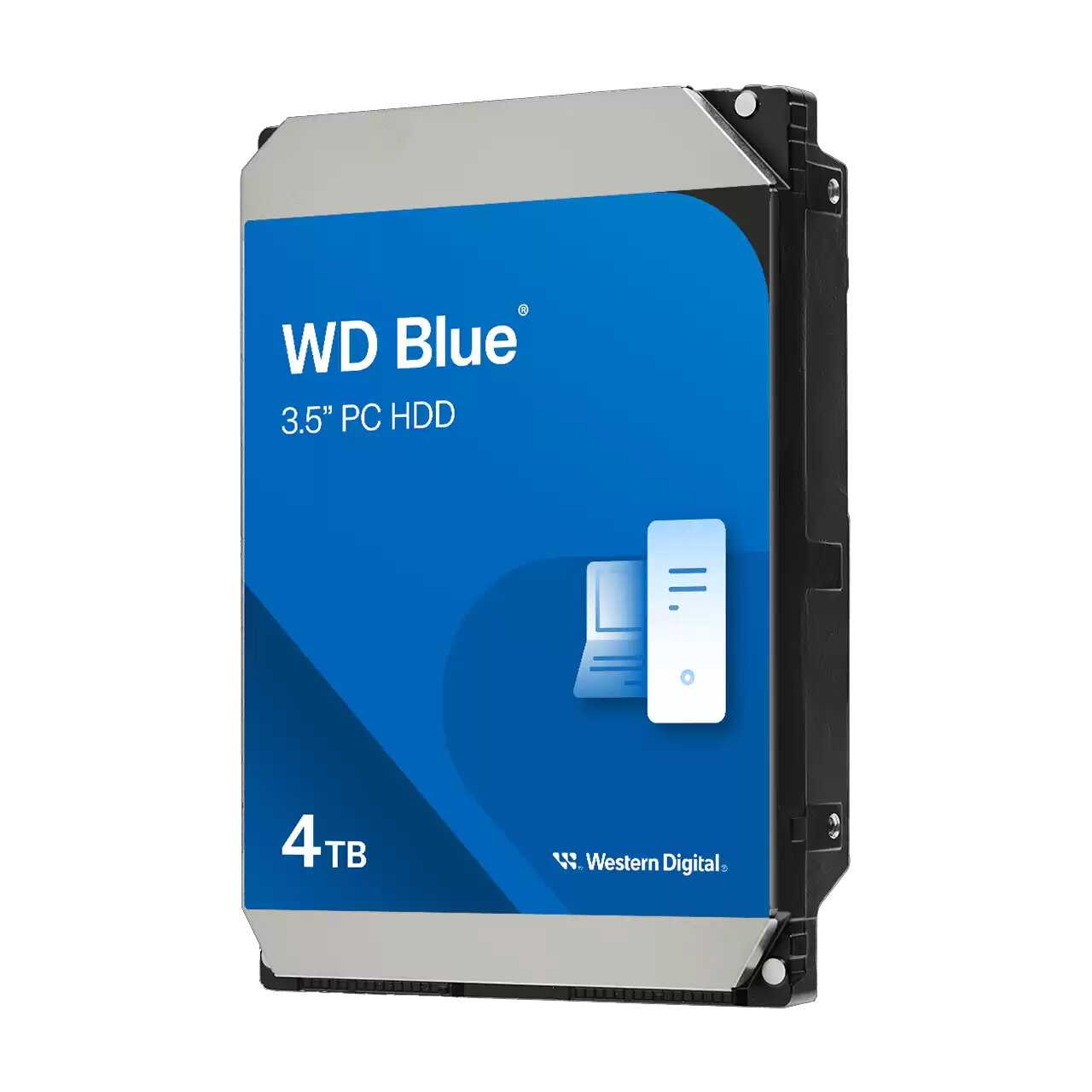
Western Digital WD Blue [WD40EZAX]

78 отзывов

от 23997.00 руб.

8.9/10 баллов

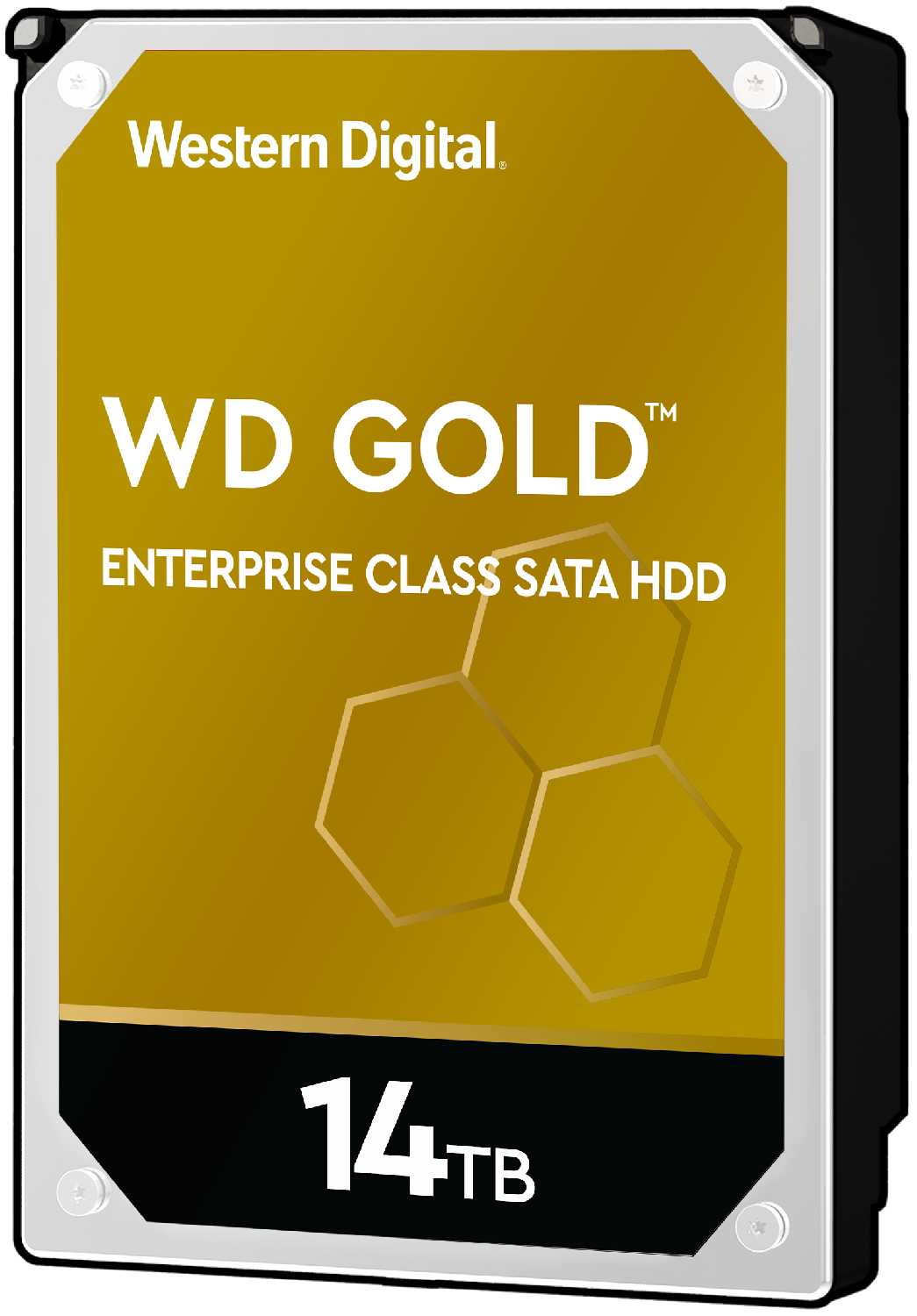
Western Digital WD Gold (WD141KRYZ)

8 отзывов

от 113143.00 руб.

8.9/10 баллов

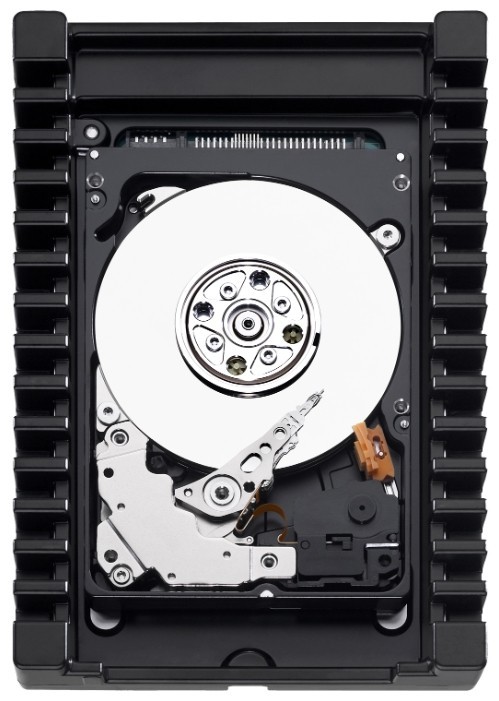
Western Digital WD VelociRaptor 1 ТБ WD1000D

69 отзывов

от 21852.00 руб.

8.9/10 баллов

Western Digital Жесткий диск 1TB WD

84 отзывов

от 12199.00 руб.

8.9/10 баллов

Toshiba L200 (HDWL120UZSVA)

108 отзывов

от 11619.00 руб.

8.9/10 баллов

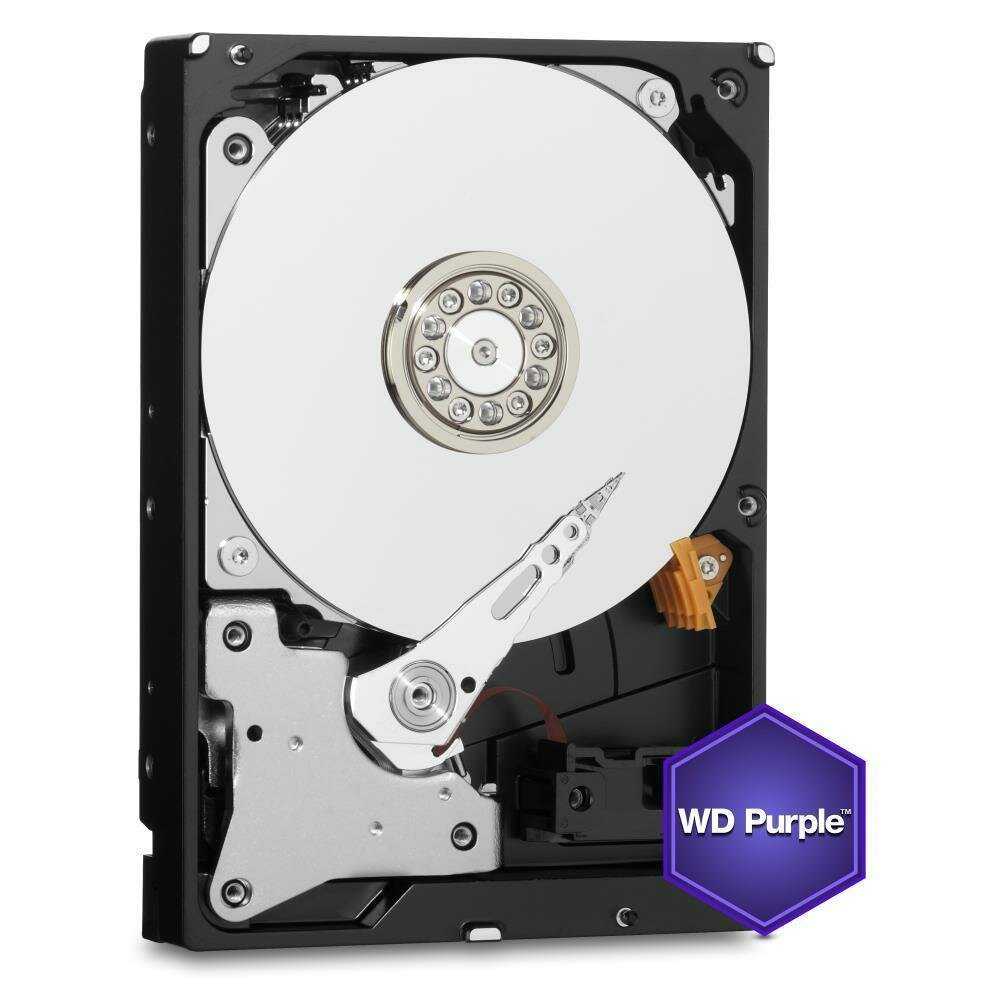
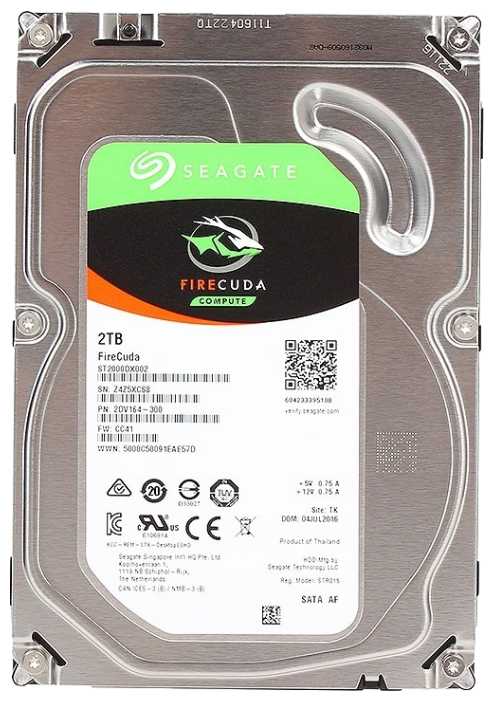
Seagate FireCuda 2 ТБ ST2000DX002

295 отзывов

от 7991.00 руб.

8.9/10 баллов

Seagate Barracuda 160 ГБ ST3160318AS

235 отзывов

от 2270.00 руб.

8.8/10 баллов

Toshiba MG07ACA12TE

106 отзывов

от 92932.00 руб.

8.8/10 баллов

Seagate IronWolf (ST4000VN006)

145 отзывов

от 23299.00 руб.

8.7/10 баллов

Western Digital Ultrastar DC HC570 (WUH722222A

14 отзывов

от 103952.00 руб.