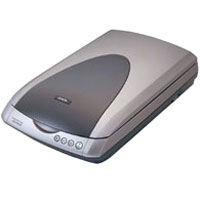
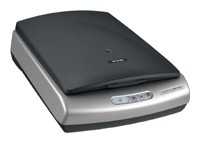
Сканер Epson Perfection 1660 Photo — подробный обзор, плюсы и минусы на основе 14 отзывов
6.3/10

Неплохо

6.3/10 Неплохо 14 отзывов · агрегировано из 2 источников Как мы считаем рейтинг?
планшетный CCD A4 поддержка Linux / поддержка Mac OS / подде… планшетный 1600  dpi 3200  dpi USB
7
2
1
4
Средняя цена в магазинах 10 016
Смотреть все цены ↓
Сравните Epson Perfection 1660 Photo с другой моделью
Загружаем цены...

Альтернативы с высокой оценкой

8.9/10 баллов

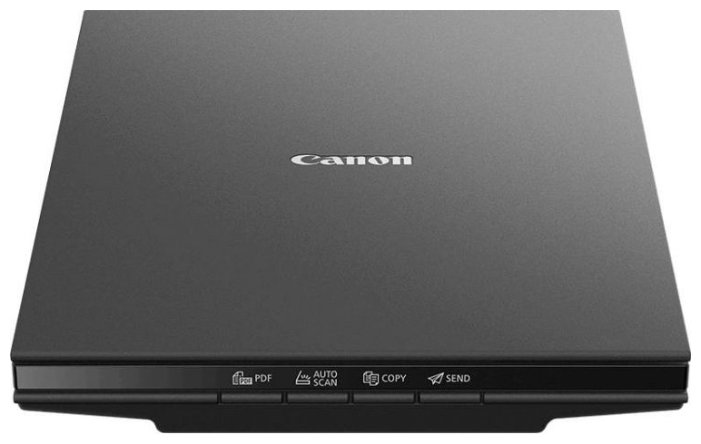
Canon CanoScan LiDE 300

  • компактный
  • питание через USB
  • качественное сканирование документов
  • шумный
  • хлипкая крышка
  • проблемы с драйверами

1252 отзывов

9 275 руб. в среднем

8.7/10 баллов

Canon CanoScan LiDE 400

  • высокая скорость сканирования
  • питание через USB Type-C
  • поддержка 4800 dpi
  • хрупкая крышка
  • шумная работа
  • ограниченное ПО

644 отзывов

10 762 руб. в среднем

8.4/10 баллов

Epson Perfection 3170 Photo

Характеристики:
  • планшетный
  • CCD
  • 3200x6400 dpi
  • слайд-адаптер
  • USB

19 отзывов

10 016 руб. в среднем

8.2/10 баллов

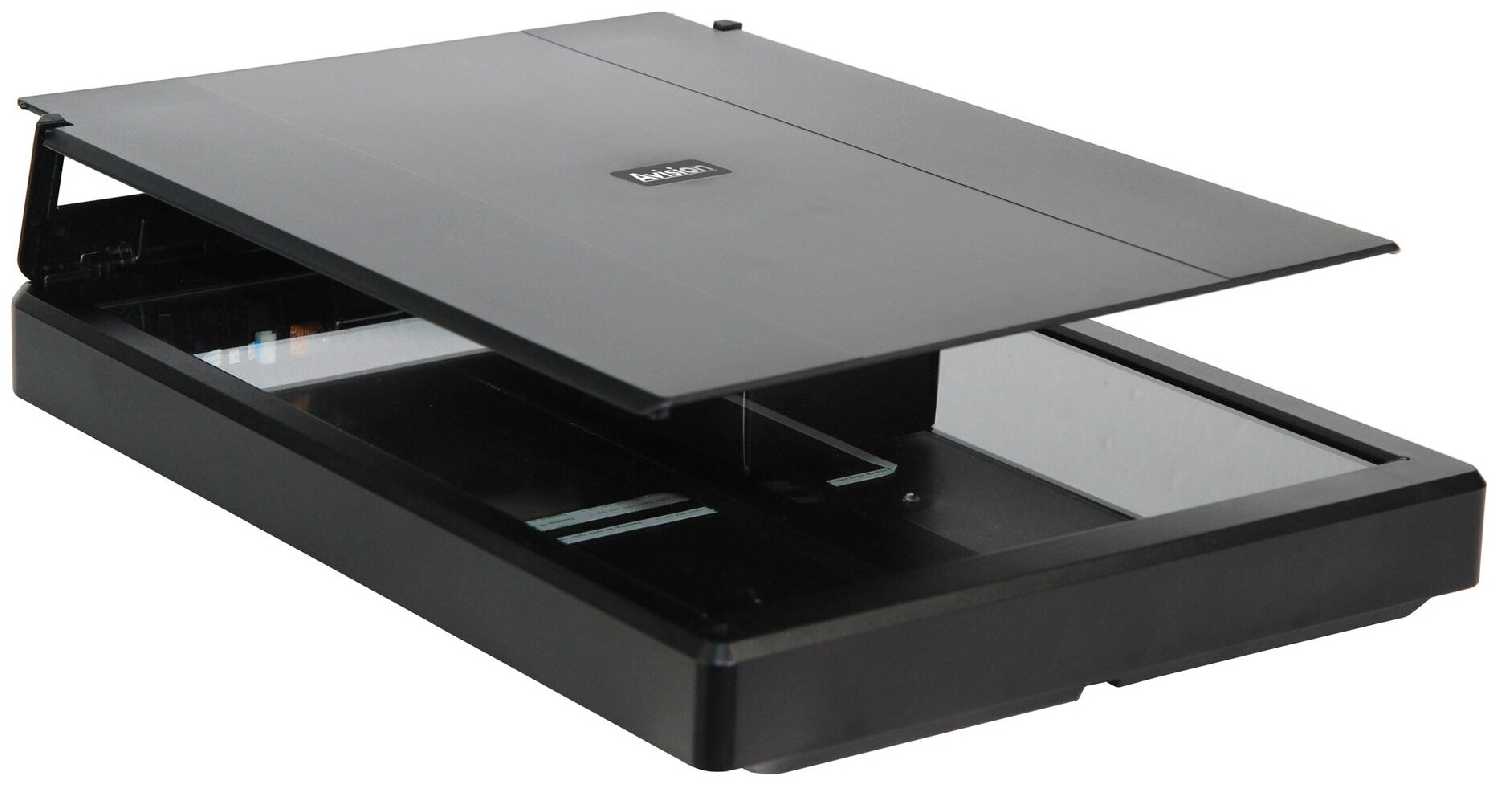
Avision FB10

  • питание от USB
  • четкое сканирование
  • быстрая установка
  • шумный
  • сложное ПО
  • маркий пластик

51 отзывов

11 509 руб. в среднем

14 отзывов пользователей о Epson Perfection 1660 Photo

Пользовались Epson Perfection 1660 Photo?
Поделитесь своим опытом и помогите другим сделать правильный выбор

7
2
1
4
Profile no image

Эксопилот-4RDHV

07.06.2019

8/10

Оценка пользователя

Хорошо

Хорошая модель
  • + В целом сканер неплохой. Есть слайдадаптер.
  • - Плохо работает с Win10. Время идет, и сканер тот же, не выпускают драйвера под новые операционные системы.
Драйвера на Win10:
скачиваем драйвера с официального сайта для Epson Perfection V750-M Pro Scanner.
Устанавливаем...
источник
Profile no image

Небулоид-9LGNK

13.09.2010

2/10

Оценка пользователя

Ужасно

LA COMPRA DE REALIZAR esc?ner que mal resultado , TI no est? funcionando y no desde el principio se rompi? , POR LO TANTO NO PUEDO HABLAR DE SU OPERACI?N
источник
Profile no image

Небулоид-1LCQK

02.02.2006

2/10

Оценка пользователя

Ужасно

Worked fine when first installed. Lost hard drive and now ubable to re-install. Have done extensive and very time consuming research on the problem to no avail. Have un-installed and re-installed several times, following the instructions carefully.Keep getting the same error message when trying to open the so called "Smart Panel". ......"APPLICATION FAILED TO INSTALL BECAUSE: ISM.DLL WAS NOT FOUND. REINSTALLING ALLPICATION MAY FIX THIS PROBLEM"Well this did not fix the problem and I now have an expensive EPSON PERFECTION 1160 PHOTO scanner whih is useless. No help from online support.
источник
Profile no image

Гиперион-3VMKT

16.11.2005

2/10

Оценка пользователя

Ужасно

I had the scanner for maybe a year. I didn't use it much. Without any reason it stopped working properly. All the images I scan are blurry with blue and red all over. Terrible!!!
источник
Profile no image

Гиперион-2ORXQ

27.01.2005

2/10

Оценка пользователя

Ужасно

Bought the so-called Mac compatible scanner last year and it worked with OS 9. I went to do this years batch of scans using OS X and no go. Image Capture doesn't see it connected via USB. An Apple Support document indicates that the 1660 Photo driver is NOT a built-in driver in Mac OS X. I downloaded most the recent software (epson11208.sea) from Epson website, installed it...the scanner app won't even startup!
источник
Profile no image

ИнфраГость-5CFJF

29.03.2003

10/10

Оценка пользователя

Великолепно

I purchased the 1660 scanner at Costco ... because of the slide and film scanner function. The initial installation left me with no option for scanning slides, so I was ready to return it. After accessing support.epson.com and choosing "scanners" and then "Perfection 1660", I downloaded and installed the driver update for MS Windows 98 and XP, which presented a new slide option, called TPU (Transparancy Unit). After installation, three choices appear in addition to the "Flatbed" Document Source: "Color Neg Film," "Monochrome Neg Film," and "Pos Film." Choosing one of these activates the flourescent lamp on the lid, which illuminates the slides and filmstrips. Of course, you must remove the white cover from inside of the lid to reveal the 2" by 11" centered illumination screen, and place the four-slide plastic insert on the scanning glass. The software "SmartPanel" allows a preview scan and individual slide image rotation (I had to learn which way is "up", and allows choice of tiff, jpg, etc, and destination file--or you can fax, email, or publish each picture to the web. All of this information is in the "Scanner ReferenceGuide" (the electronic Manual), which is why so many reviewers complain that there is no physical manual. I have sympathy for you who could not install from the cd-rom (since you cannot read what is not installed!), but if you want to make copies of slides and 35 mm filmstrips, the Epson Perfection 1660 is definitely the best value available. MHG and Viren P reviewers (10-13-02 and 10-26-02) rated this Epson above other Epsons and the Microtek, and I agree.I have both Win 98 and XP operating systems and installation was flawless with both.
источник
Profile no image

Пандорец-6ONAD

13.10.2002

10/10

Оценка пользователя

Великолепно

I purchased both the 2400 and the 1660 scanners to compare thierresults.I previously tried and returned the Microtek 4900 and the 4850, both had an acceptable quality for photo scanning ( though they were both a little undersaturated and soft)but I had problems with both not being able to go into standby mode, the light would always remain on even when the software said it should be out. Also the scanner button program when loading would never be able able to locate the scanner and was constantly running in the background.Enough said steer away from them.Now on to the quality products.I did some very extensive testing head to head on both units using various color test charts, black and white resolution charts and many detailed photos of various sizes.I then tried scanning them at different resolutions/dpi. After repeating the test numerous times my conclusions are, even though the 2400 can scan at higher resolutions 2400x4800 which should be better for scanning slides and negatives than the 1660's lower 1600x3200 resolution, the 1660 scanner had a more vivid, slightly sharper scans when comparing them with the 2400's scans.These results were equally noticable both on screen and in their printouts.(I am using the HP Photosmart 7150 printer which I reviewed also)So, unless you do need the higher resolutions of the 2400 scanner(which still gives good results)along with it's Packaged Adobe Photoshop Elements 1.1,you would be better of saving yourself the $$ and purchase the 1660 instead.These results were substantiated by numerous other people even including the Epson Rep which I met at Best Buy who had a chance to compare my printouts of the scans.She suggested to contact Epson's Tech Staff to find out why this is so.Buy the way I am a Computer Tech myself, and am a perfectionist when purchasing new equipment.
источник
Profile no image

НоваГость-7LXVX

08.02.2003

8/10

Оценка пользователя

Хорошо

After having read some of the spooky comments on driver issues, I was a bit hesitant to install the supplied software, but in the end decided to anyway. Everything installed in a snap on my XP Home system. (VPR Matrix - Best Buy's brand computer). The only thing I'm having a problem with is the Presto Pix!Express software that converts pictures to be used on a PDA. It doesn't seem to convert them correctly and when trying to run the program on my PDA , it won't run, giving me a soft reset error. I tried a repair install, but that didn't work. May try to uninstall and reinstall. Other than that minor glitch, everything else works extremely well. Scans are sharp, in particular I am impressed with the slide scanning. Much better than a dedicated Minolta Dimage Scan Dual that I used to have. Do wish the glass was removable however, so that one could clean both sides. That isn't an issue now, but could become one at some point. Smart panel is slick and easy to use - manual controls are nice. The documentation is a bit cumbersome but nothing that would kill the deal. Works on my USB 2.0 hub just fine (it has its own power adapter). In my limited experience (1 week), I'd say it's well worth the price.
источник
Показаны отзывы 1-8 из 14.
Загружаем цены...


Характеристики Epson Perfection 1660 Photo

Общее
Тип сканера : планшетный
Тип датчика сканера : CCD
Стандарт USB : USB 2.0
Характеристики
Максимальный формат бумаги : A4
Глубина цвета : 48  бит
Тип источника света : флуоресцентная лампа с холодным катодом
Дополнительно
Ширина : 276  мм
Высота : 117  мм
Особенности : поддержка Linux, поддержка Mac OS, поддержка Windows, слайд-адаптер
Потребляемая мощность (при работе) : 20  Вт
Глубина : 450  мм
Вес : 3.1  кг
Общиe характеристики
Принцип сканирования : планшетный
Сканер
Разрешение по X : 1600  dpi
Разрешение по Y : 3200  dpi
Скорость сканирования (цветн.) : А4 - 5сек
Интерфейсы
Интерфейсы : USB
Версия USB : USB 2.0
Дополнительная информация : Полностью автоматический режим сканирования (Full Auto Mode), включая коррекцию искажений. QuickStart для сканирования одним нажатием клавиши.

Информация о характеристиках носит справочный характер.
Перед покупкой уточняйте характеристики и комплектацию товара у продавца