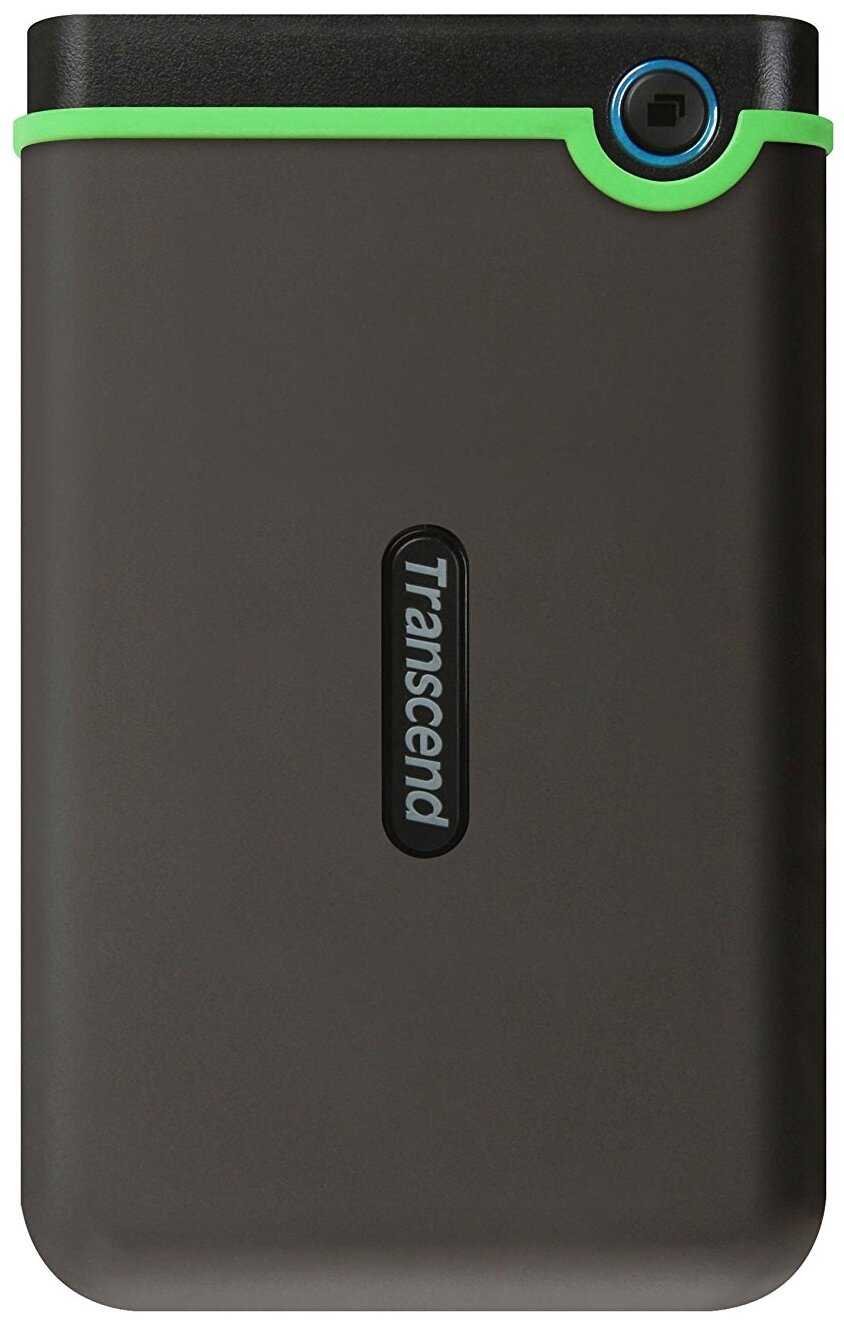
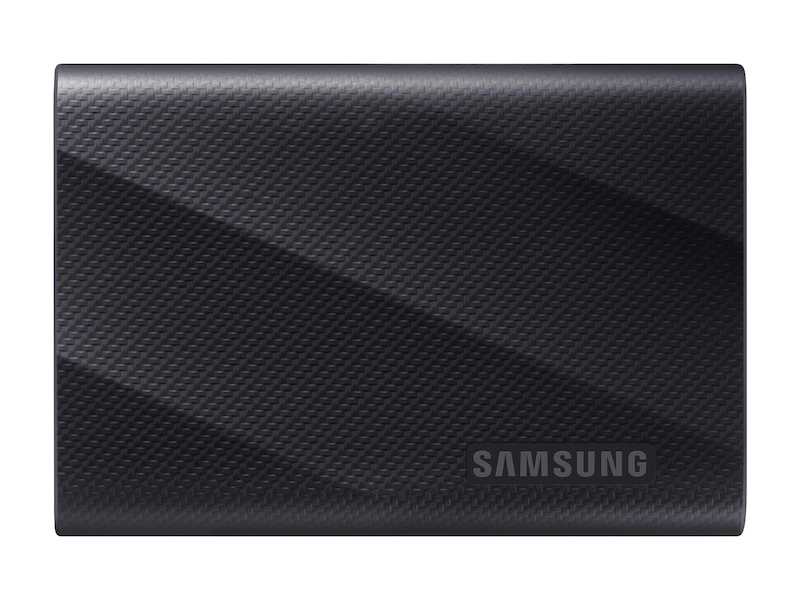
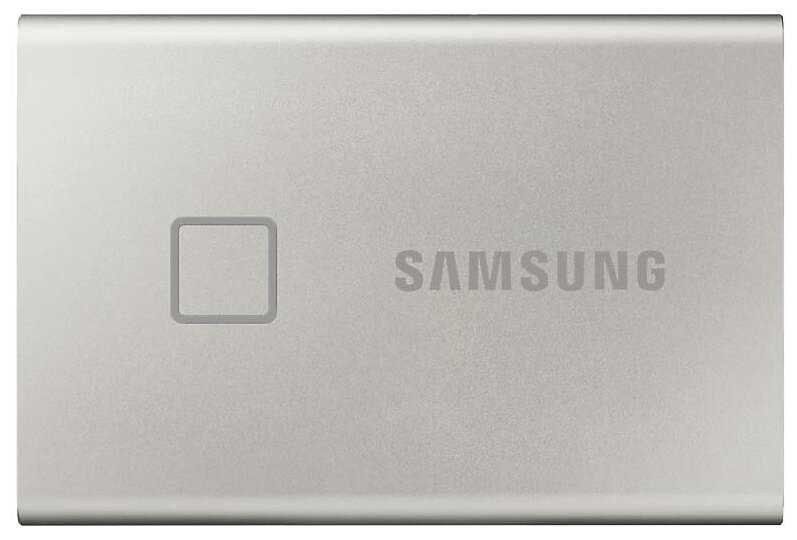
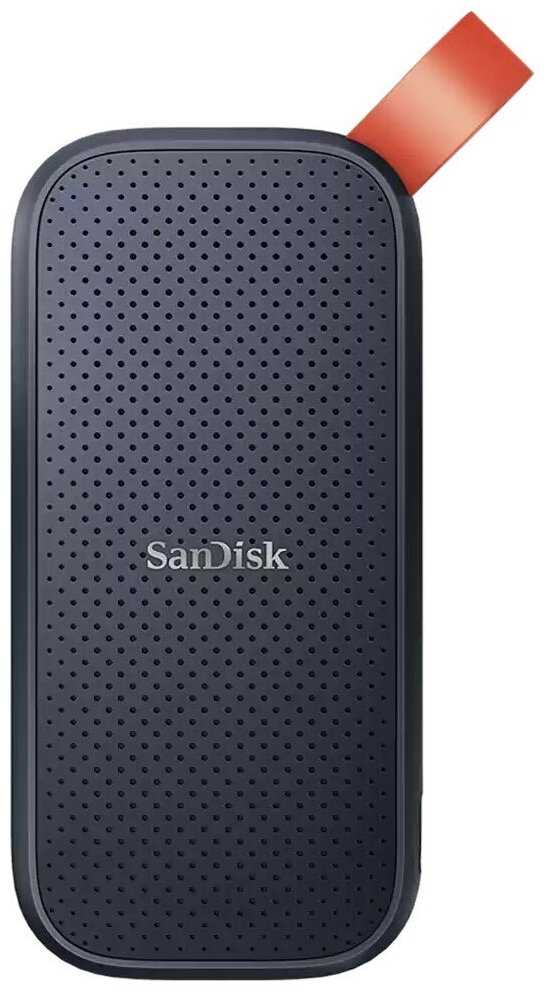
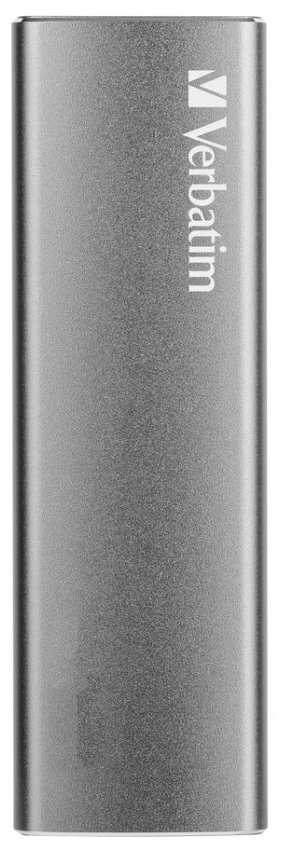
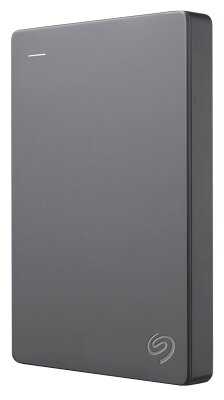
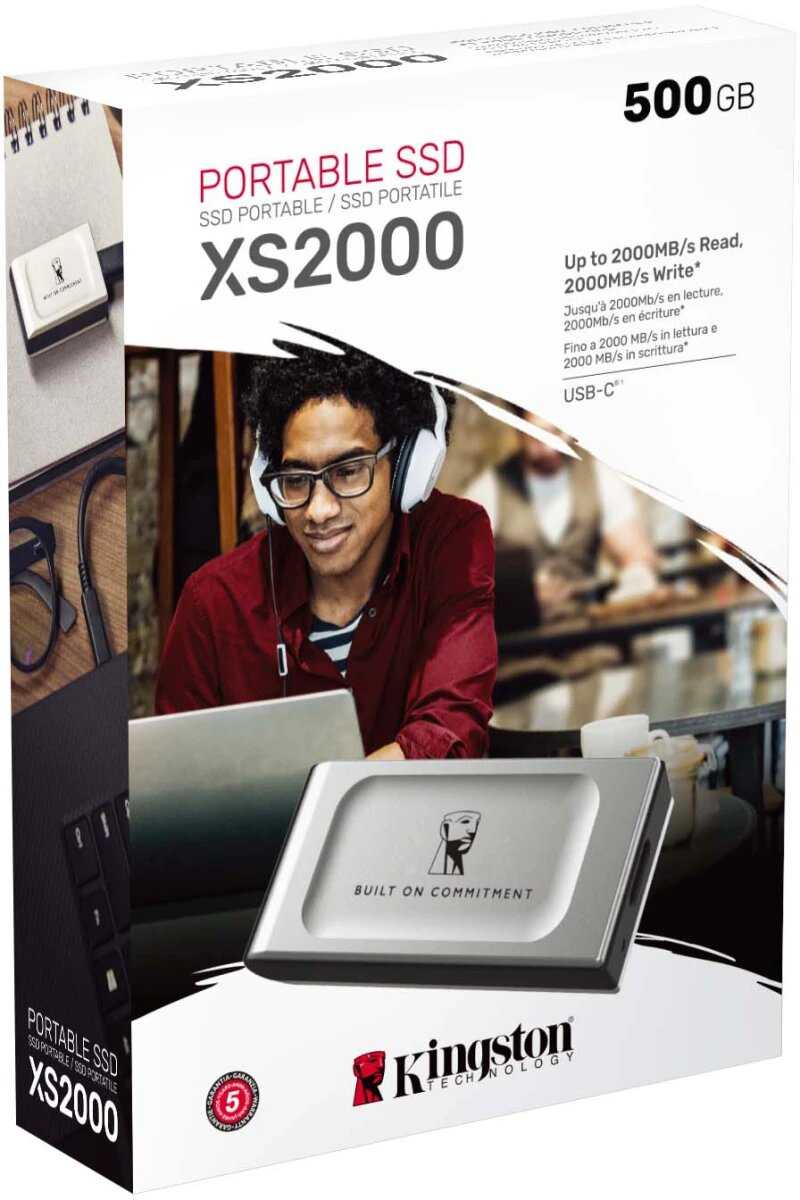
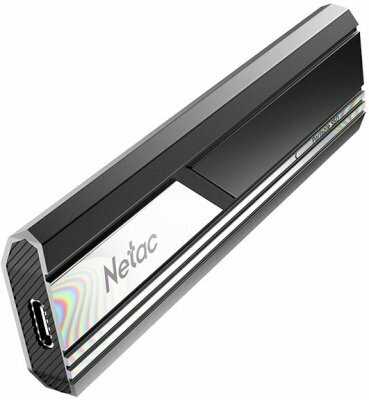
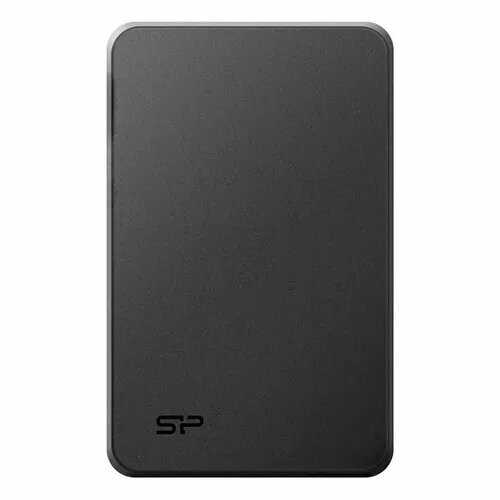
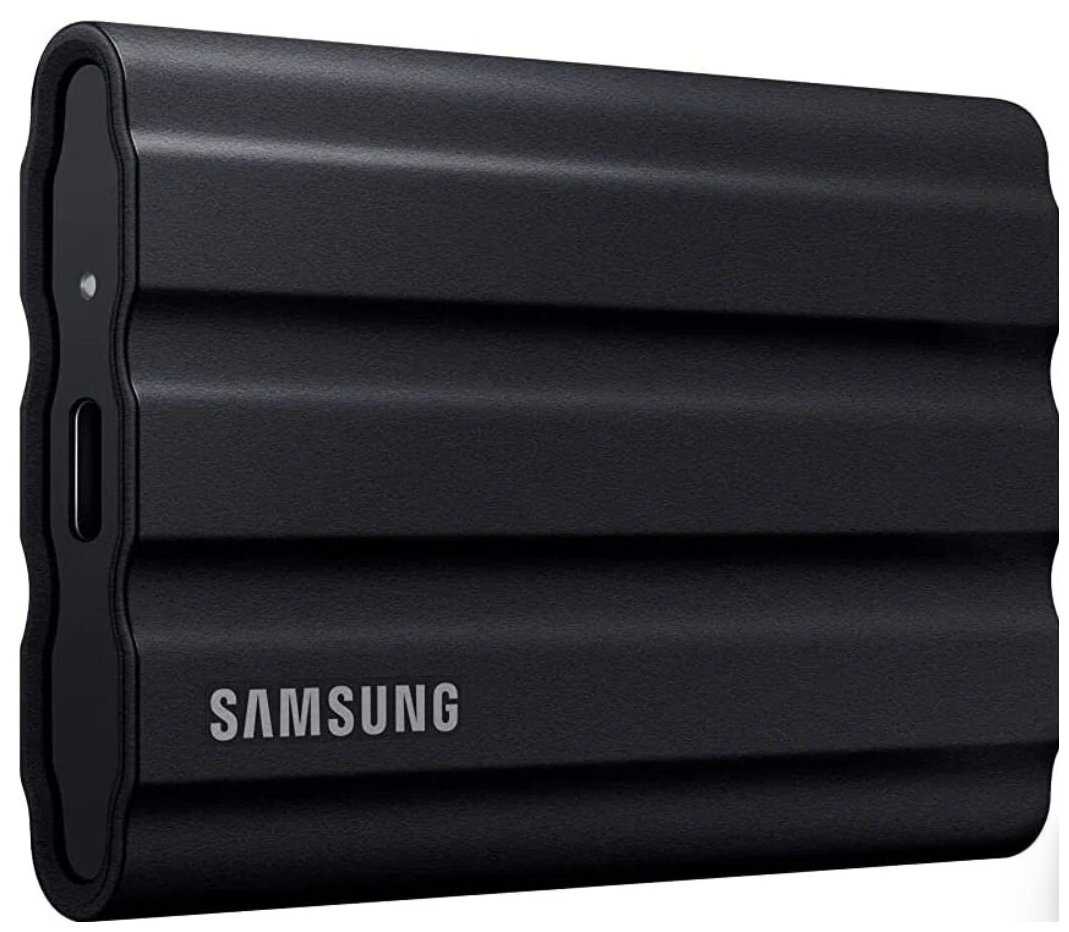
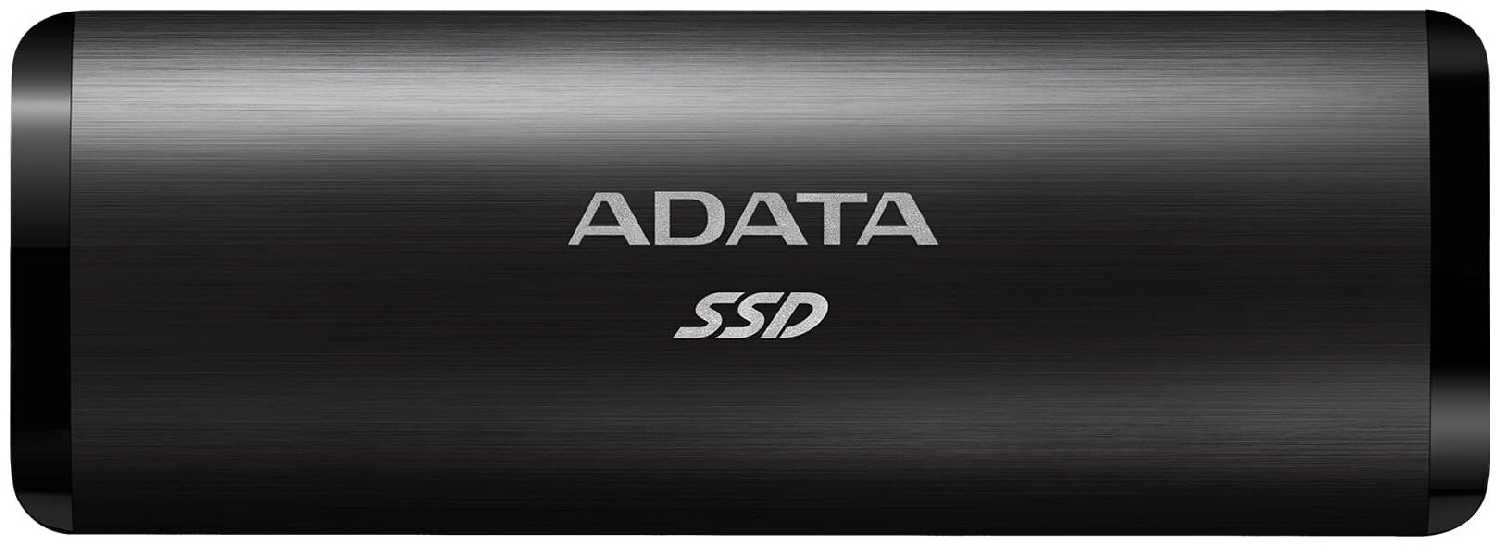
+ Хороший надёжный диск. В семье уже 3 шт. Чтение / запись - на уровне. Предыдущей моделью на 1 тб пользовался более 10 лет (сейчас...
Гравитон-2PJUL
03.03.2024
10/10
Оценка пользователя
Великолепно
Отличная модель
+ отличный товар!
Сатурниан-8PUVF
03.03.2024
10/10
Оценка пользователя
Великолепно
Отличная модель
+ цена качество отличное
- нет
Астрон-8FJKG
03.03.2024
10/10
Оценка пользователя
Великолепно
Отличная модель
+ супер
- нет
Плазмоид-7IKFN
03.03.2024
10/10
Оценка пользователя
Великолепно
Отличная модель
+ Брала по рекомендации в подарок, молодой человек остался доволен
ИнфраГость-8HADR
03.03.2024
10/10
Оценка пользователя
Великолепно
Отличная модель
+ Брал второй уже бухгалтеру. Первый счастливо пашет на протяжении 3х лет.
Астрон-7YGMB
03.03.2024
10/10
Оценка пользователя
Великолепно
Отличная модель
+ Шустрый, приятный на ощупь, лёгкий, компактный
- не выявлено
Спектр-5XQFI
11.04.2025
10/10
Оценка пользователя
Великолепно
Отличная модель
+ несколько таких жисков у меня. все работают. использую для хранения фото и видео. для игр если их записывать на диск и с него играть не потянет. Скорость записи средняя.
Пульсар-1ONEJ
04.05.2025
10/10
Оценка пользователя
Великолепно
Отличная модель
+ Отличный жесткий диск, всё работает 👌🏻
Астрономад-2GNXP
28.01.2023
10/10
Оценка пользователя
Великолепно
Отличная модель
+ Получила товар быстрее, чем планировалась доставка. Неожиданно и отлично! Полная информация по доставке. Сообщения на почту и звонок по телефону. Товар доставлен, какой и был в заказе, в хорошей сберегающей упаковке. Открыли, проверили работоспобность. Работает, пока все хорошо. Спасибо!
Вояджер-8EQCS
05.12.2012
10/10
Оценка пользователя
Великолепно
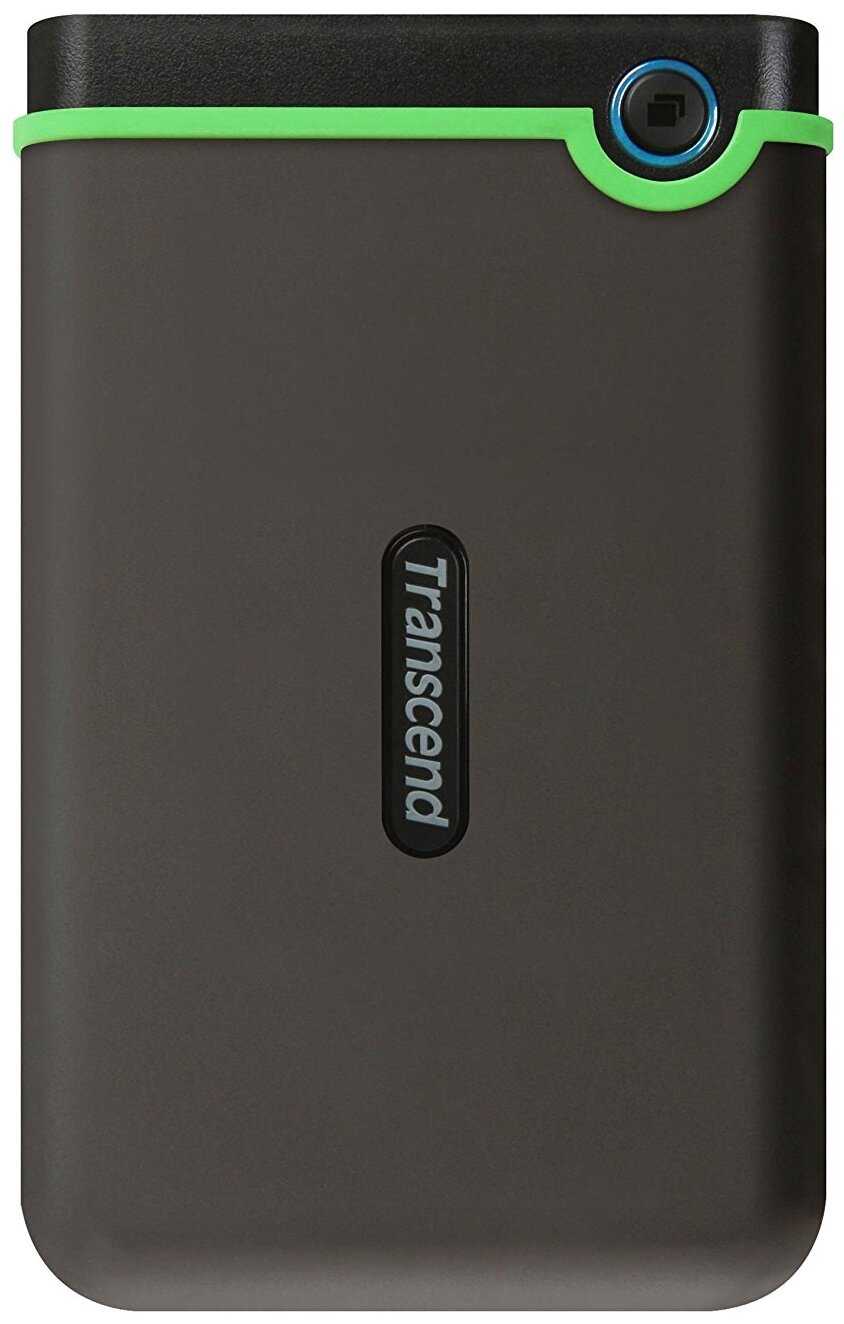
I bought this usb drive to use with my digital photos. I work on a laptop and, because I take raw digital images, I wanted someplace to store my photos off of my machine. The logical solution was, of course, an external usb drive but, since my cat loves to jump on my lap or on the sofa when I am working, I worried about the possible damage to the drive from sudden movements. This was my solution to that problem. After reading some of the reviews I assumed that I would need two cables, one for data and one for power, and that there would be two usb connections on the drive. So, first off, let me be clear about what is and what is not needed to use this drive.This drive itself has only a single usb 3.0 connection. The cable that comes with the drive is a Y cable with two connectors for the usb connections on the computer, but only one connection on the drive itself. As I said, the Y cable has two computer connections, but the wires are not the same. The thicker one is for data and the thinner one for power. So, to check the drive, I connected the usb connection on the drive and then first connected the data cable to the computer. To my surprise the drive spun up and my laptop identified it as a Transcend usb drive even though I had not, at this point, connected the power cable. Since I was surprised I did some checking and found out that the drive worked properly without the power connection to the computer being plugged in at all. I then checked the drive with the Y cable with both connections and the drive worked properly. I then tried the drive with a spare usb 3.0 cable I had for some other usb drives and the drive also worked properly.If I had read the documentation before trying the drive I would have seen that the second wire is only needed for some machines which don't supply sufficient power to run the drive itself. Others, like my laptop, work perfectly with only a standard usb 3.0 cable.I tested speed transfers using both the provided cable, with both connections, and a standard usb 3.0 cable. I found that I had a transfer speed of about 63MB/s with both data and power connections and about 10% lower with only the single connection. Since I was transferring different data in the two transfers I cannot be sure that the difference was the power connection as it could also have been the different data. Fewer large files should transfer more quickly than more smaller files and that is what my testing was comparing. Given that I cannot even be sure that there is a difference of speed in the transfers. The speed I saw on my laptop was about the same as the other usb 3.0 drives that I have used with the same kind of file transfers.In summary, not all computers will need to use both the data and power connections to use this drive. I assume stronger machines provide enough power to the usb connections to run this drive alone and that relieves my concern about losing this cable. Since some of the reviews I read on this product were misleading I thought I should quickly post what I saw when using this drive.I have not had much time to use it so I am not yet sure it will continue to function properly and, because of that, I will update this review if needed. But my experience since the drive arrived yesterday afternoon is that the drive functions as well as any other usb 3.0 drive I have, transfers data as quickly and seems to be a lot more rugged. The ruberized grip on the drive is easy to handle and should prevent me from accidentally dropping it. As of this point I can see no reason to give this drive anything other than 5 stars.
Лунатик-1NTNH
05.12.2012
10/10
Оценка пользователя
Великолепно
I bought this usb drive to use with my digital photos. I work on a laptop and, because I take raw digital images, I wanted someplace to store my photos off of my machine. The logical solution was, of course, an external usb drive but, since my cat loves to jump on my lap or on the sofa when I am working, I worried about the possible damage to the drive from sudden movements. This was my solution to that problem. After reading some of the reviews I assumed that I would need two cables, one for data and one for power, and that there would be two usb connections on the drive. So, first off, let me be clear about what is and what is not needed to use this drive.This drive itself has only a single usb 3.0 connection. The cable that comes with the drive is a Y cable with two connectors for the usb connections on the computer, but only one connection on the drive itself. As I said, the Y cable has two computer connections, but the wires are not the same. The thicker one is for data and the thinner one for power. So, to check the drive, I connected the usb connection on the drive and then first connected the data cable to the computer. To my surprise the drive spun up and my laptop identified it as a Transcend usb drive even though I had not, at this point, connected the power cable. Since I was surprised I did some checking and found out that the drive worked properly without the power connection to the computer being plugged in at all. I then checked the drive with the Y cable with both connections and the drive worked properly. I then tried the drive with a spare usb 3.0 cable I had for some other usb drives and the drive also worked properly.If I had read the documentation before trying the drive I would have seen that the second wire is only needed for some machines which don't supply sufficient power to run the drive itself. Others, like my laptop, work perfectly with only a standard usb 3.0 cable.I tested speed transfers using both the provided cable, with both connections, and a standard usb 3.0 cable. I found that I had a transfer speed of about 63MB/s with both data and power connections and about 10% lower with only the single connection. Since I was transferring different data in the two transfers I cannot be sure that the difference was the power connection as it could also have been the different data. Fewer large files should transfer more quickly than more smaller files and that is what my testing was comparing. Given that I cannot even be sure that there is a difference of speed in the transfers. The speed I saw on my laptop was about the same as the other usb 3.0 drives that I have used with the same kind of file transfers.In summary, not all computers will need to use both the data and power connections to use this drive. I assume stronger machines provide enough power to the usb connections to run this drive alone and that relieves my concern about losing this cable. Since some of the reviews I read on this product were misleading I thought I should quickly post what I saw when using this drive.I have not had much time to use it so I am not yet sure it will continue to function properly and, because of that, I will update this review if needed. But my experience since the drive arrived yesterday afternoon is that the drive functions as well as any other usb 3.0 drive I have, transfers data as quickly and seems to be a lot more rugged. The ruberized grip on the drive is easy to handle and should prevent me from accidentally dropping it. As of this point I can see no reason to give this drive anything other than 5 stars.
Дроид-7ZHOR
05.12.2012
10/10
Оценка пользователя
Великолепно
I bought this usb drive to use with my digital photos. I work on a laptop and, because I take raw digital images, I wanted someplace to store my photos off of my machine. The logical solution was, of course, an external usb drive but, since my cat loves to jump on my lap or on the sofa when I am working, I worried about the possible damage to the drive from sudden movements. This was my solution to that problem. After reading some of the reviews I assumed that I would need two cables, one for data and one for power, and that there would be two usb connections on the drive. So, first off, let me be clear about what is and what is not needed to use this drive.This drive itself has only a single usb 3.0 connection. The cable that comes with the drive is a Y cable with two connectors for the usb connections on the computer, but only one connection on the drive itself. As I said, the Y cable has two computer connections, but the wires are not the same. The thicker one is for data and the thinner one for power. So, to check the drive, I connected the usb connection on the drive and then first connected the data cable to the computer. To my surprise the drive spun up and my laptop identified it as a Transcend usb drive even though I had not, at this point, connected the power cable. Since I was surprised I did some checking and found out that the drive worked properly without the power connection to the computer being plugged in at all. I then checked the drive with the Y cable with both connections and the drive worked properly. I then tried the drive with a spare usb 3.0 cable I had for some other usb drives and the drive also worked properly.If I had read the documentation before trying the drive I would have seen that the second wire is only needed for some machines which don't supply sufficient power to run the drive itself. Others, like my laptop, work perfectly with only a standard usb 3.0 cable.I tested speed transfers using both the provided cable, with both connections, and a standard usb 3.0 cable. I found that I had a transfer speed of about 63MB/s with both data and power connections and about 10% lower with only the single connection. Since I was transferring different data in the two transfers I cannot be sure that the difference was the power connection as it could also have been the different data. Fewer large files should transfer more quickly than more smaller files and that is what my testing was comparing. Given that I cannot even be sure that there is a difference of speed in the transfers. The speed I saw on my laptop was about the same as the other usb 3.0 drives that I have used with the same kind of file transfers.In summary, not all computers will need to use both the data and power connections to use this drive. I assume stronger machines provide enough power to the usb connections to run this drive alone and that relieves my concern about losing this cable. Since some of the reviews I read on this product were misleading I thought I should quickly post what I saw when using this drive.I have not had much time to use it so I am not yet sure it will continue to function properly and, because of that, I will update this review if needed. But my experience since the drive arrived yesterday afternoon is that the drive functions as well as any other usb 3.0 drive I have, transfers data as quickly and seems to be a lot more rugged. The ruberized grip on the drive is easy to handle and should prevent me from accidentally dropping it. As of this point I can see no reason to give this drive anything other than 5 stars.
ХроноГость-3PRSJ
23.01.2013
10/10
Оценка пользователя
Великолепно
I have about 6000 photos that I am transferring from memory cards to this hard drive which was furnished to me by my son-in-law. The portable hard drive look rugged and I note there are references to military grade resistance. I did not drop the unit nor did I toss it against a brick wall, therefore I will have to take their work that it is military grade. It certainly feels good and looks good. The unit I have is the 500GS. According to the write up this unit has an advanced 3-stage shock resistance protection system, which means there is a slip resistant outer shell, a reinforced hard casing and an internal hard drive suspension damper. This all sounds great and since I am not an engineer I will accept their word for these nice little things. I just want a portable drive that works and works fast.This unit uses either the 3.0 or 2.0 USB options with a Bandwidth up to 5Gb/s in USB 3.0 mode and 480 Mb/s in USB 2.0 mode. It has a one touch backup and comes with a y-cord in the box.The write up states it has "blazing fast transfer rates and a hugh storage capacity. I will certainly agree with the large storage as my 6000 photos were just a drop in the bucket--so to speak.I just simply hooked the unit to my USP port on my Apple and instantly I was ready to start transferring the photos from my five memory cards to the portable drive. I know that all elements and conditions must be "prime" for me to enjoy "blazing fast" transfers. I just want to share with the reader my results.Each memory card had in excess of 1000 photos shot using the highest quality thus my photos are rather large. I used two San Disk SDHC Cards Class 4 8GB and both transferred as slowly as a turtle crawls. I then took my two Kingston SCHC 4GB Class 4 cards and they too crawled at the speed of the San Disk cards. I then inserted what I thought was an identical Kingston 4GB Class 4 cards and it was lightning fast. While I did not use a stop watch I was amazed at the fast transfer rate. It was really fast. I started to inspect the three Kingston cards and the one that was really fast had printed on the back side in very dim large letters, "CE FC". I don't have a clue as to what that means, however I do know that the transfer using this card will many times faster than the other four cards.In any event the portable hard drive now contains my 6000 pictures and I will mail it to others that traveled with us to South Africa so they can copy the photos to their files. The portable hard drive worked very well and I recommend it. If anyone has any different experiences especially on the use of different memory cards I would be interested in reading your post on the subject.
Пандорец-3UMMI
23.01.2013
10/10
Оценка пользователя
Великолепно
I have about 6000 photos that I am transferring from memory cards to this hard drive which was furnished to me by my son-in-law. The portable hard drive look rugged and I note there are references to military grade resistance. I did not drop the unit nor did I toss it against a brick wall, therefore I will have to take their work that it is military grade. It certainly feels good and looks good. The unit I have is the 500GS. According to the write up this unit has an advanced 3-stage shock resistance protection system, which means there is a slip resistant outer shell, a reinforced hard casing and an internal hard drive suspension damper. This all sounds great and since I am not an engineer I will accept their word for these nice little things. I just want a portable drive that works and works fast.This unit uses either the 3.0 or 2.0 USB options with a Bandwidth up to 5Gb/s in USB 3.0 mode and 480 Mb/s in USB 2.0 mode. It has a one touch backup and comes with a y-cord in the box.The write up states it has "blazing fast transfer rates and a hugh storage capacity. I will certainly agree with the large storage as my 6000 photos were just a drop in the bucket--so to speak.I just simply hooked the unit to my USP port on my Apple and instantly I was ready to start transferring the photos from my five memory cards to the portable drive. I know that all elements and conditions must be "prime" for me to enjoy "blazing fast" transfers. I just want to share with the reader my results.Each memory card had in excess of 1000 photos shot using the highest quality thus my photos are rather large. I used two San Disk SDHC Cards Class 4 8GB and both transferred as slowly as a turtle crawls. I then took my two Kingston SCHC 4GB Class 4 cards and they too crawled at the speed of the San Disk cards. I then inserted what I thought was an identical Kingston 4GB Class 4 cards and it was lightning fast. While I did not use a stop watch I was amazed at the fast transfer rate. It was really fast. I started to inspect the three Kingston cards and the one that was really fast had printed on the back side in very dim large letters, "CE FC". I don't have a clue as to what that means, however I do know that the transfer using this card will many times faster than the other four cards.In any event the portable hard drive now contains my 6000 pictures and I will mail it to others that traveled with us to South Africa so they can copy the photos to their files. The portable hard drive worked very well and I recommend it. If anyone has any different experiences especially on the use of different memory cards I would be interested in reading your post on the subject.
Квазар-4XWMJ
28.01.2013
10/10
Оценка пользователя
Великолепно
I bought this 1TB USB 3.0 Hard Drive with a specific purpose. I had a MAC computer running the latest version of MAC OS X, however, I had to install an older version of MAC OS X in order to run a specific software that controls a scientific instrument. I wanted to have a way to go back to the latest version of MAC OS X if the installation of the old OS version does not go well or if it does not solve my problem. Toward this goal, I wanted to make an image of the entire hard drive with the latest version of MAC OS X on it. This is how I did it:----------1. I bought 1TB USB 3.0 Hard Drive at Amazon.com2. Using Linux, created a single partition on the USB Hard Drive and formatted it as Linux EXT3 filesystem.3. Burnt a Linux Live CD (this can be done on any computer).4. Booted the MAC computer from the Linux Live CD.5. Plugged the USB Hard Drive in the USB 3.0 port on the MAC computer running Linux OS and mounted it.6. Created an image of the MAC computer internal hard drive on the USB External Hard Drive using Linux command dd.7. Unmounted the USB Hard Drive, then unplugged it, then powered off the MAC computer.8. Plugged the USB Hard Drive to a USB port on a Linux computer, mounted it, then mounted the image of the MAC hard drive using loopback option of the mount command and randomly checked the integrity of a few files that used to be on the hard drive of the MAC computer. All files were just fine, which convinced me that the image was in good shape.----------Once I have created and tested the copy of the entire hard drive of the MAC computer, I installed the old version of the operating system. The installation went just fine, but at any time I can go back to the latest version of MAC OS X.----------What I like about this Transcend 1TB USB 3.0 Hard Drive: it is fully compatible with Linux, it has a very good data transfer rate (because of USB 3.0), and its mechanical construction appears to be more sound than most other USB hard drives on the market.
Спектроник-0EKFW
28.01.2013
10/10
Оценка пользователя
Великолепно
I bought this 1TB USB 3.0 Hard Drive with a specific purpose. I had a MAC computer running the latest version of MAC OS X, however, I had to install an older version of MAC OS X in order to run a specific software that controls a scientific instrument. I wanted to have a way to go back to the latest version of MAC OS X if the installation of the old OS version does not go well or if it does not solve my problem. Toward this goal, I wanted to make an image of the entire hard drive with the latest version of MAC OS X on it. This is how I did it:----------1. I bought 1TB USB 3.0 Hard Drive at Amazon.com2. Using Linux, created a single partition on the USB Hard Drive and formatted it as Linux EXT3 filesystem.3. Burnt a Linux Live CD (this can be done on any computer).4. Booted the MAC computer from the Linux Live CD.5. Plugged the USB Hard Drive in the USB 3.0 port on the MAC computer running Linux OS and mounted it.6. Created an image of the MAC computer internal hard drive on the USB External Hard Drive using Linux command dd.7. Unmounted the USB Hard Drive, then unplugged it, then powered off the MAC computer.8. Plugged the USB Hard Drive to a USB port on a Linux computer, mounted it, then mounted the image of the MAC hard drive using loopback option of the mount command and randomly checked the integrity of a few files that used to be on the hard drive of the MAC computer. All files were just fine, which convinced me that the image was in good shape.----------Once I have created and tested the copy of the entire hard drive of the MAC computer, I installed the old version of the operating system. The installation went just fine, but at any time I can go back to the latest version of MAC OS X.----------What I like about this Transcend 1TB USB 3.0 Hard Drive: it is fully compatible with Linux, it has a very good data transfer rate (because of USB 3.0), and its mechanical construction appears to be more sound than most other USB hard drives on the market.
Астрономад-4TJST
31.12.2012
10/10
Оценка пользователя
Великолепно
I purchased this drive to replace an aging 320GB Western Digital portable hard drive, as it was too small, slow, and becoming unreliable. This Transcend drive was a great value on the deal of the day price, and it performs well in my use so far. The USB 3.0 speeds are great for large file transfers, easily topping 100 MB/s. I posted a CrystalDiskMark benchmark of this drive in the pictures section to give an idea of transfer speeds. As expected, the sequential reads/writes are great, but you won't notice much difference when copying lots of smaller files compared to a USB 2.0 drive. Most of my use so far is creating disk image backups of my computers, as well as normal file backup and transfer operations.There are a couple of quirks with this hard drive. First, the drop protection does result in a noticeably larger and heavier device than a typical 2.5" hard drive. Also, the included cable has an extra USB connector in case your computer cannot supply necessary power through one port. In use with a USB 2 laptop and a USB 3 desktop, the single connection works just fine. Finally, it does come formatted as FAT32, which will need to be reformatted as NTFS if you will be transferring large files.Overall, I bought this primarily for the price and USB 3 speeds, although the drop-proofing may come in handy one day. I generally prefer Western Digital drives, but my other Transcend products all work well so far.
Интеллектор-8DQLZ
31.12.2012
10/10
Оценка пользователя
Великолепно
I purchased this drive to replace an aging 320GB Western Digital portable hard drive, as it was too small, slow, and becoming unreliable. This Transcend drive was a great value on the deal of the day price, and it performs well in my use so far. The USB 3.0 speeds are great for large file transfers, easily topping 100 MB/s. I posted a CrystalDiskMark benchmark of this drive in the pictures section to give an idea of transfer speeds. As expected, the sequential reads/writes are great, but you won't notice much difference when copying lots of smaller files compared to a USB 2.0 drive. Most of my use so far is creating disk image backups of my computers, as well as normal file backup and transfer operations.There are a couple of quirks with this hard drive. First, the drop protection does result in a noticeably larger and heavier device than a typical 2.5" hard drive. Also, the included cable has an extra USB connector in case your computer cannot supply necessary power through one port. In use with a USB 2 laptop and a USB 3 desktop, the single connection works just fine. Finally, it does come formatted as FAT32, which will need to be reformatted as NTFS if you will be transferring large files.Overall, I bought this primarily for the price and USB 3 speeds, although the drop-proofing may come in handy one day. I generally prefer Western Digital drives, but my other Transcend products all work well so far.
Астрономад-7DFAY
13.01.2013
2/10
Оценка пользователя
Ужасно
Well, I bought this drive in the middle of November. The 16th to be exact. Here it is on January 13, though the drive actually stop being read last night, the 12th. I started making some weird beeping noises. I thought maybe it was getting enough power. So I tried other usb ports. They did not work, then it stopped making noises all together. I actually took the drive apart violating the warranty to test it with another HDD enclosure I have. That did not work either. I took another spare hard drive and hooked it up to this drives enclosure and my computer read it just fine, so it is definitely a hardware failure. I decided to violate the warranty because of the value I placed on the drives contents. I am really pissed off about this drive. Having numerous files on this now defunct drive has cost me a lot of money! Thankfully I have the files stored in other numerous places, though it is going to take time and cost money to get everything back. Not to mention copies that were modified but not yet copied, this is going to be bad! Though this drive may function for others, and I'm glad to hear it, I would advise other potential buyers to stay away from this product. What good does having military drop standards if the drive goes kaput in less than 2 months?
Фотон-1RJZR
13.01.2013
2/10
Оценка пользователя
Ужасно
Well, I bought this drive in the middle of November. The 16th to be exact. Here it is on January 13, though the drive actually stop being read last night, the 12th. I started making some weird beeping noises. I thought maybe it was getting enough power. So I tried other usb ports. They did not work, then it stopped making noises all together. I actually took the drive apart violating the warranty to test it with another HDD enclosure I have. That did not work either. I took another spare hard drive and hooked it up to this drives enclosure and my computer read it just fine, so it is definitely a hardware failure. I decided to violate the warranty because of the value I placed on the drives contents. I am really pissed off about this drive. Having numerous files on this now defunct drive has cost me a lot of money! Thankfully I have the files stored in other numerous places, though it is going to take time and cost money to get everything back. Not to mention copies that were modified but not yet copied, this is going to be bad! Though this drive may function for others, and I'm glad to hear it, I would advise other potential buyers to stay away from this product. What good does having military drop standards if the drive goes kaput in less than 2 months?
Пульсар-9PUAJ
11.09.2012
8/10
Оценка пользователя
Хорошо
The Transcend StoreJet External Hard drive seems to be a great piece of equipment so far. It fired right up, read/write speed is awesome. I'm embarrassed to admit it, but I did accidentally drop it from about 1 foot while reconnecting to another machine, but no harm was done! One of the main reasons I purchased this model, aside from the military grade drop testing, was that is was USB powered, and I really liked the idea of having one less power cord to deal with.But there is one thing that buyers should know up front that I didn't know regarding this USB powered drive. No, actually two things. First, you will use up 2 USB slots, as the cable that comes with the drive connects on one end to the drive, but the other end is split with TWO USB connectors. One connector is for POWER+DATA and the other is to supply additional power needed to keep the drive alive. If you're running low on USB slots you may want to know that up front. The other issue is that with Windows 7, there seems to be some USB power issues, and when I was connected to my Windows 7 machine the drive would eventually power off and lose connection to the system. I tried resetting several of the USB options in the power settings, but it continued to happen. In my case, I was only using the Windows 7 machine temporarily while I restored lost files to my new drive so I didn't spend much more time researching the issue. The drive's ultimate home is my trusted XP machine where I do my design work. I have not had any power issues on my XP machine so far, but will update this review if I discover any issues down the road.Hope this review is helpful to others!
НеоВояжер-4HIYW
11.09.2012
8/10
Оценка пользователя
Хорошо
The Transcend StoreJet External Hard drive seems to be a great piece of equipment so far. It fired right up, read/write speed is awesome. I'm embarrassed to admit it, but I did accidentally drop it from about 1 foot while reconnecting to another machine, but no harm was done! One of the main reasons I purchased this model, aside from the military grade drop testing, was that is was USB powered, and I really liked the idea of having one less power cord to deal with.But there is one thing that buyers should know up front that I didn't know regarding this USB powered drive. No, actually two things. First, you will use up 2 USB slots, as the cable that comes with the drive connects on one end to the drive, but the other end is split with TWO USB connectors. One connector is for POWER+DATA and the other is to supply additional power needed to keep the drive alive. If you're running low on USB slots you may want to know that up front. The other issue is that with Windows 7, there seems to be some USB power issues, and when I was connected to my Windows 7 machine the drive would eventually power off and lose connection to the system. I tried resetting several of the USB options in the power settings, but it continued to happen. In my case, I was only using the Windows 7 machine temporarily while I restored lost files to my new drive so I didn't spend much more time researching the issue. The drive's ultimate home is my trusted XP machine where I do my design work. I have not had any power issues on my XP machine so far, but will update this review if I discover any issues down the road.Hope this review is helpful to others!
Спасибо за регистрацию на портале Wizemart, вам на почту пришло письмо с подтверждением регистрации, пожалуйста перейдите по ссылке внутри него для подтверждения вашего e-mail