Wi-Fi точка доступа D-Link DWL-2600AP — 39 отзывов, плюсы и минусы

39 отзывов пользователей о D-link DWL-2600AP

Пользовались D-link DWL-2600AP?
Поделитесь своим опытом и помогите другим сделать правильный выбор

18
8
1
4
8
Profile no image

Вектрон-3GTVS

09.03.2011

8/10

Оценка пользователя

Хорошо

Если не требуется большого функционала, то вполне сойдет
  • + Дешевая
  • - Больших недостатков нет
С родной прошивкой ничего особенного, три режима - AP, Client и повторитель, но работает вполне стабильно. Для интересующихся можно расширить функционал перепрошив на альтернативную прошивку. Как это сделать, можно найти например тут: http://g700ap.narod.ru
Profile no image

Пандорец-2CRRY

14.08.2010

10/10

Оценка пользователя

Великолепно

  • + Недорогая точка доступа. Чипсет Realtek. а значит подходит херова гора прошивок от аналогичных устройств. Навскидку - Conceptronics, LevelOne, Edimax, Planet делали на этом чипсете свои точки доступа. перепрошивается без проблем в любую из вышеперечисленных, с увеличением функциональности.
  • - сложно найти в магазинах из-за высокой популярности :)
    других недостатков нет.
после покупки прошивал несколько раз в разные модели (см. выше)...
источник
Profile no image

Нейрон-6NXAY

29.05.2010

8/10

Оценка пользователя

Хорошо

  • + Модель просто супер, за такие то деньги. Есть фильтр по MAC адресу, что очень удобно, добавил свои устройства и убирай пароль с точки, никто не взламает. пытался сам ее взломать на веп шифровании, фиг!!! хорошая модель для дома и малого оффиса.
  • - Даже сидя под девайсом скорость никак не 54 мбита. максимум выжимал 25 мбит. радиус действия со стандартной антенной грубо говоря мал :(, для дома хватает. Бывают чудеса с антеннкой, чистка контактов...
источник
Profile no image

Дроид-8RSCR

17.06.2010

8/10

Оценка пользователя

Хорошо

  • + Простота
    Подключено 2 ноутбука + 2 телефона, все адекватно работает
  • - Безопасность
Отдали данный девайс под видом Роутера=)))
В итоге я стал его использовать как роутер средстом приобретения 2ой ЛАН карты в комп (В Билайне этот девайс иначе не подключишь). Инет получился на 3х компах...
источник
Profile no image

НеоВояжер-2FEEV

10.02.2010

2/10

Оценка пользователя

Ужасно

  • + Работала ровно 4 месяца без сбоев и зависаний.
  • - После 4х месяцев использования начала чудить.
    Постоянно пропадает интернет.
    Зависания точки происходят по несколько раз в неделю.
    Некоторые глюки лечатся только полной жёсткой перезагрузкой со стиранием всех настроек.
    Реже, но отходит сетевой...
источник
Profile no image

Вояджер-5APPV

30.10.2009

4/10

Оценка пользователя

Ужасно

  • + низкая цена, убодство настройки
  • - работает только как точка доступа, т.е. для доступа к интернету или организации домашней сети понадобится еще рутер. пользуюсь несколько лет. сначала работал действительно стабильно, только раз в месяц надо бало перезугружать. потом стал раз в год жестко зависать, так что приходилось возить в сервисный...
источник
Profile no image

Плазмонавт-7EBYO

22.11.2009

10/10

Оценка пользователя

Великолепно

  • + Пашет без збоев все очень просто для начального уровня и просто пользователя ништяк...
  • - их не выявил разве что хочется устройство поновароченей а так то что заявлена и для одного пк в доме то что надо скока раз падал и чего пахает уже около полутра 2х лет точно не помню... и до сих пор пахает как атомный....
Реомендую для одного пка и дома...
источник
Profile no image

Спектроник-3KQHD

03.11.2009

10/10

Оценка пользователя

Великолепно

  • + Простота в настройке. Заявленые возможности полностью реализованые.
  • - Невыявлены.
Работает как часики. Связь держит стабильно.
Радиус действия заявленные производителем полностью подтвержден. Дальность по прямой видимости до карты...
источник
Profile no image

Кронос-1IMCQ

14.08.2009

4/10

Оценка пользователя

Ужасно

  • + дешево
  • - страшно бажит после 2х лет работы
хотя, возможно дело не в том сколько она работает, а сколько вай фай средств появилось...
источник
Profile no image

Странник-6DIIQ

22.06.2009

10/10

Оценка пользователя

Великолепно

  • + Очень неплоха вещь, за 4 месяца несколько раз приходилось перегружать, работает стабильно и постоянно, круглые сутки.
  • - Видимо даже если продукция одной марки все попадають какие то недоделаные,...
источник
Profile no image

Спектр-7FROT

24.06.2009

1/10

Оценка пользователя

Ужасно

  • + Проста в установке! Круглые сутки, без перепрошивки, без сбоев! Дешево и качественно!
  • - Работает только как мост!
Надежно и дешево!
источник
Profile no image

Зета-Орион-3AFNC

04.09.2010

10/10

Оценка пользователя

Великолепно

The DLink dwlg700ap has been the subject of criticism and praise as worthless to easy to setup. I wanted it as an access point to connect my wired LAN (with a Linux proxy server as gateway and addresses 192.168.1.x) to wireless devices such as other computers, laptop, and smartphones. To set it up I followed the manual as a pdf file downloaded from DLink and used Windows XP Pro on a laptop (you may have to adjust WLAN settings on your computer if it also has a WLAN as well as wired). First, to communicate with the device (hereafter called DL) you must remove a computer from your LAN and connect directly to DL with an ethernet cable. The initial IP of DL is 192.168.0.50 so the computer needs an address like 192.168.0.51 since the subnet mask is 255.255.255.0. A good article on subnet masks exists where the understanding comes from the binary representation of the four IP numbers. Type in the DL IP and set it up either by the wizard or by successively clicking on the vertical column of buttons on the left side. Once you change the IP address of DL to something like 192.168.1.50 to agree with your network (adjust to your own network numbers) you will lose connection from the computer to DL for further changes until the computer also is changed back to the desired LAN configuration. Also remember to change any proxy settings in the browser when you go from proxy to direct connection and back again on your computer. DL reboots after changes and you can see this because the connection goes down and comes back.If you choose to have DL act as a DHCP router as well then enable that so that you can handle multiple devices through the one IP (i.e., 192.168.1.50). DL will assign IP addresses from 100 to 200 (e.g., 192.168.1.103) by default. In my case the LAN side of DL is a fixed IP of 192.168.1.50. The WLAN devices are set to DHCP because DL will assign them a unique IP address as discussed above. At this point the laptop was removed from DL and DL was connected to the LAN from a switch (or hub) on my LAN. The laptop was reconfigured (browser also) and was able to connect to the WLAN. A Nokia N900 was also able to connect but needed its proxy settings changed to reflect my gateway on the LAN. As an aside on subnet masks, note that the laptop with 192.168.1.51/255.255.254.0 can connect to DL 192.168.0.50/255.255.254.0 illustrating how the subnet mask can be changed to allow access to additional hosts.The DL works great so far (H/W Ver B2 F/W Ver 2.30).
источник
Profile no image

Сириус-2KWOC

16.10.2011

10/10

Оценка пользователя

Великолепно

plug and play with my other dlink set up. no problems at all. I try to use all the same mfg to keep compatibility problems to a minimum.
источник
Profile no image

Астероид-2JTHE

01.10.2010

10/10

Оценка пользователя

Великолепно

I have used several of these. A refurbished one failed after a few years, and one recently purchased from another vendor had no signal strength. That vendor refunded promptly, and did not want to exchange, as he was concerned that I did not know what I was doing. This one was perfect out of the box, with the very good signal strength. Wireless G is a good choice for our network, and the price was very good.
источник
Profile no image

Астрон-4GDZT

21.05.2010

2/10

Оценка пользователя

Ужасно

I purchased 2 of these items with the intention of setting one in the main area, and the second across the building in repeater mode. The box stated that you can extend a wireless network, and the manual stated that you can put the device in repeater mode. Unfortunately repeater mode DOES not exist on this device. I double-checked the firmware and verified I had the last version; the version the manual was written for. I contacted technical support and was escalated to higher support (after the call dropped twice I finally made it). After being put on hold for about 10 minutes while they discussed the issue, the support team came back stating that this device does NOT have a repeater function. When I inqured why the manual and box both says it can she said they are aware, and told me to pick up a DAP-1360.
источник
Profile no image

ТерраБот-3AXQL

05.10.2010

4/10

Оценка пользователя

Ужасно

I purchased this item and i am very unhappy. It never worked correctly, after two days of installing it it stoppede working. After installing for the second time it improved. However its range is not even 2 feet. I seriously do not recomend this item! there many other that are allot better tan this one.
источник
Profile no image

Супернова-2SAIH

26.10.2010

4/10

Оценка пользователя

Ужасно

Signal strength for this unit, with an external antenna, is no better than thatof my Verizon Westell 7500 router with only an internal antenna. No advantage tothe external antenna that is delivered with the DLink.
источник
Profile no image

Небулоид-7YMZR

28.07.2010

10/10

Оценка пользователя

Великолепно

It was tough to find their support tel#Took several calls to get someone who actually spoke ENGLISHBUT, at the end-of-the-dayIt works and works GREAT
источник
Profile no image

Аргонавт-8OFMH

16.03.2010

10/10

Оценка пользователя

Великолепно

I have had this product for over 6 years. I recently bought a Linksys G router to replace this one, but Linksys died just after 6 months. I then had to use my old D-Link again. I now will upgrade to a N router, and one thing is sure that I will never ever waste my money on a Linksys. D-Link is the one since other stuff such as D-Link USB hub I have still work after so many years of usage.
источник
Profile no image

Туманник-9OFGR

10.03.2010

10/10

Оценка пользователя

Великолепно

I run Open Suse linux and used this as a AP-Client. AWESOME..I configured it to my Access point, and connected it tothe ethernet jack. A also upgraded the antenna to a 5dbi mag mount.Very happy with the results. A very good solution for linux users.
источник
Profile no image

Интеллектор-6GDQK

20.10.2008

8/10

Оценка пользователя

Хорошо

We had been using the D-Link Wireless Repeater in conjunction with the D-Link DI-524 Wireless Router. The router has always worked fine. The repeater would work for a few minutes, or maybe a few hours, or maybe all day. But then, inevitably, it would have to be power-cycled because the wireless PC would no longer be able to connect to it. The signal from repeater to PC would always be good ... you just could not get to the Internet. On the advice of a seasoned IT pro, I replaced the repeater with this Access Point. It came up working from the beginning and has not failed in three weeks of daily use.
источник
Profile no image

МехаРейнджер-5MRLH

23.12.2008

2/10

Оценка пользователя

Ужасно

This product seems to function ONLY as a Wireless Access Point. That is to say, it can take your wired system to wireless. This can NOT act as a bridge, nor, I suspect a repeater. Caveat emptor!
источник
Profile no image

ИнфраГость-3VPOY

05.10.2007

2/10

Оценка пользователя

Ужасно

If you can get it configured, it will work. Be prepared to spend hours (literally) getting this unit to work with anything other than default settings. If you check the various forums, you'll see posts about firmware problems, and configuration issues. I use other D-Link products, and they're great, but I would avoid this one.
источник
Profile no image

Синтрон-8VZUE

22.09.2007

2/10

Оценка пользователя

Ужасно

I normally have had good luck with D-Link products.Unfortunatley...this did not work out of the box for me. I was on the line with D-Link for a while before they told me to "go back to the place where I purchased it from to get a refund or replacement". Talked to a friend at work who had the same WAP and he had a similar experience.Buyer beware...
источник
Profile no image

МехаРейнджер-9NJQS

02.03.2007

2/10

Оценка пользователя

Ужасно

It is likely, if you are looking at an access point rather than a basic broadband router, that you are wanting more versatility in your wireless setup. If this is the case, this D*Link product is a waste of time. Despite being advertised as an Access Point (AP), the DWL-G700AP is not a true AP.There is no client AP mode (allows the AP to be a client to another AP), there is no wireless bridge mode, there is no wireless repeater mode. In fact, everything you would expect to see on an AP is missing. And D*link do not seem to be able to keep track of firmware releases properly either. My AP came with 1.03 which, according to D*Link does not exist.As such, it's virtually useless as anything other than a VERY basic access point. Buy the Linksys WAP54G instead and get a real AP.
источник
Profile no image

Альфа-Юнит-7TVQA

30.03.2007

10/10

Оценка пользователя

Великолепно

i ordered this because i recently built a laptop and i wanted to be able to connect to my network without having to be tied down by a cable. my current network is hard wired, so i needed an access point. i stayed with D-Link since my router is D-Link. the only difficulty i had with this device was properly setting up the security for the wireless port. no worries at all otherwise. i barely had to look at the user manual. i plugged it into the wall, connected to the router, enabled my laptops wireless port and boom, off i went. i did not have to upgrade the firmware as i did on the router. overall, i am very happy with this product so far.
источник
Profile no image

МехаРейнджер-5YDLZ

29.03.2007

10/10

Оценка пользователя

Великолепно

I purchased this with D-Link Wireless G Notebook Adapter WNA-1330 - Cardbus Network adapter. I plugged the G700AP into an existing network, and, it configured itself, instantly. I was surfing in less than five minutes. FANTASTIC! This is the way products are supposed to work! (You can use the included CD, or, if you are advanced, you can configured it manually.)Note: I used to recommend Linksys exclusively. No more. D-Link is the only product I recommend, now.
источник
Profile no image

Альфа-Юнит-4DWQY

01.01.2007

6/10

Оценка пользователя

Плохо

I had and used this access point for 2 years. It worked ok but lately i had some problems about how stable was the network with this stuff. Some people recomended me shift to a router and sell this one (i did). They told me I had to be clear about the use of this item: it's a access point (for making one single IP address wireless) and not a router (for spliting one IP address to many wireless IP address). Honestly i realized a router gives you more if you plan to use it at home and... small and standard routers are as cheap as good access points. Nevertheless this item is great to connect your wire printer to a wireless network or use as a antena to spread the network far its original range.
источник
Profile no image

НеоВояжер-4UHZE

02.05.2006

10/10

Оценка пользователя

Великолепно

As an old D-Link user I found no surprises, or problems with this unit.I did not use it as a repeater, only an access point. All worked very well and the installation was straight forward. I like the new (to me) feature of being able to control the transmission strength.If you are using XP be aware that when you set up a new wireless router you must be aware that the "Authentication" tab in the properties is usually on by default and can bite you (be looking for a EAP smart card) with this, or any, access point if you are not expecting it.I have used D-Link units for many, many years now and found them to be very stable, and upgradeable. This B/G unit is replacing my very old D-Link A/B access point and that unit is still working well and will next be in service at a friend house as a free-bee.
источник
Profile no image

Туманник-0SGYX

18.10.2004

2/10

Оценка пользователя

Ужасно

Did a little bit of research before I bought this product, but obviously should have done more. After trying to learn how to set this up in repeater mode with the documentation supplied I went to the web. Surprise, surprise, dlink's site had different documentation. Bottom line is that the dwl-g700ap does not work in repeater mode with di-524 despite being advertised as working with the di-524 on dlink's website. This info is only available from tech support and even then it's like pulling teeth. Since they could tell me which wap's would work with the di-524, but not which routers would work with the dwl-g700ap, I'm guessing that this product may not work as a repeater at all.
источник
Profile no image

ТехноНаблюдатель-4LZKK

11.12.2004

10/10

Оценка пользователя

Великолепно

I use this AP as a second broadcast point at the other side of the house because me router can't reach that far. The connection strength, even when going upa floor and over about 50 feet is "Very Good". The configuration, if you even want to do any, is very simple to acomplish. The speed is fine throughout the house.
источник
Показаны отзывы 9-39 из 39.

Альтернативы с более высокой оценкой

9.8/10 баллов

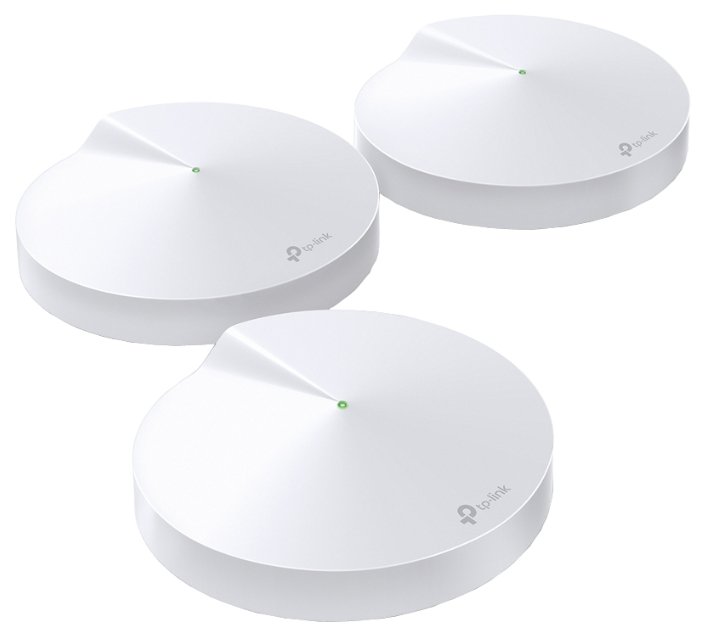
TP-LINK Deco M4 (2-pack)

295 отзывов

от 5870.00 руб.

9.5/10 баллов

TP-LINK Deco M4

212 отзывов

от 3699.00 0

9.4/10 баллов

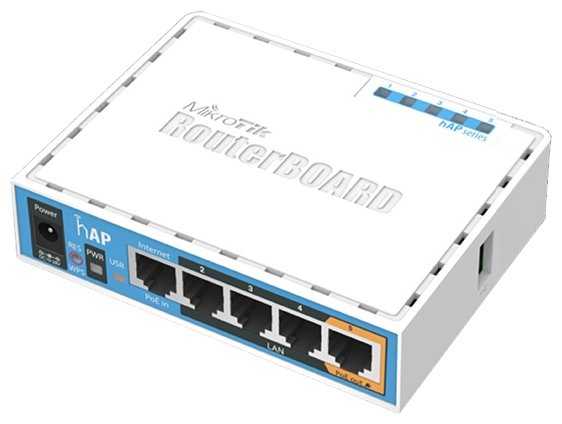
MikroTik HAP AC lite

637 отзывов

от 11698.00 руб.

9.4/10 баллов

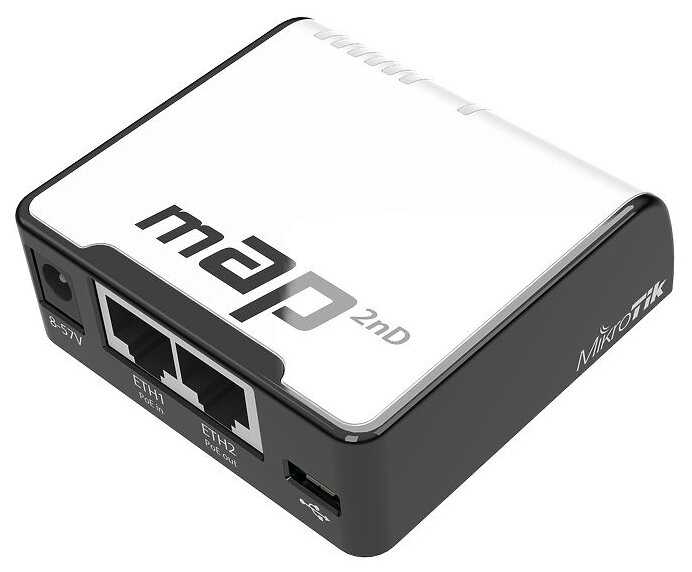
MikroTik MAP 2nD

75 отзывов

от 9530.00 руб.

9.4/10 баллов

TP-LINK Archer A64

377 отзывов

от 6690.00 руб.

9.3/10 баллов

Ubiquiti UniFi AC Lite

59 отзывов

от 26794.00 руб.

9.3/10 баллов

MikroTik HAP

218 отзывов

от 23171.00 руб.

9.3/10 баллов

Ubiquiti NanoStation M2

103 отзывов

от 12308.00 руб.

9.3/10 баллов

MikroTik CAP ac

208 отзывов

от 9893.00 руб.

9.3/10 баллов

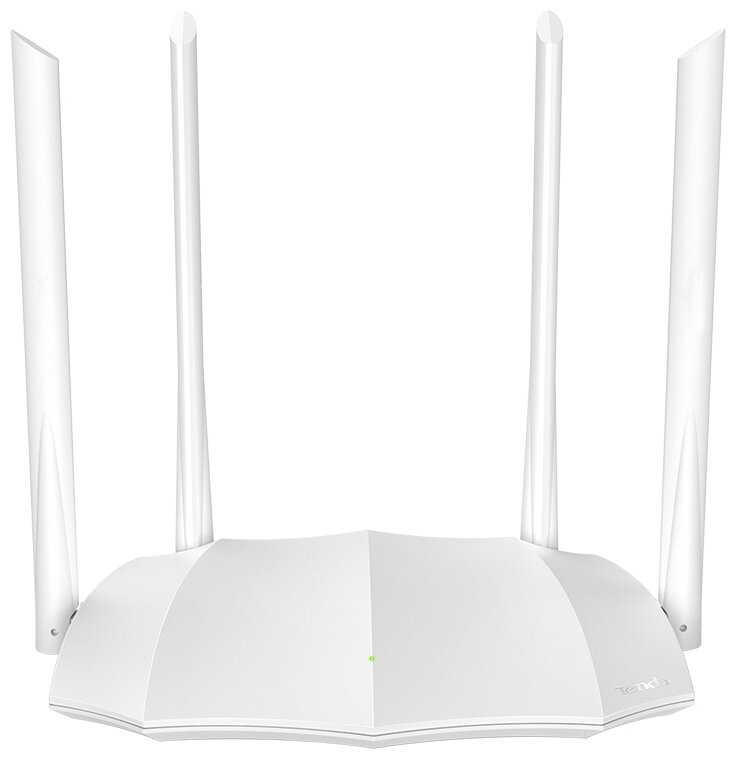
Tenda AC5V3

445 отзывов

от 3280.00 руб.

9.2/10 баллов

TP-LINK Deco M5, 3-pack

326 отзывов

от 17580.00 руб.

9.2/10 баллов

Tenda MW3-3

271 отзывов

от 15747.00 руб.

9.2/10 баллов

D-link DWL-6610AP/B1

100 отзывов

от 10690.00 руб.

9.2/10 баллов

Mercusys Halo H30G 2-pack AC1300 Домашн

76 отзывов

от 4999.00 руб.

9.1/10 баллов

TP-LINK Deco M4 (3-pack)

932 отзывов

от 12930.00 руб.

9.1/10 баллов

Tenda 4G03

108 отзывов

от 7410.00 руб.

9.1/10 баллов

TP-LINK Archer A5

1393 отзывов

от 3700.00 руб.

9/10 баллов

Mercusys Halo H30G(3-pack) AC1300 10/100/1000B

49 отзывов

от 12957.00 руб.

9/10 баллов

TP-LINK TL-WN722N

1073 отзывов

от 2050.00 руб.

9/10 баллов

Mercusys AC10

329 отзывов

от 1599.00 руб.