

Микрофон HyperX SoloCast — 434 отзывов, плюсы и минусы
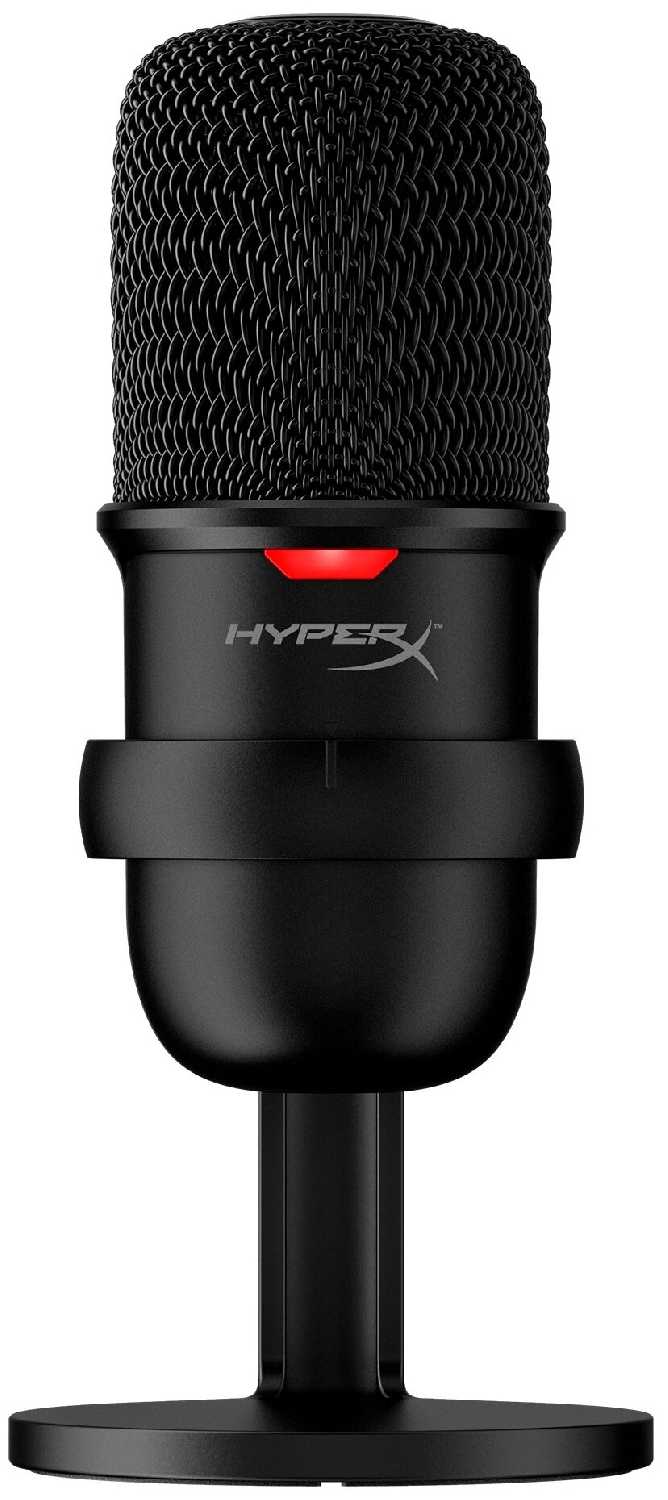
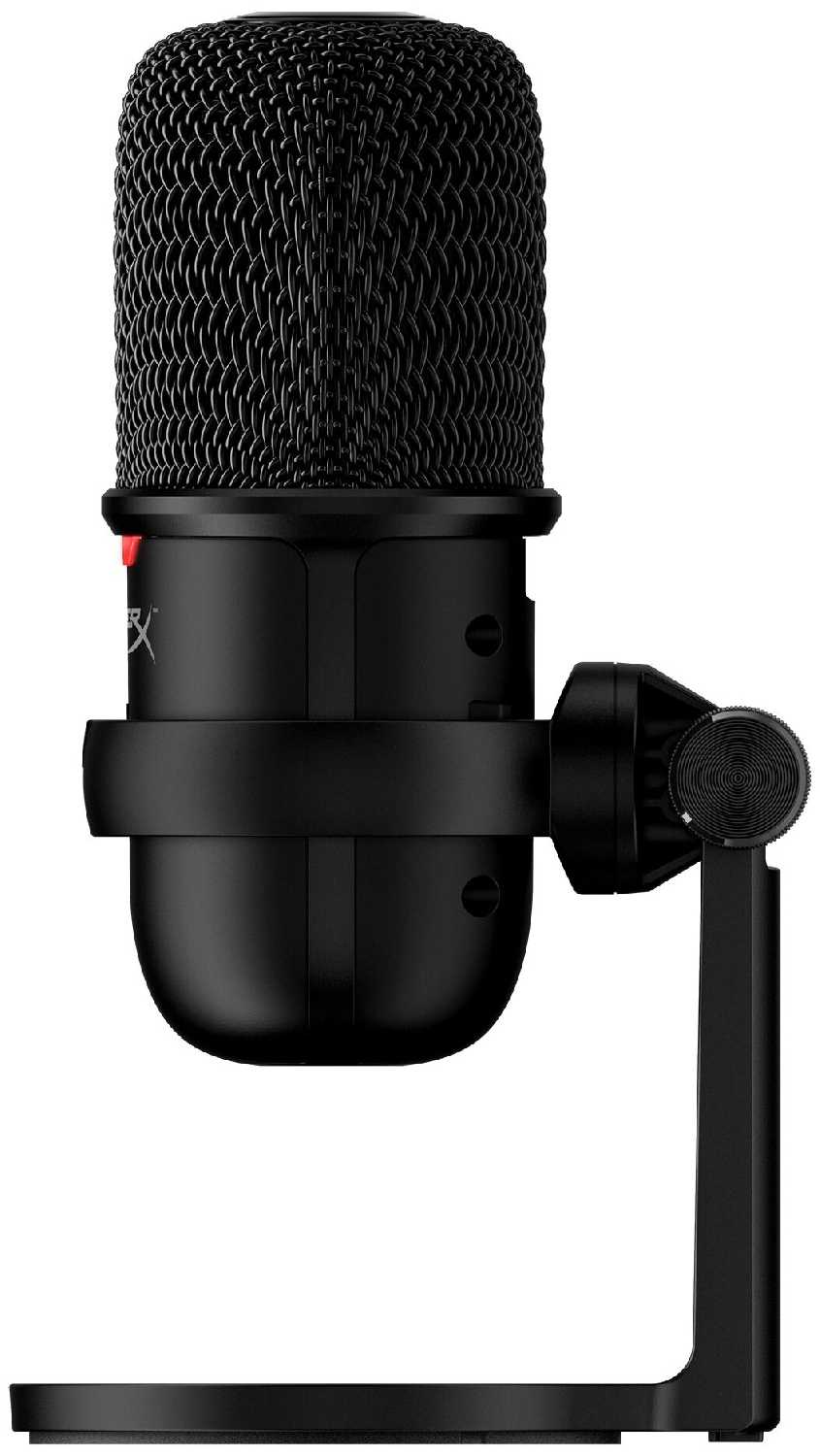
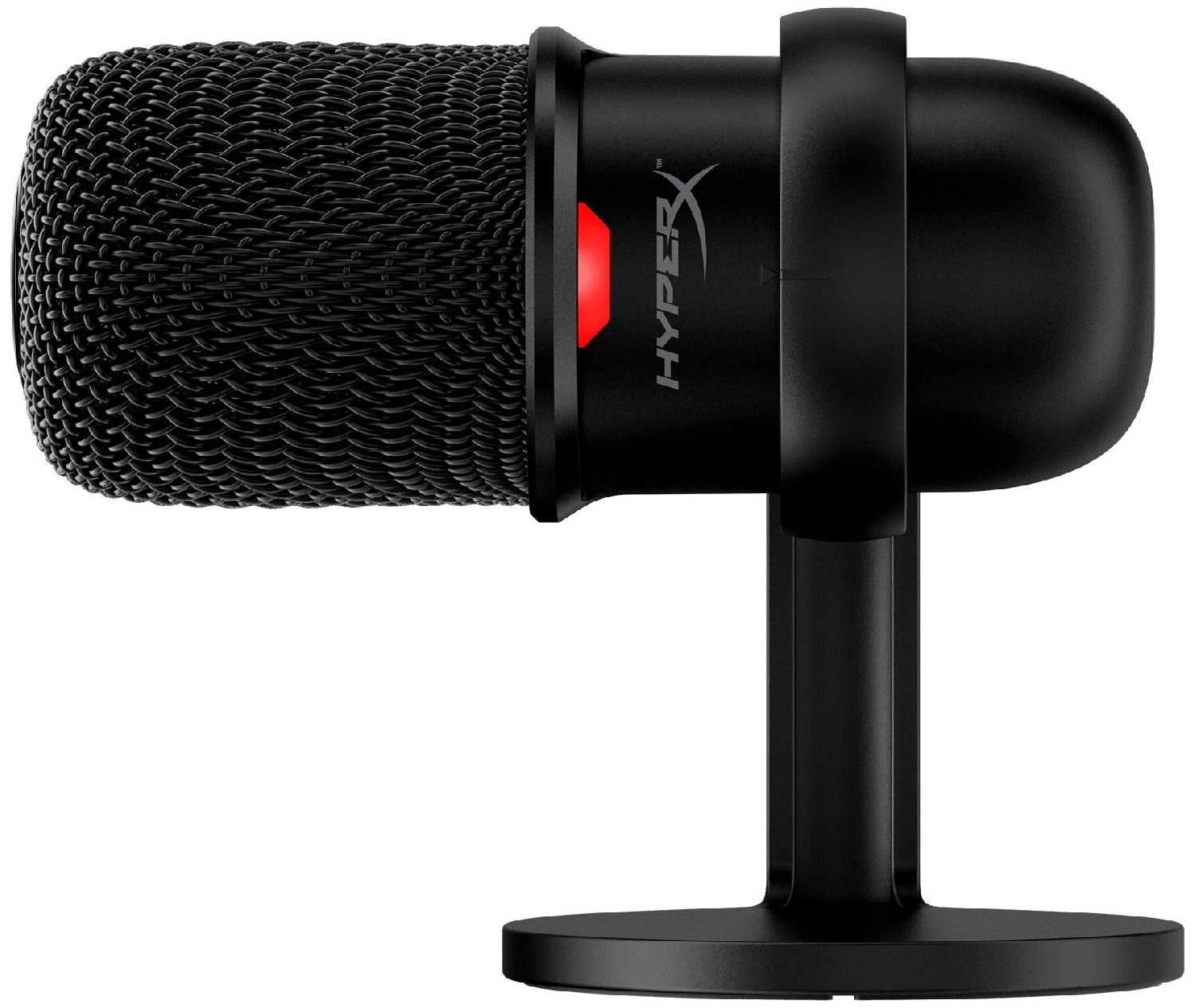
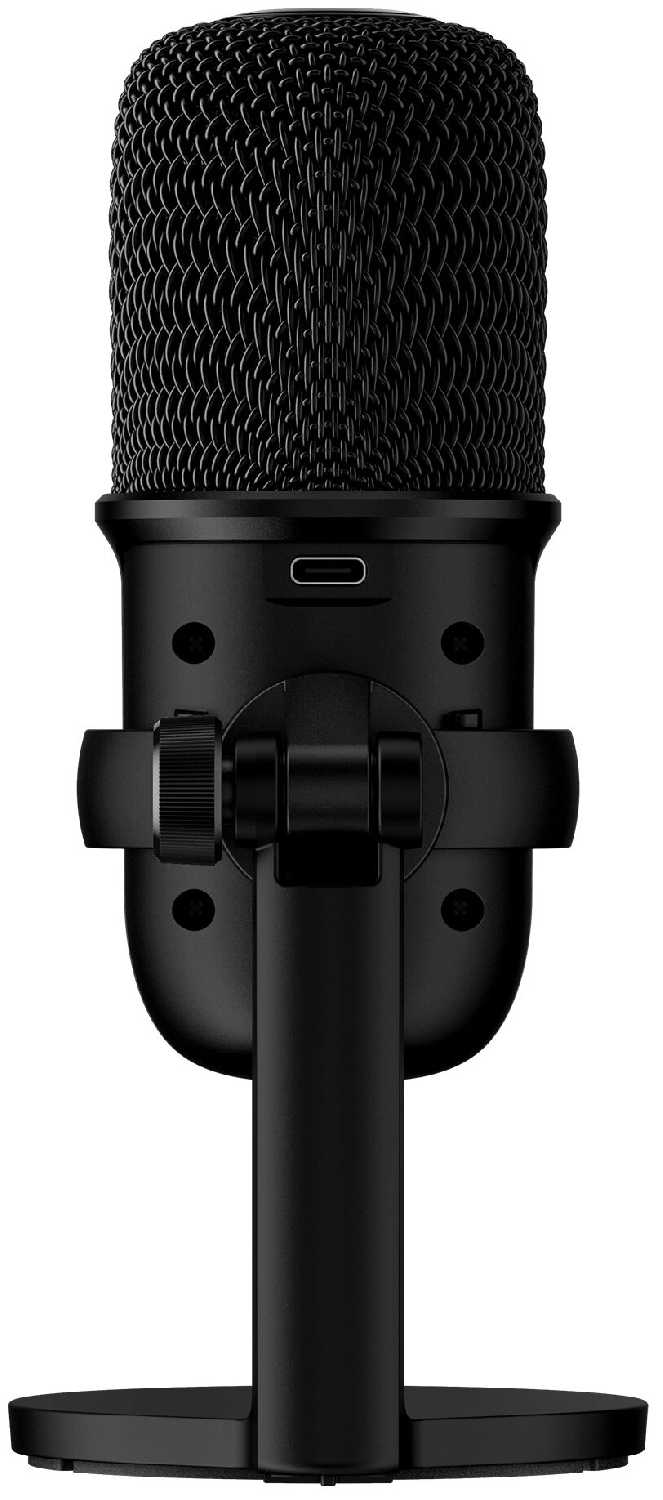
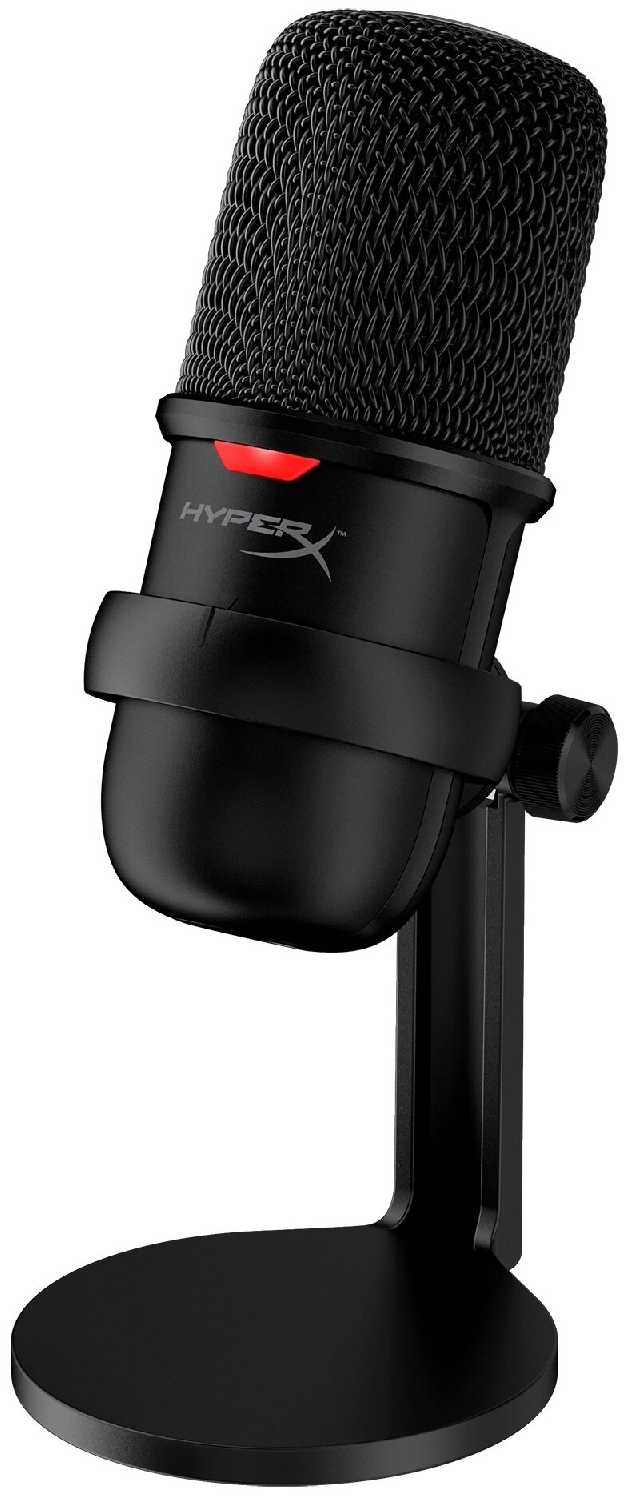
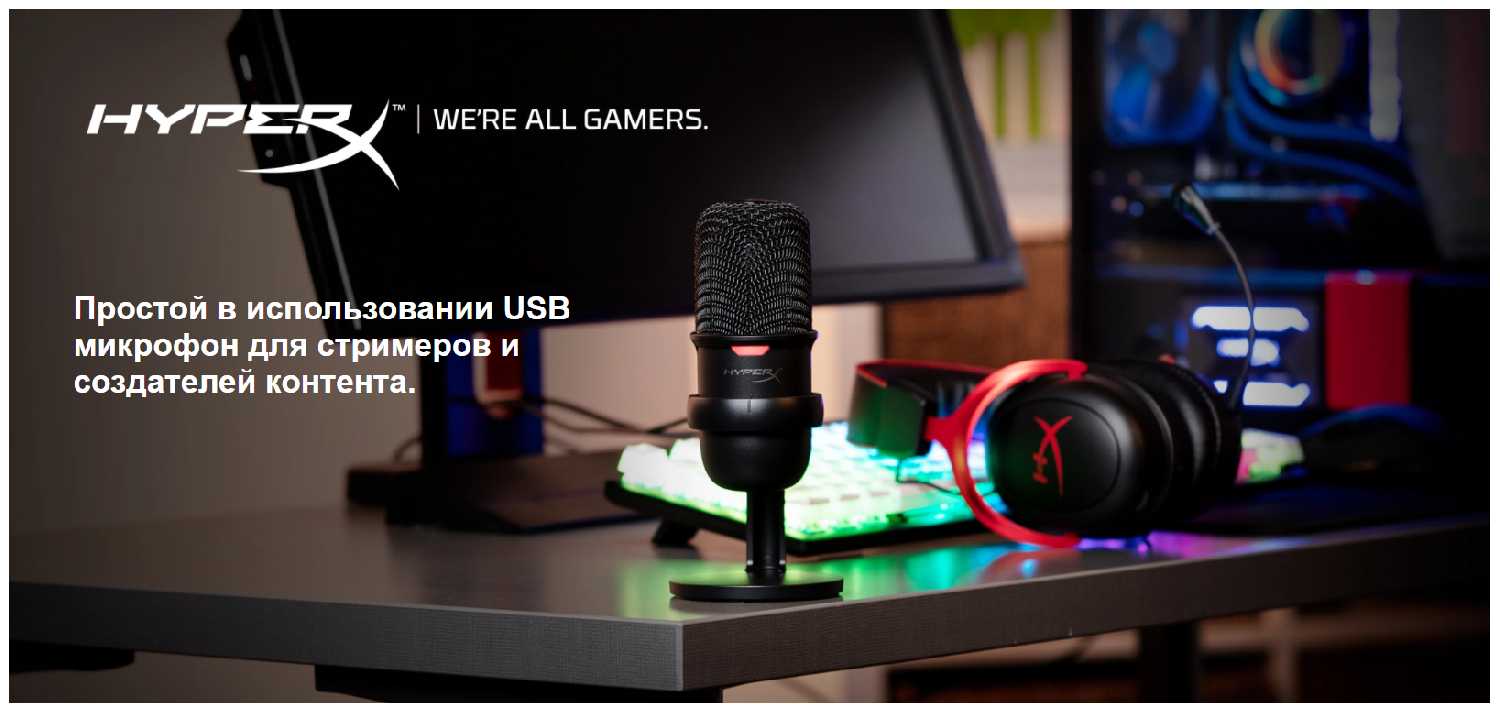


Что пользователи пишут в отзывах: ключевые плюсы и минусы HyperX SoloCast
*Проценты и ключевые выводы основаны на повторяющихся темах и сценариях, которые чаще всего упоминаются пользователями в отзывах.
Реальный опыт использования HyperX SoloCast - анализ 434 отзывов
👍Почему стоит купить HyperX SoloCast - Преимущества по отзывам пользователей
- Высокое качество звука записи голоса:
- Пользователи единодушно отмечают чистый, чёткий звук с хорошей детализацией, который значительно превосходит качество микрофонов в игровых гарнитурах.
- Запись получается естественной и без искажений, что отлично подходит для общения в Discord, видеоконференций и начинающей стримерской деятельности.
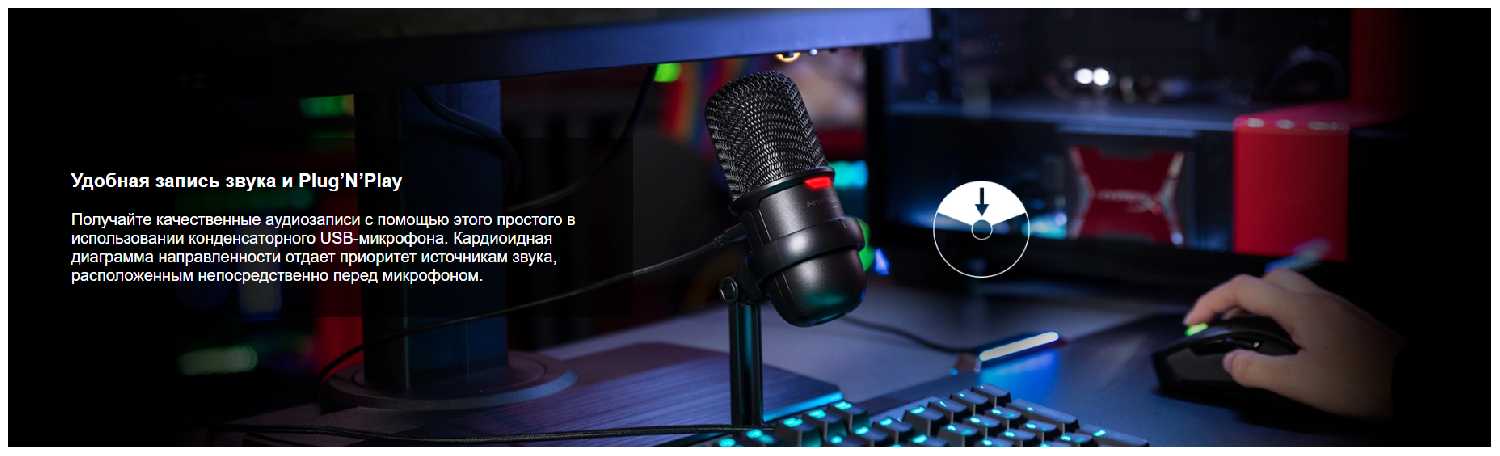
- Кардиоидная диаграмма направленности эффективно захватывает голос, когда пользователь говорит прямо перед микрофоном.
- Предельная простота подключения и использования (Plug & Play):
- Микрофон работает сразу после подключения к USB-порту компьютера, без необходимости установки драйверов или сложных настроек.
- Многие пользователи, особенно казуальные, ценят эту особенность, так как можно сразу приступить к общению или записи.
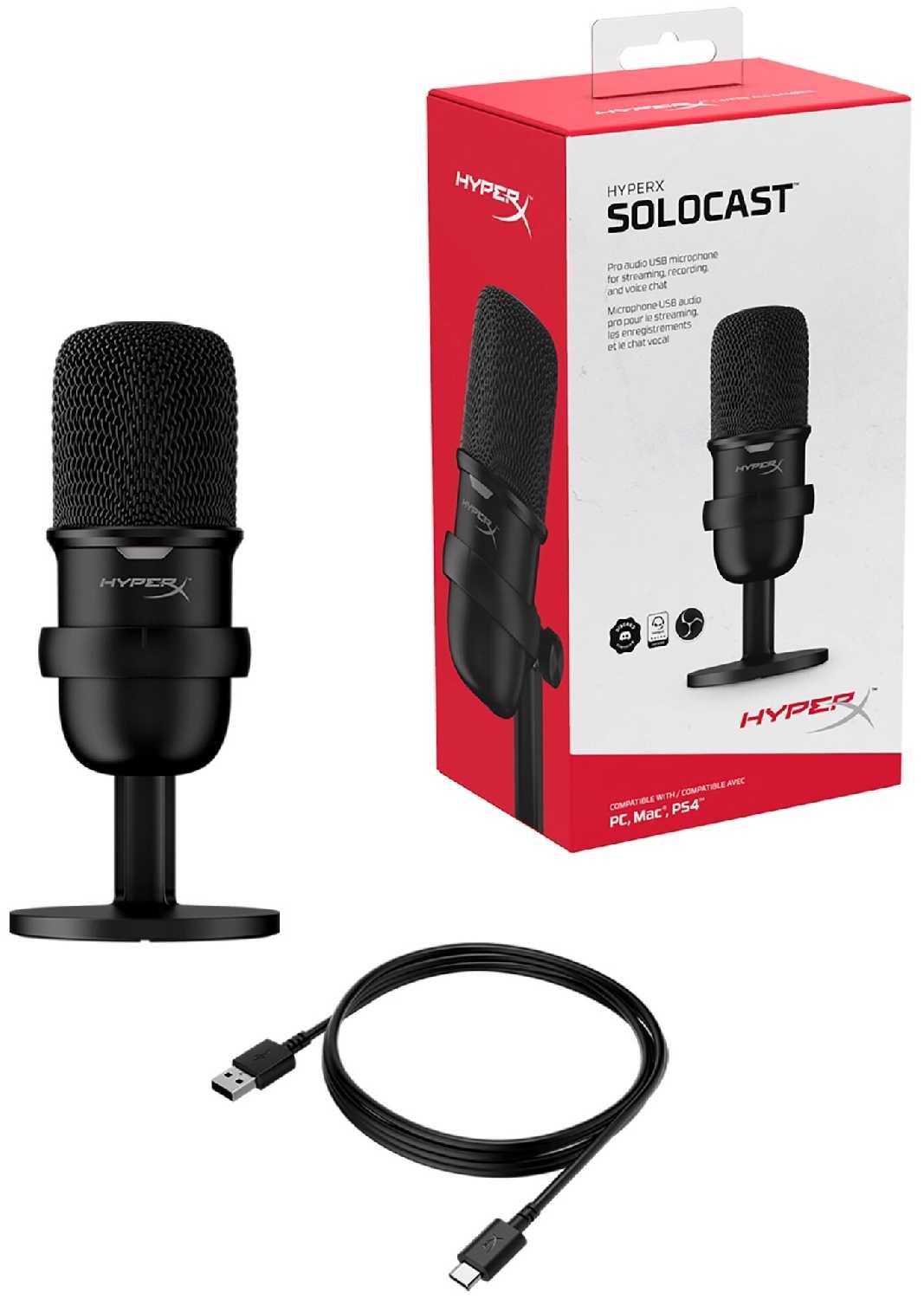
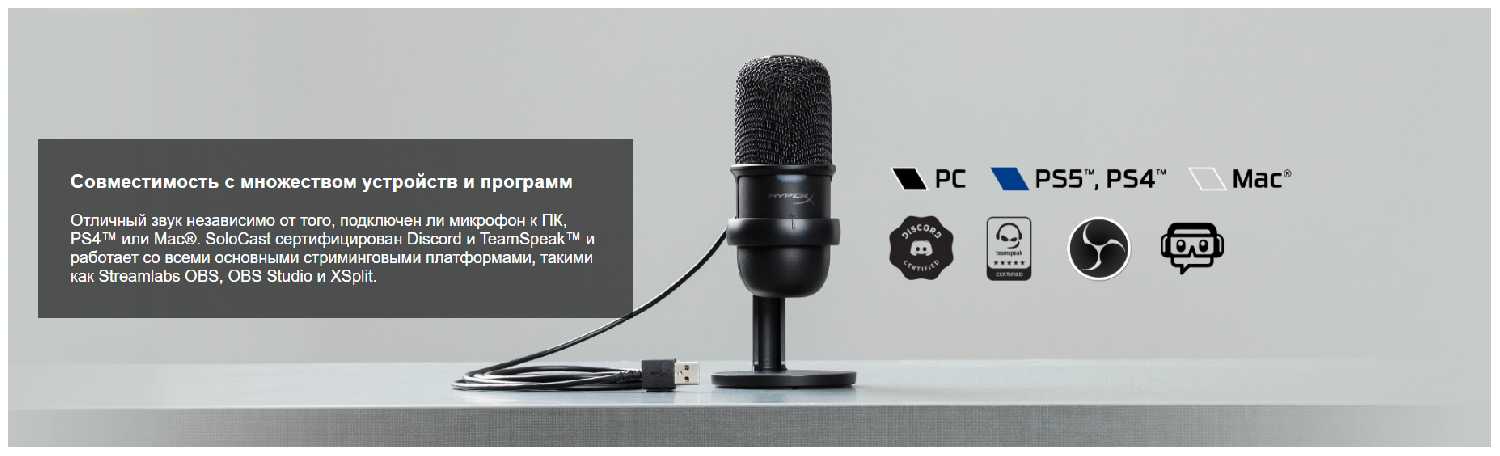
- Совместимость с Windows, PlayStation и другими системами обеспечивает универсальность.
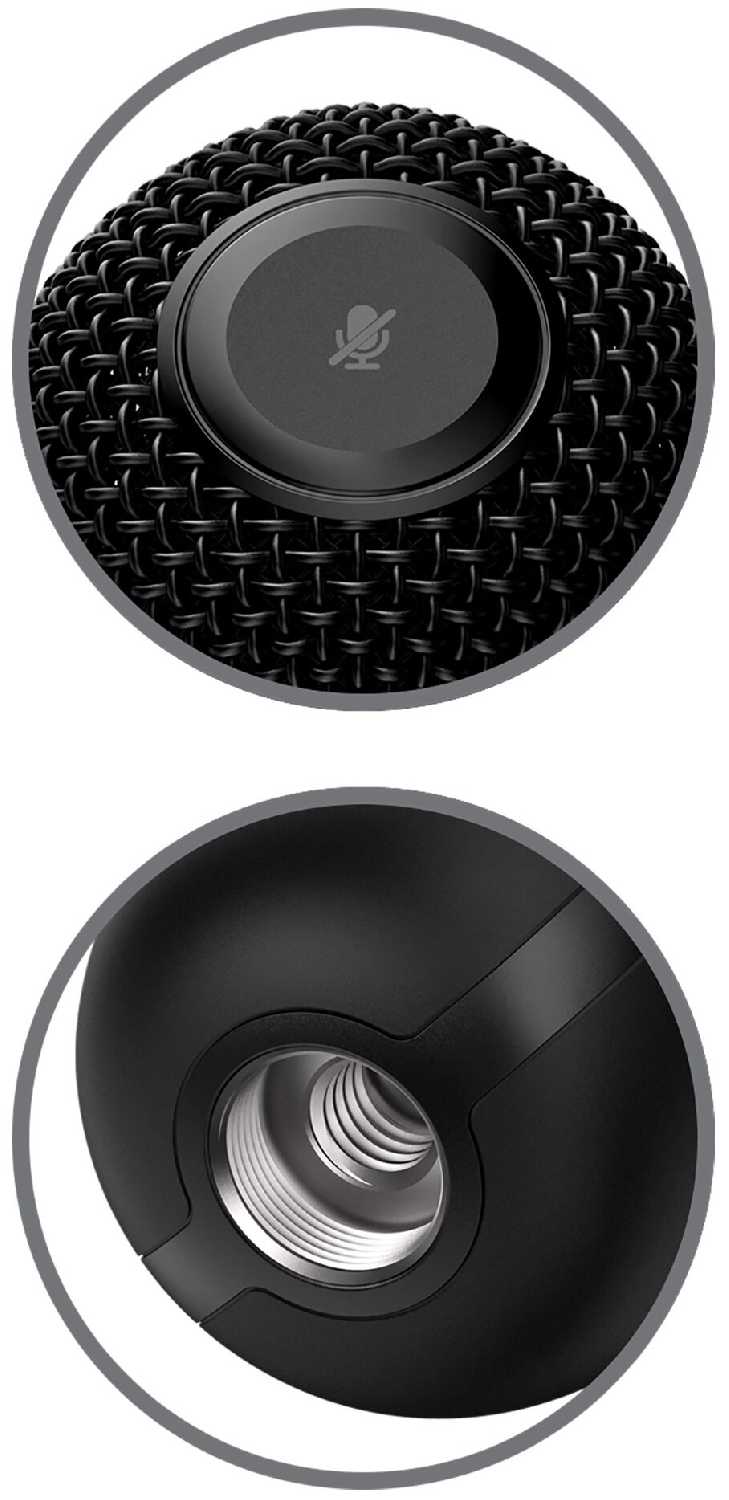
- Удобная сенсорная кнопка отключения звука:
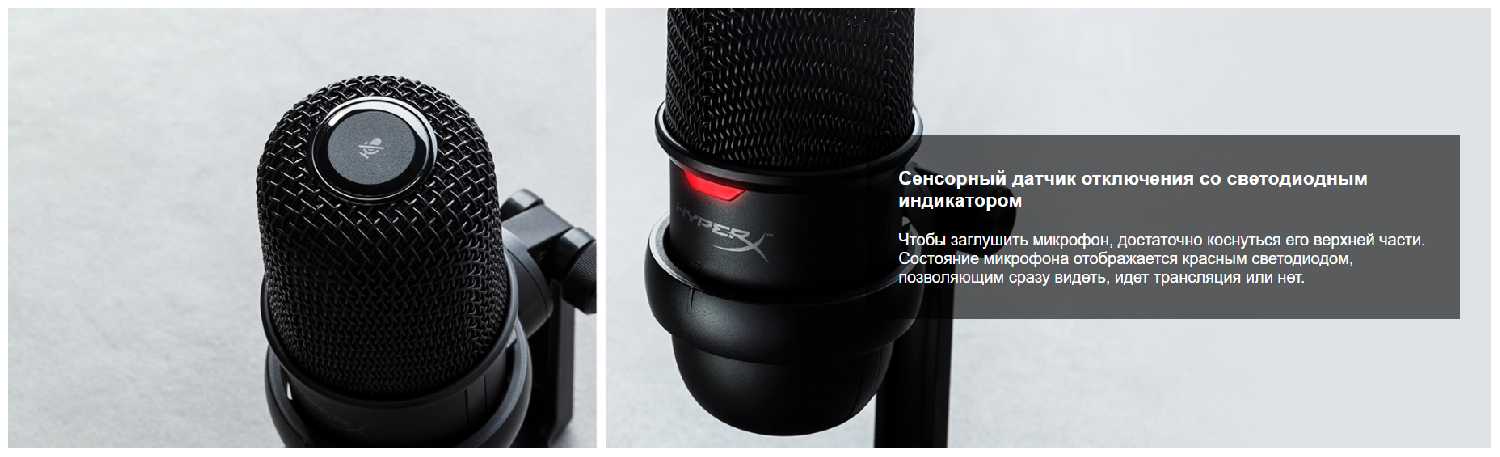
- Кнопка мгновенного отключения микрофона расположена на верхней панели и срабатывает от легкого касания.
- Эта функция оказалась незаменимой для быстрого отключения звука во время звонков, в играх или при посторонних шумах в комнате.
- Светодиодный индикатор наглядно показывает статус работы (горит — включен, мигает или выключен — отключен).
- Компактный дизайн и качественная сборка:
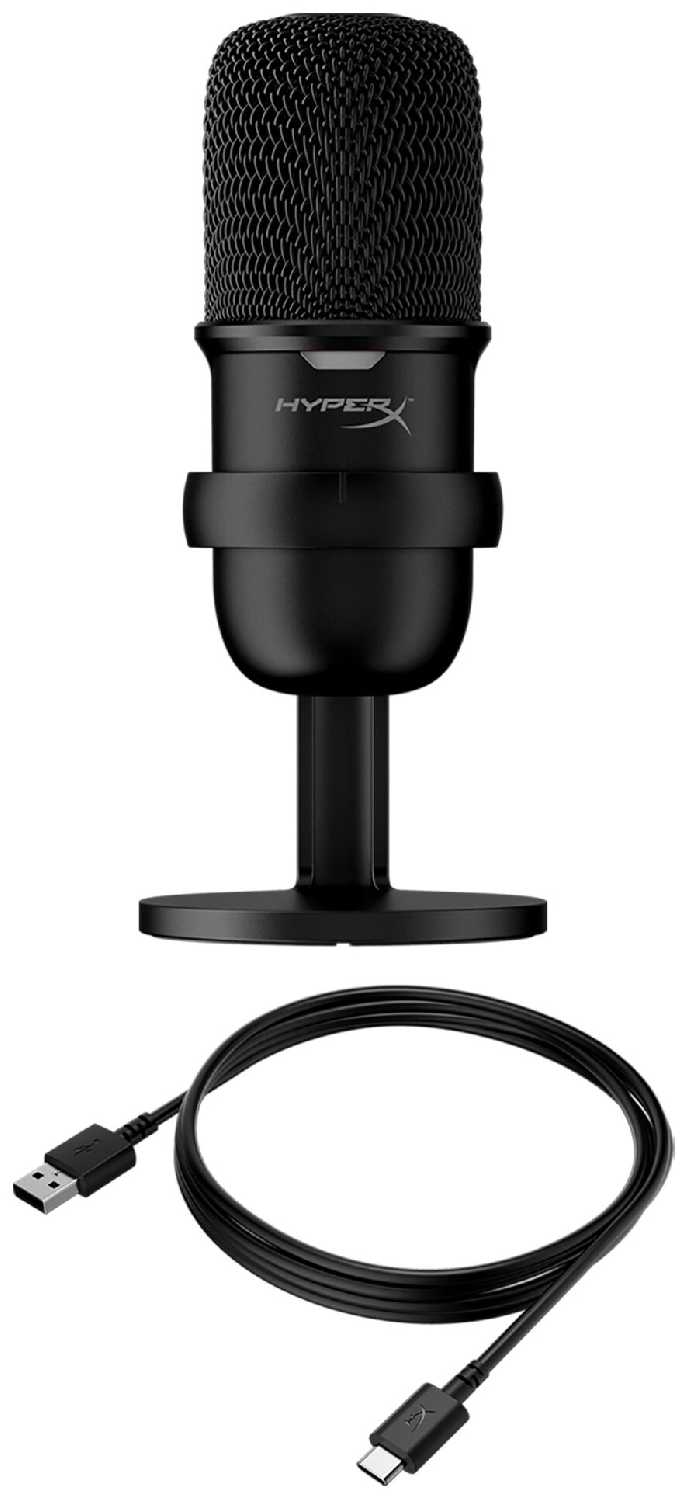
- Миниатюрные размеры позволяют микрофону занимать минимум места на столе и не загораживать обзор.
- Металлический корпус и тяжёлая подставка создают ощущение надёжности и дороговизны.
- Стильный, минималистичный внешний вид без лишней подсветки нравится большинству пользователей.
- Универсальное крепление для штативов:
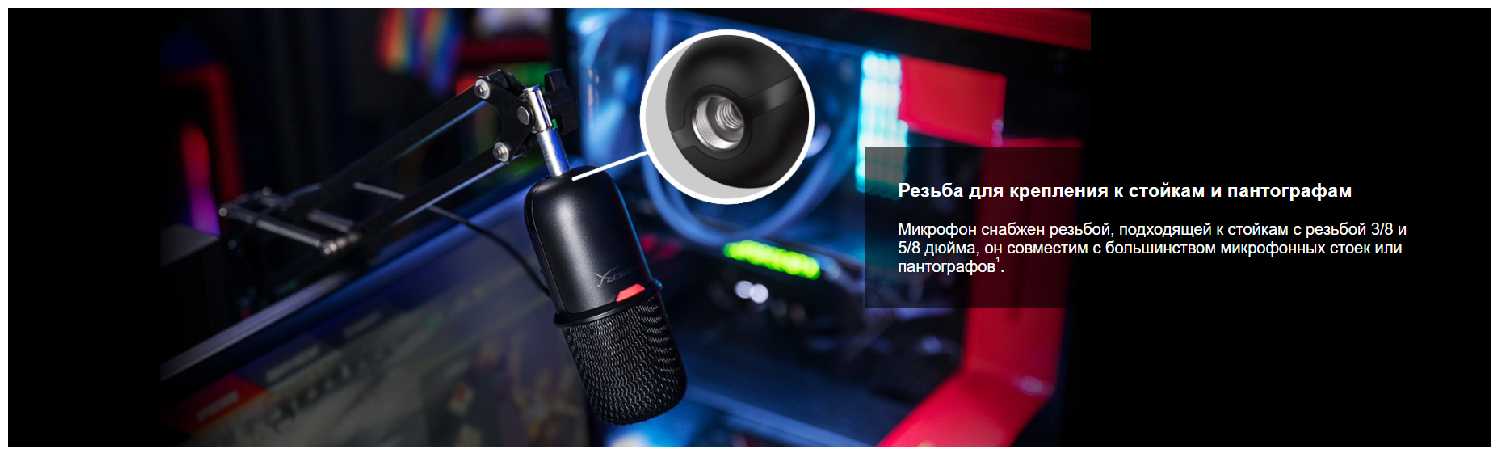
- Наличие стандартной резьбы (3/8" и 5/8") позволяет легко установить микрофон на любой пантограф, стойку или шок-маунт.
- Эта возможность даёт гибкость в организации рабочего пространства и является серьёзным преимуществом для тех, кто планирует дооснащение.
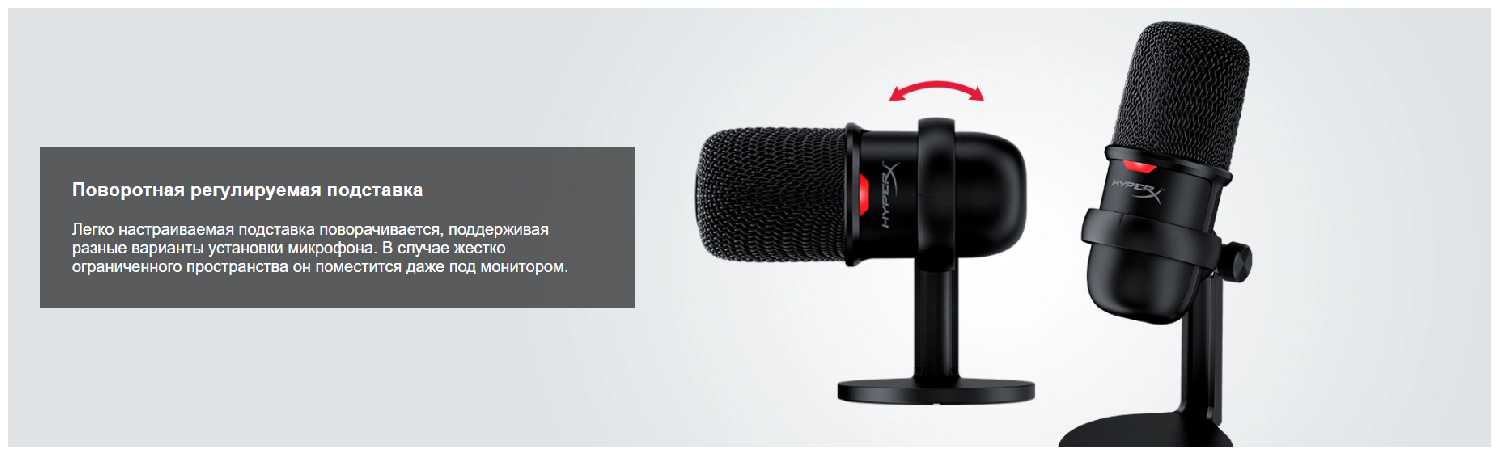
- Регулируемая подставка из комплекта позволяет менять угол наклона.
👎О чем стоит задуматься перед покупкой - Недостатки по отзывам пользователей
- Чрезмерно высокая чувствительность и улавливание фоновых шумов:
- Микрофон фиксирует абсолютно все звуки в комнате: щелчки механической клавиатуры, клики мыши, шёпот, работу телевизора и даже тиканье часов на расстоянии.
- Без использования программного шумоподавления (NVIDIA Broadcast, RTX Voice, Krisp) собеседники будут слышать все посторонние звуки.
- Эта особенность делает микрофон неидеальным для использования в шумной обстановке прямо из коробки.
- Отсутствие поп-фильтра в комплекте:
- Подавляющее большинство пользователей отмечает, что для комфортной записи голоса необходим поп-фильтр, который не входит в комплект.
- Без него резкие согласные («п», «б») создают неприятные хлопки, а также слышны причмокивания и дыхание.
- Необходимость докупать аксессуар отдельно — это дополнительные расходы и неудобство.
- Плохое гашение вибраций родной подставкой:
- Стандартная подставка плохо изолирует микрофон от вибраций стола: удары по столу, печать на клавиатуре или даже работа системного блока рядом передаются на запись.
- Для решения проблемы многие пользователи вынуждены покупать отдельный пантограф со шок-маунтом («пауком»), что ещё больше увеличивает итоговую стоимость.
- Проблемы с прошивкой и индикацией у старых ревизий:
- Владельцы микрофонов старой ревизии сталкивались с трудностями при обновлении прошивки для активации режима 96 кГц — процесс мог зависнуть или «превратить» устройство в нерабочее.
- В старой прошивке индикатор при отключённом микрофоне мигает, что многих раздражает, особенно если микрофон стоит прямо перед глазами.
- Новая ревизия (2022 года) лишена этих проблем, но отличить её при покупке можно только по дизайну коробки.
- Отсутствие фирменного ПО для тонкой настройки звука:
- HyperX не предоставляет специализированного программного обеспечения для настройки эквалайзера, компрессора или шумоподавления.
- Пользователям приходится использовать сторонние программы (OBS, Audacity, драйверы видеокарт) или системные настройки Windows, что требует дополнительных знаний и времени.
- Некоторым также не хватает физического регулятора громкости на самом микрофоне.
*Плюсы и минусы, которые пользователи называют чаще всего на основе практического опыта использования.
434 отзывов пользователей о HyperX SoloCast
Пользовались
HyperX SoloCast?
Поделитесь своим опытом и помогите другим сделать правильный выбор

pale.paul
02.02.2023
Оценка пользователя
Плохо
BUT I had to return this the very next day of its delivery, because the Ngenuity software that you use for this mic does NOT recognize the mic. (Making all of its software features inaccessible)
When you plug in the mic, the mic is shown as connected in Ngenuity, but it asks you to update the firmware (which for some reason is mandatory?) That firmware update does NOT complete (you can google "duocast firmware update error" to see this yourself).
Note for the makers: atleast add links for firmware updates on your website, so one can update the firmware manually (considering your software is broken and cannot do it on its own)
This error has been happening for months and there is no solution offered by HyperX (as per the forum posts I have seen). It is disappointing that good hardware is being severely hampered by terrible software.
While the software may not offer many features (I believe compared to Blue Yeti Nano, HyperX doea not get you a lot of software functions), it discourages you from opting for any of their products.
This bummed me out as this was my New Year purchase, and had to be returned the very next day.
Sourabh Shivam
02.02.2023
Оценка пользователя
Великолепно
Rudra Singh
02.02.2023
Оценка пользователя
Великолепно
Ragala
02.02.2023
Оценка пользователя
Великолепно
MuTHaL LunD
02.02.2023
Оценка пользователя
Великолепно
Maruthi
04.05.2023
Оценка пользователя
Ужасно
Sanket
02.02.2023
Оценка пользователя
Хорошо
1. Forget using it with stock stand if you intend to use it on desk surrounded by keyboard clicks and hand movements on desk this thing produces a rumble check youtube alpha gaming video where he compares this with razer siren mini and snowball and a fifine its exactly like that. There are other videos which also document this.
2. No software customising of voice texture
3. No gain knob on mic but that's ok.
4. No zero latency monitoring but that's ok they have added a better mic hardware
Workaround for rumble on win plus obs
I had a Ahuja desk mic stand I hooked it up on that but did not have a shock mount for this it was still catching the rumble added a noise suppression filter called RSSNoise and it worked much better.
Will update if I find a better solution.
Well now that we have got the hard part of out of the way lets talk pros.
Pros
1. Plug and play tested on win 10, android (OnePlus 8T), ipad Air with USB 3 adapter.
2. On Windows 10 worked instantly with OBS.
3. It's usb type c
4. Mic mute button on top, this is the best and it's a capacitive touch button I would buy just for this
5. If you don't fidgit on your desk the audio is really good and if u place it close to your mouth it's nice and clean and warm which I liked.
6. If you ignore the rumble effect the actual audio captured in obs is really good.
7. At 5790 it is really great value for money hyperx got the right mix for this price type c , the mic , tap to mute and that indicator led upfront. Minimal design for the money. Great balance I would say for design components.
8. Finding a mic at low price which just works out of the box without driver issues on so many platforms is great.
9. Overall mic voice pickup pattern is great and does descent background rejection of other stuff if u speak closer to the mic and keep the gain in obs to -25db or -20db.
check my attached screenshot for final OBS settings.
Will add here as I discover more.
vicky
04.05.2023
Оценка пользователя
Великолепно
Как менялась цена на HyperX SoloCast
Характеристики HyperX SoloCast
Информация о характеристиках носит справочный характер.
Перед покупкой уточняйте характеристики и комплектацию товара у продавца
Альтернативы с более высокой оценкой












Wizemart © 2026.
Рекомендательная система по умному выбору товаров по отзывам и рейтингам
